ESAB Cutting Systems
CROSSBOW Page 90
4.16 Resuming Parked Programs
If a part program is interrupted and abandoned, either manually or due to a power loss, the CNC will
automatically save the program status in memory as a Parked Program. It will continue to be stored
even if CNC power is removed, until it is overwritten by another program interruption. The CNC will
only store one Parked Program.
To resume cutting a Parked Program, in the Auto Mode, press the 【F3】key to select the RESUME
function.
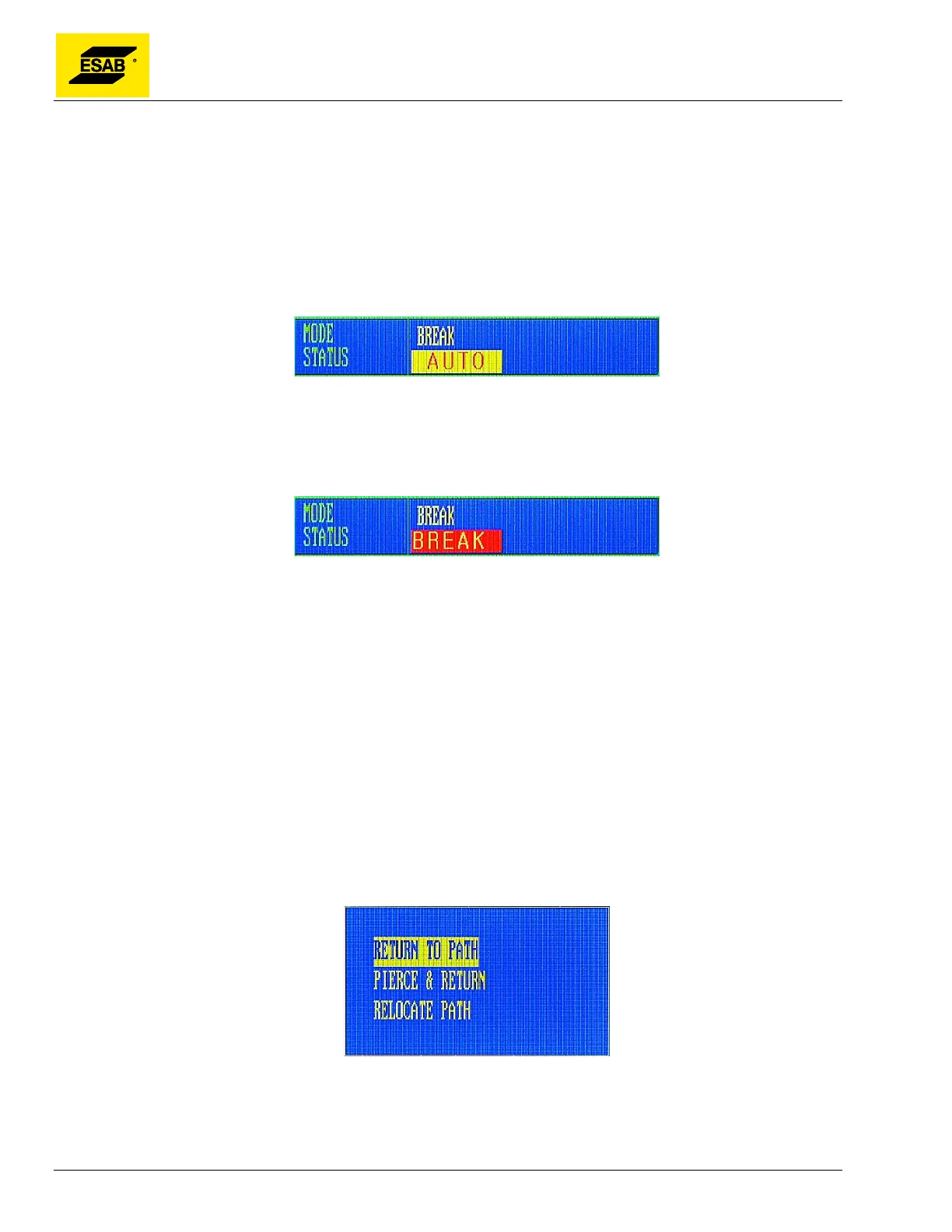
Figure 65: RESUME Parked Program Indicator
Press the【START】key, the CNC will load the last interrupted program and display the program
graphic with the interruption point highlighted by a green cross. The Mode/Status Indicator will change
to indicate that the “Break” point has been found, as shown below:
Figure 66: Break Point Found
Note: Resuming a parked program only works properly if that program has not been changed in
the Editor or deleted from CNC memory, and if the Program Rotation angle and Scaling Factor
have not been changed.
If the position of cutting torch has not changed since the program was interrupted, then the program can
be re-started immediately, just as if the original program had just been paused. If the interruption was
in the middle of a cutting line, the cutting process must be manually re-started. When ready, press the
【START】key to resume motion on the programmed path. If necessary, the torch can be jogged into
the scrap area for re-piercing. In this case, refer to section 4.15.7 above for instruction on how to re-
start after jogging.
If the position of cutting torch has changed after the program was interrupted, then this situation is
treated the same as if the torch had been jogged off path during a program pause. A dialog will appear
offering the same three options that are available after jogging off path during a program pause.
Figure 67: Resume Program After Jogging Options
Use the Up【↑】and Down【↓】keys to highlight the desired option. If flame cutting, preheat the plate
first. When ready, press the 【START】 key or the 【ENTER】 key to select the desired operation.



 To Next Page