ESAB Cutting Systems
CROSSBOW Page 68
4.9 Main Menu Map
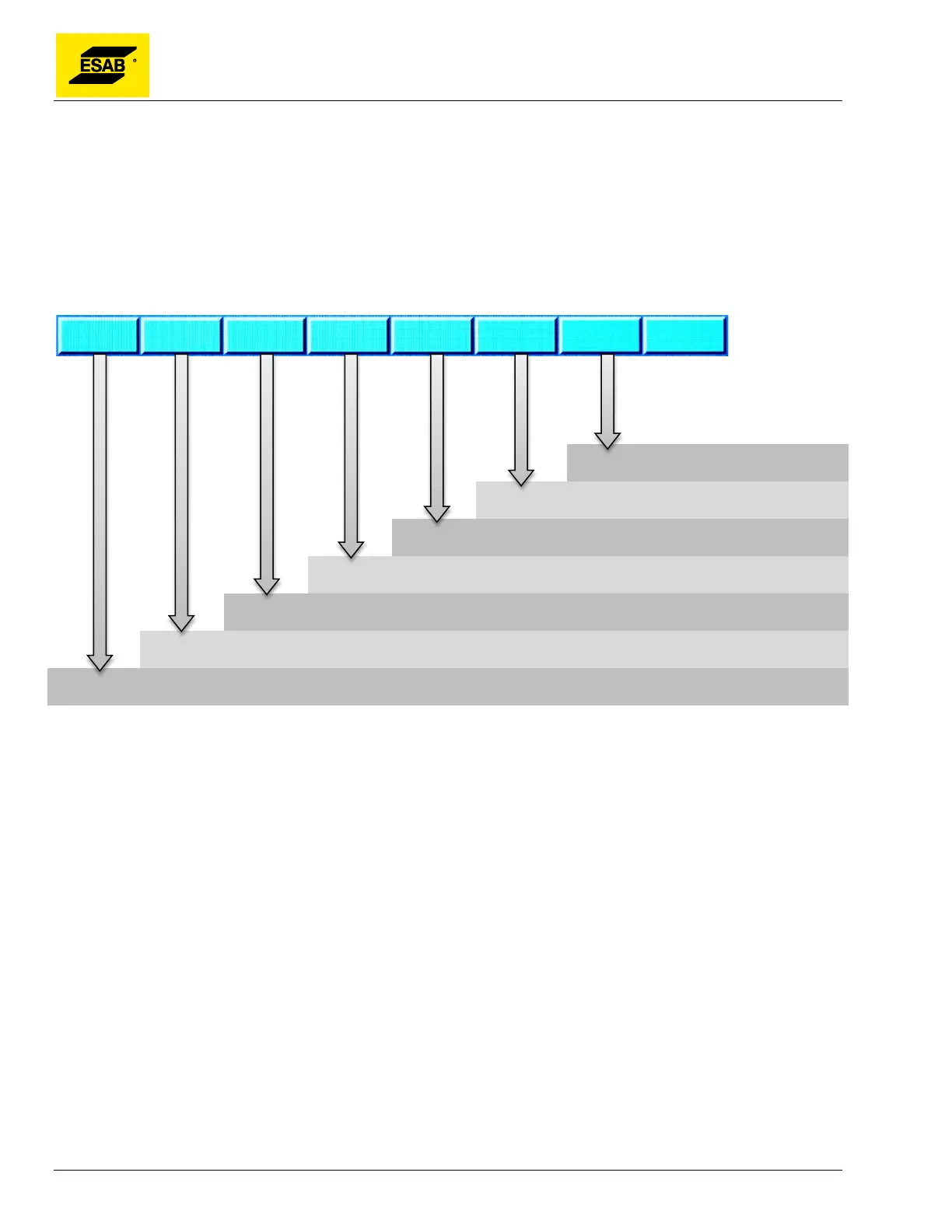
The CNC operates using a simple menu hierarchy. Below is the menu map for the main menus used by
the operator. Each of these functions and the subsequent menus are discussed in more detail in the
following sections.
4.9.1 Main Menu
ESC AUTO MANUAL EDIT SETUP DIAGNOSE LIBRARY
Activate Shape Library
Not used
Select oxy-fuel or plasma, set speeds and timers
Load/save programs from/to memory or USB, edit programs
Activate Manual Mode for jogging the machine
Activate Auto Mode for running program
No function



 To Next Page