ESAB Cutting Systems
CROSSBOW Page 116
4.26.4 【F3】ROTATE
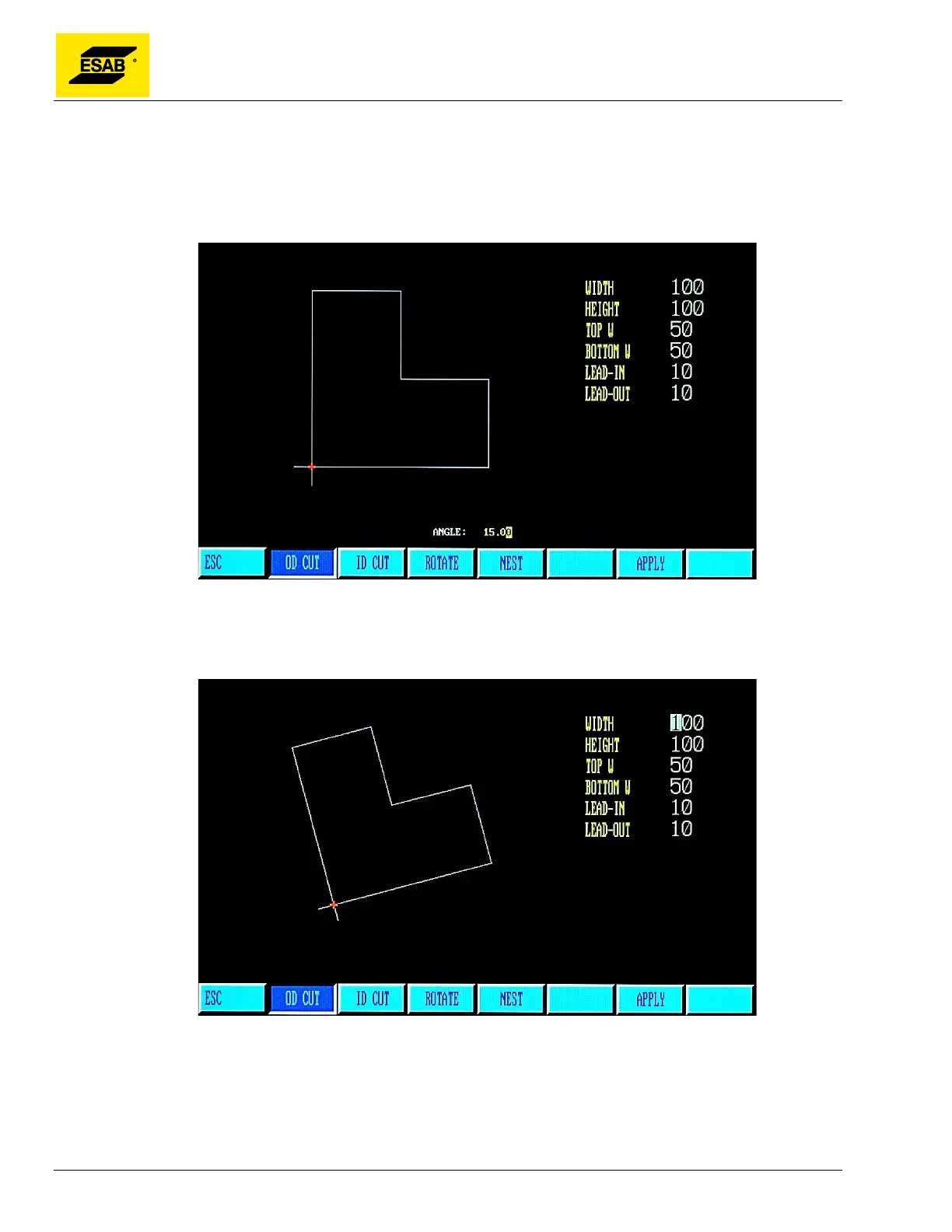
This function allows manual entry of a rotation angle for the entire shape. This can be useful when a
part needs to be rotated by a fixed amount, such as 45 or 90 degrees, to fit on a plate. To use, press
the 【F3】 key. An entry will appear, prompting the user to enter a rotation angle, as shown below:
Figure 93: Shape Library Rotation Angle Entry
Use the number keypad to input the desired angle, then press the 【ENTER】 key to store the value.
The resulting shape will be displayed:
Figure 94: Library Shape Rotated



 To Next Page