ESAB Cutting Systems
CROSSBOW Page 137
5.4 Basic Troubleshooting
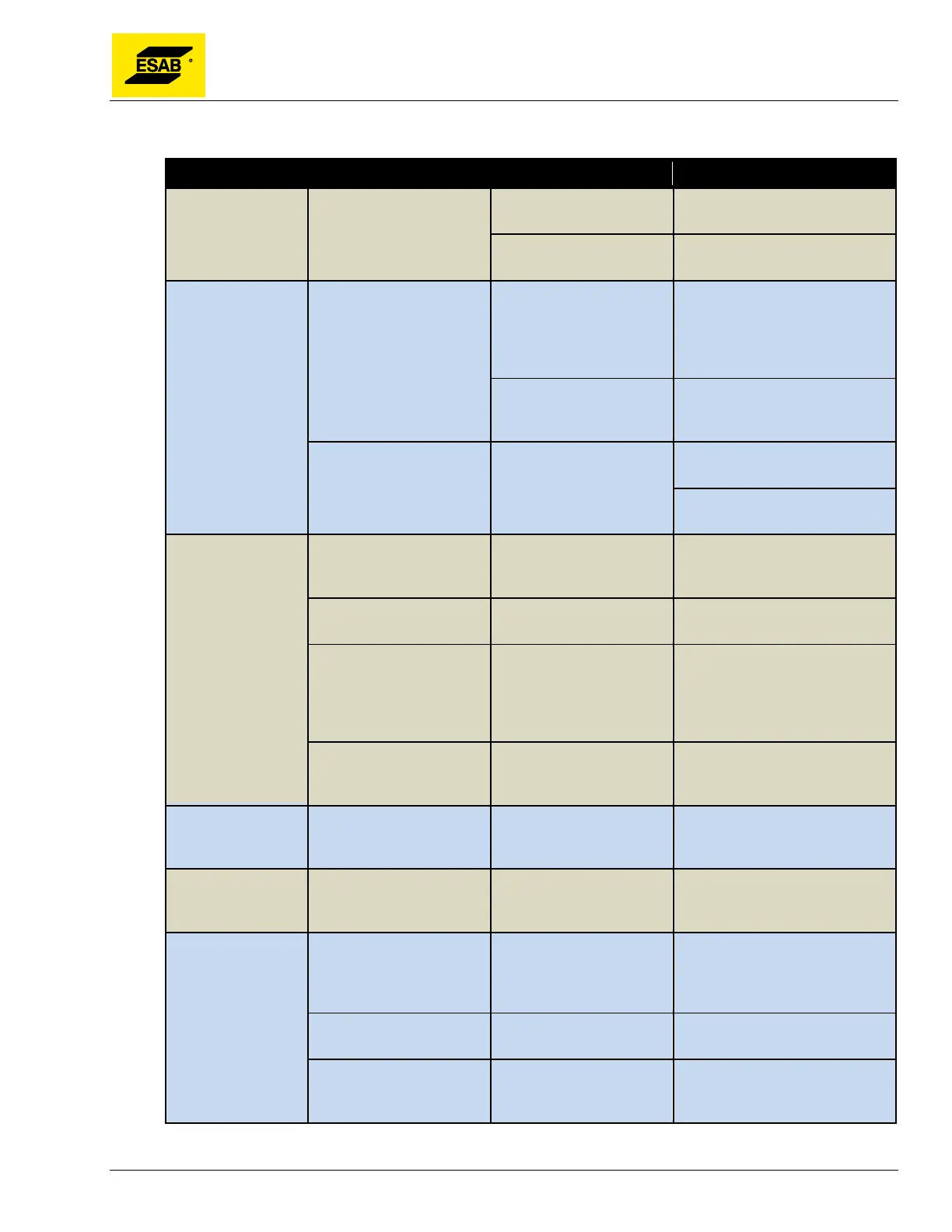
Fault Symptoms What To Check Possible Causes Recommended Solutions
Machine won’t
move
Drive Power Indicator
Lamp is OFF
E-Stop pushbutton may
be pressed.
Turn E-Stop pushbutton
clockwise until it pops out.
Drive Engage toggle
switch.
Make sure Drive Engage toggle
switch is in the ON position.
Torch lifter won’t
move up or down
Up and Down relays on
CNC are activating.
Cable un-plugged or
damaged
Check plugs and cables at both
ends of Cross Beam. Check
plug on Connector Panel on rear
of Central Unit. Inspect cable for
damage.
Lift Motor or Micro Switch
Failed
Check for 24 VDC at motor
cable plug. Replace motor or
Micro Switches if necessary.
Up and Down relays are
not activating
24
be missing
Check output of 24 Volt Power
Supply.
Check connections to back of
CNC unit.
Initial Height
Sensing Does Not
Work
Check the IHS cable plug
on Connector Panel at
rear of Central Unit
Plug may be loose or
damaged.
Tighten or repair plug
Check condition of both
wires in IHS cable.
Wires may be broken. Replace Cable.
Check connection of black
ground wire to
plate/ground.
Connection may be loose
or disconnected. Plate
may not have sufficient
electrical contact with
table.
Fix or tighten ground connection.
Ground directly to the plate if
necessary.
Check connection of red
torch wire at the shield
cap.
Connection may be loose
or damaged.
Fix or tighten torch shield
connection.
Machine will not
power on
Check Main Fuse Fuse may be blown Replace fuse with the same
type, voltage and amperage
rating.
Machine starts
moving before
plasma fires.
Check parameter settings Parameter may be set
incorrectly or parameters
may be corrupted.
Make sure Plasma Parameter
for “Use Arc On Signal” is set to
1 (ON).
Parts come out
wrong size
Check parameter settings Parameters for Numerator
and Denominator may
have been changed
Make sure Numerator and
Denominator settings are
correct, as this will affect
dimensional accuracy.
Check Kerf setting Value for Kerf may be
wrong.
Set the correct Kerf value in the
Auto Mode.
Check Inch/Metric
parameter
Value may have been
changed to incorrect
setting.
This setting will change all
dimensions between inch and
metric.



 To Next Page