ESAB Cutting Systems
CROSSBOW Page 54
3.4.3 Install Plasma Interface Cable
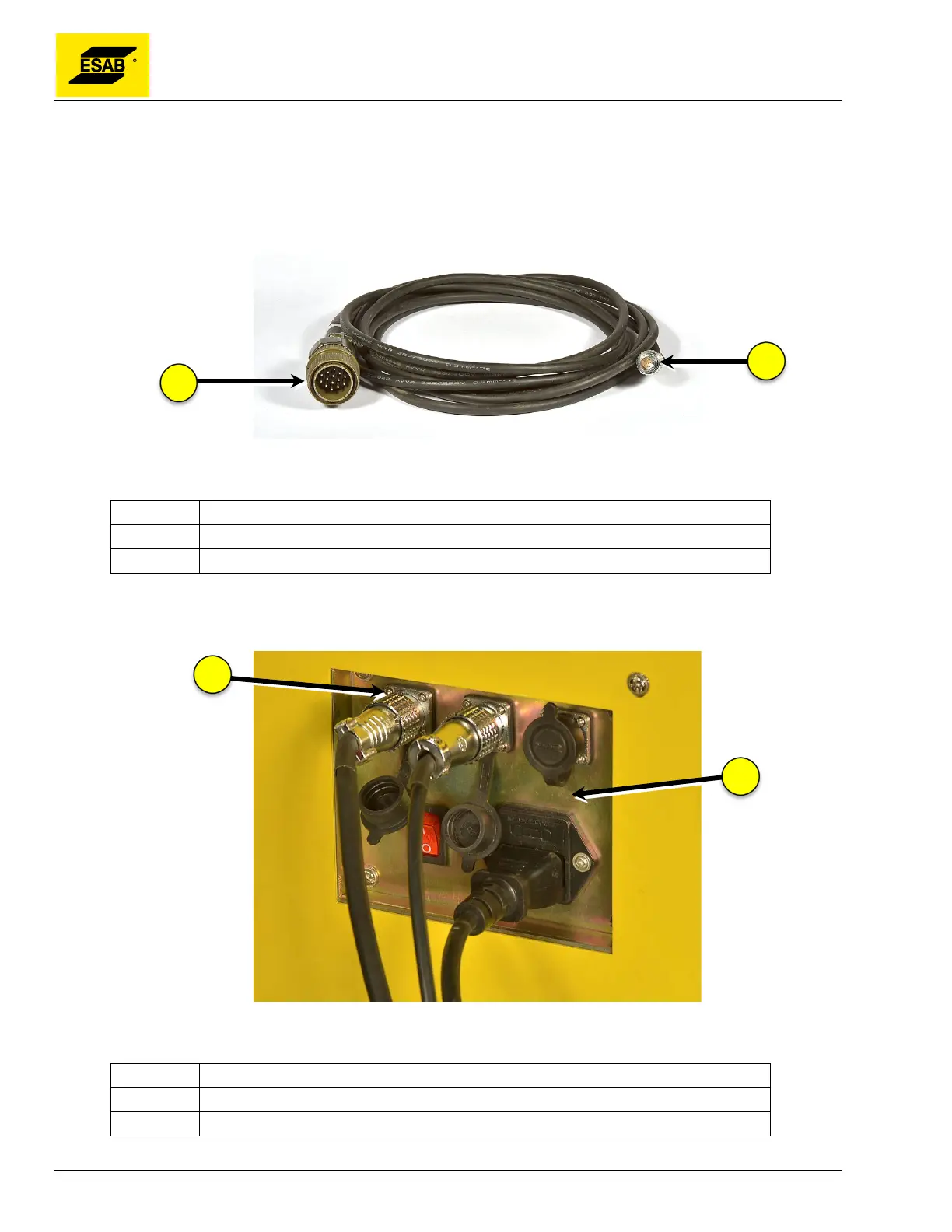
The Plasma Interface Cable connects the Central Unit to the Plasma Power Source. It is a 6-wire cable
that provides for 1) Plasma Start signal from the CNC to the Power Source; 2) Arc On signal from the
Power Source to the CNC; and 3) Arc Voltage feedback from the Power Source to the Automatic Height
Control system in the Central Unit.
Figure 31: Plasma Interface Cable
Number Description
1 14-Pin Plasma Power Supply Connector (PowerCut and ESP-101)
2 6-Pin Crossbow Machine Connector
Insert the 6-pin plug into the mating socked on the Connector Panel on rear of Central Unit.
Figure 32: Connecting Plasma Interface Cable
Number Description
1 6-Pin Plasma Interface Socket
2 Connector Panel (rear of Central Unit)



 To Next Page