ESAB Cutting Systems
CROSSBOW Page 144
5.5.4 Changing Machine Name Text
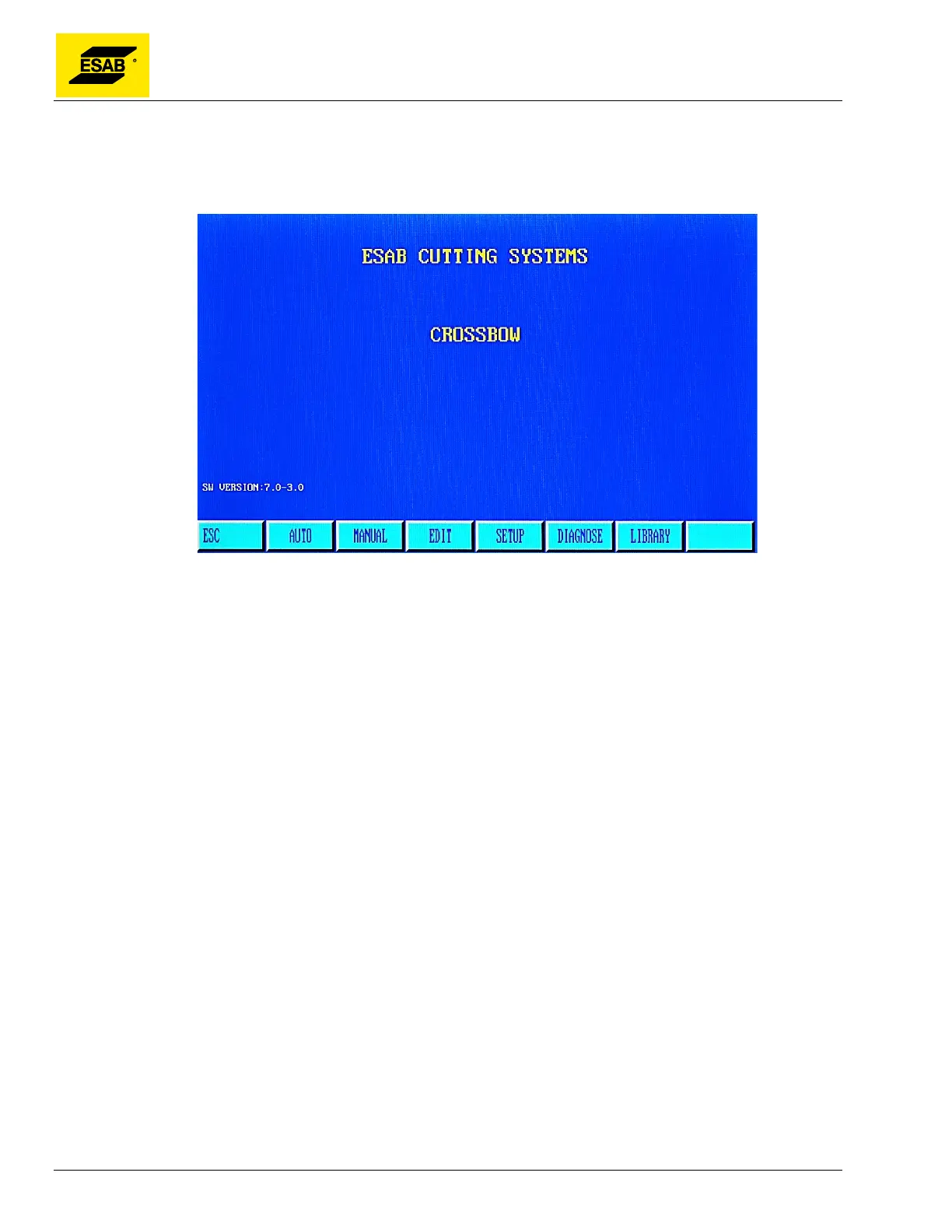
Machine name information displayed on the home screen can be changed if necessary. The standard
text is “ESAB CUTTING SYSTEMS”, and “CROSSBOW”, as shown below
Figure 110: Home Screen Text
The desired text must be entered into a text file called “NAME.txt”, to be supplied by ESAB. Copy this
file onto a USB disk, and insert into the USB port.
The following key sequence must be activated from the Home Screen. Press the 【ESC】 key,
repeatedly if necessary, to return to the Home Screen.
Press these keys one after the other: 【G】【G】【8】
A prompt will appear, asking you to press 【ENTER】 to confirm changing the Name Text, or【ESC】
to abort changing the Name Text.
After pressing the【ENTER】key, the new text should appear on the home screen.



 To Next Page