ESAB Cutting Systems
CROSSBOW Page 103
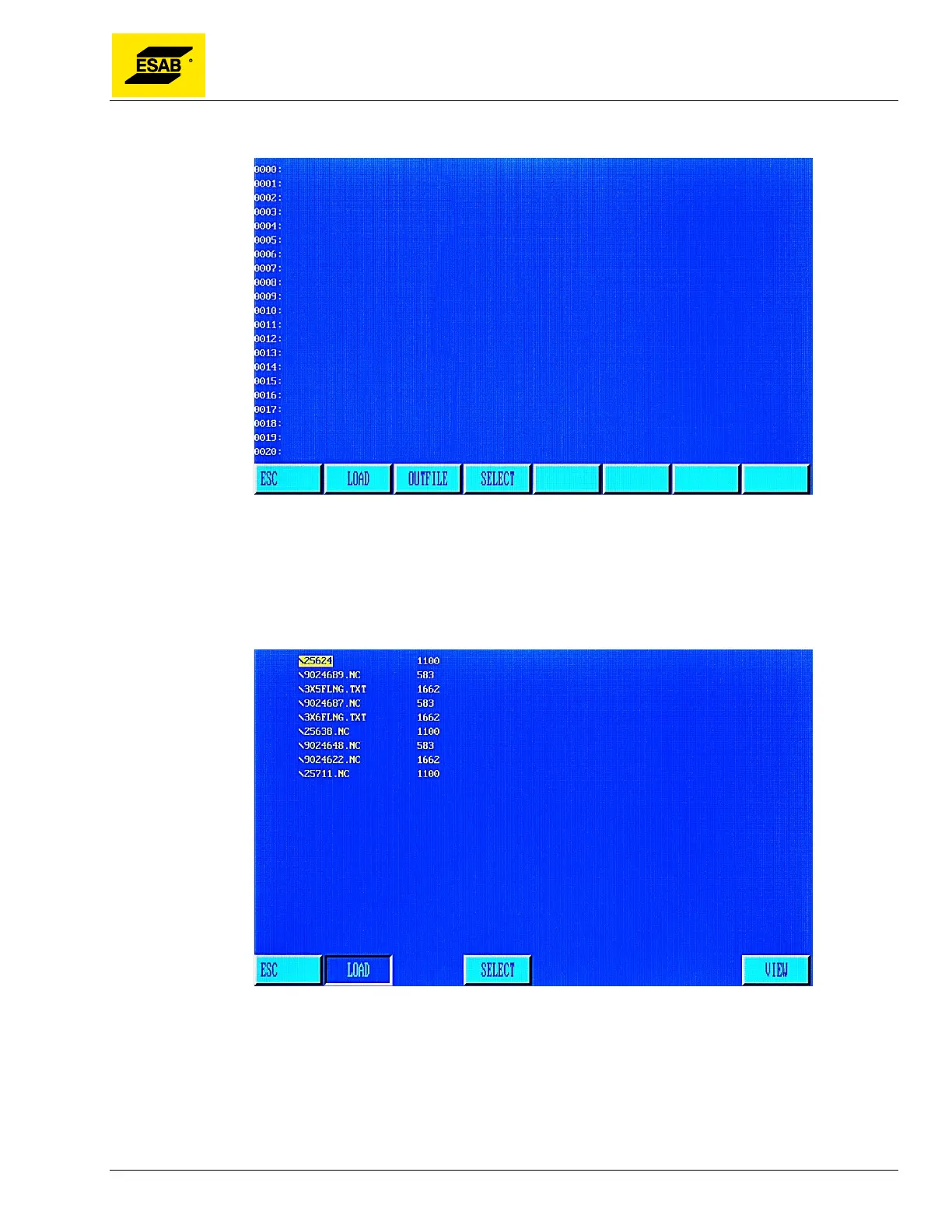
4.24 USB Access Menu
Figure 81: USB Access Menu
4.24.1 【F1】LOAD
This function is used to load a program from the USB disk into the program editor. When【F1】is
pressed, the system will display the listing of available programs on the USB disk, as shown below.
Figure 82: USB Program Listing
Use the Up and Down arrow keys to select a file. Once the desired file is highlighted, press the
【ENTER】key to load that file in the Editor. It can then be run in the Auto Mode without copying it into
the CNC’s memory. To store the file in the CNC’s program memory, press the【F3】key and type in a
file name.



 To Next Page