ESAB Cutting Systems
CROSSBOW Page 105
4.25 Setup Mode Screen (Parameter Settings)
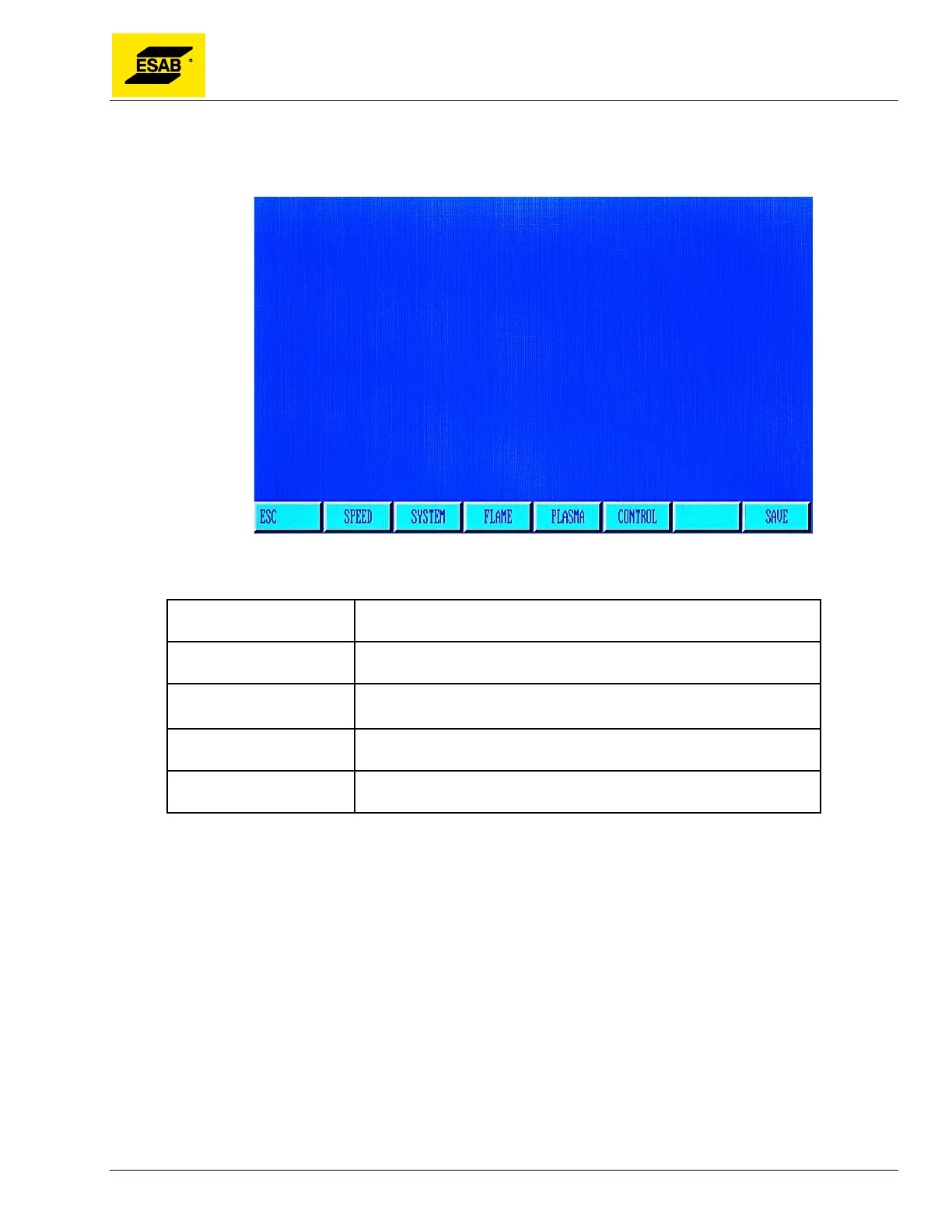
From the Main Menu, press 【F4】to select SETUP:
Figure 84: Setup Mode Menu
Parameter Group Descriptions
SPEED Settings for starting speed,
acceleration time, maximum cutting speed
and jog speeds.
SYSTEM Dimensional accuracy adjustment, mechanical home point, reference
point, backlash, and software limits
FLAME Settings for oxy-fuel cutting, including preheat time.
PLASMA Settings for plasma cutting, including pierce time and height control
settings.
CONTROL General Control Parameters, including selection for Plasma/Flame
Process, and Inch/Metric switching.
Use the Up【↑】and Down【↓】keys to move through the list of parameters. There are more
parameters than appear on one screen, so the list will scroll when you reach the bottom of the screen.
Use the number keypad to enter new values.
Note:
Whenever a parameter is changed, the
F7
key must be pressed to save the changes. If not
pressed, all changes are lost when the
ESC
key is pressed, or another Parameter Group is
selected.
The SYSTEM Parameter Group should generally not be changed by the user, as these settings
will affect overall machine functioning and positioning accuracy.
Not all parameter setting are used for this machine.



 To Next Page