ESAB Cutting Systems
CROSSBOW Page 104
4.24.2 【F2】OUTPUT
Use the OUTPUT function to store a program onto the USB disk. This function will store the active
program loaded in the editor onto the USB disk. Start by loading the desired program from the CNC’s
program memory into the program editor. Next, select the USB Access Menu. Next, press the【F2】
key to store the program onto the USB disk.
4.24.3 【F3】SELECT
This function is used to copy multiple programs from the USB disk into the CNC’s program memory.
Use this function after pressing the【F1】key, LOAD, to display the list of programs on the USB disk.
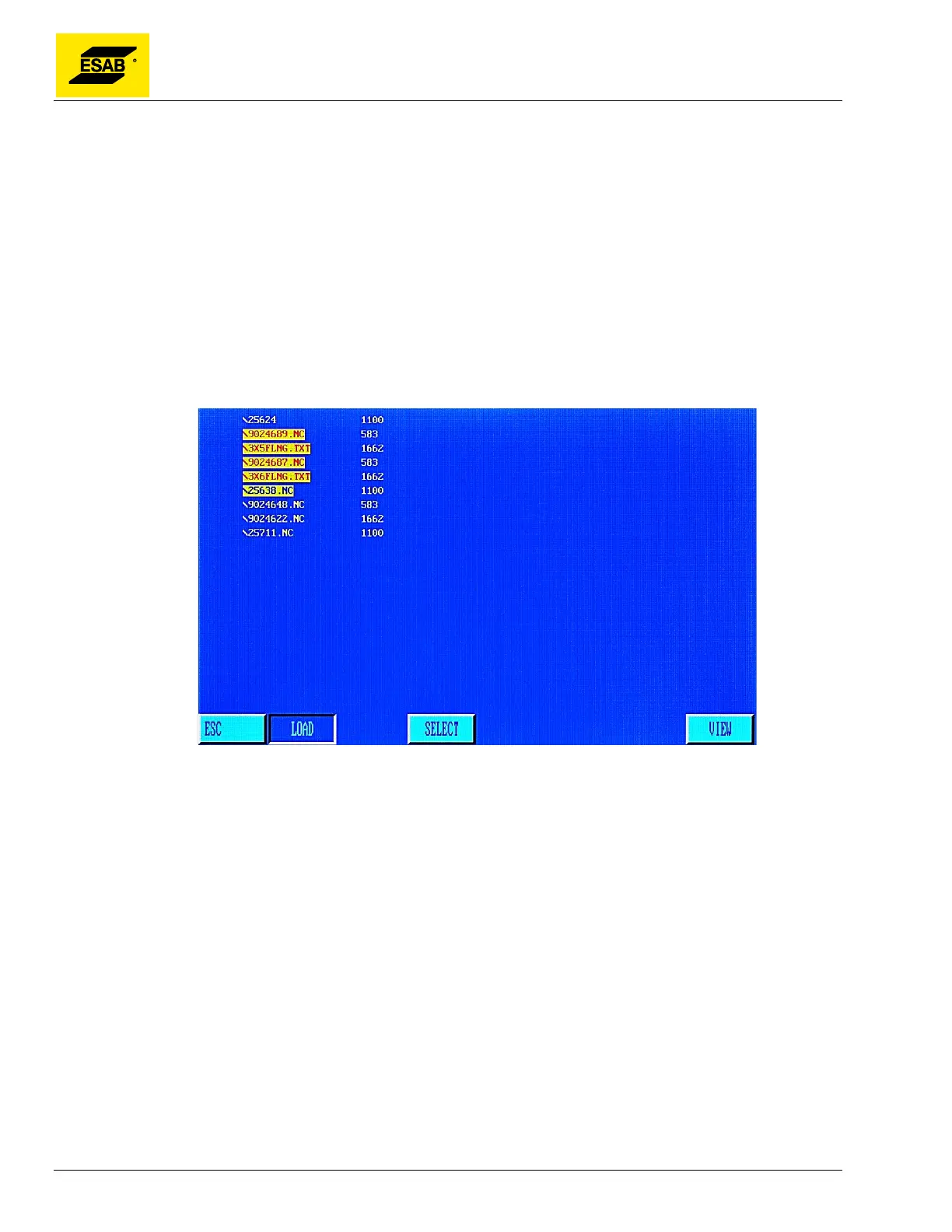
Use the Up and Down arrow keys to navigate the file list. Press the【F3】key to highlight a file name in
red. Multiple files may be highlighted this way, as shown below.
Figure 83: Selecting Multiple Files from the USB Disk
Once all of the desired files have been highlighted in red, press the【F1】key, LOAD, to copy those
files into the CNC’s program memory.
4.24.4 【F7】PREVIEW
The PREVIEW function is also available in the USB Access menu when the program listing is
displayed. Pressing the key displays a graphic of the program.



 To Next Page