ESAB Cutting Systems
CROSSBOW Page 77
4.11.5 【F5】KERF
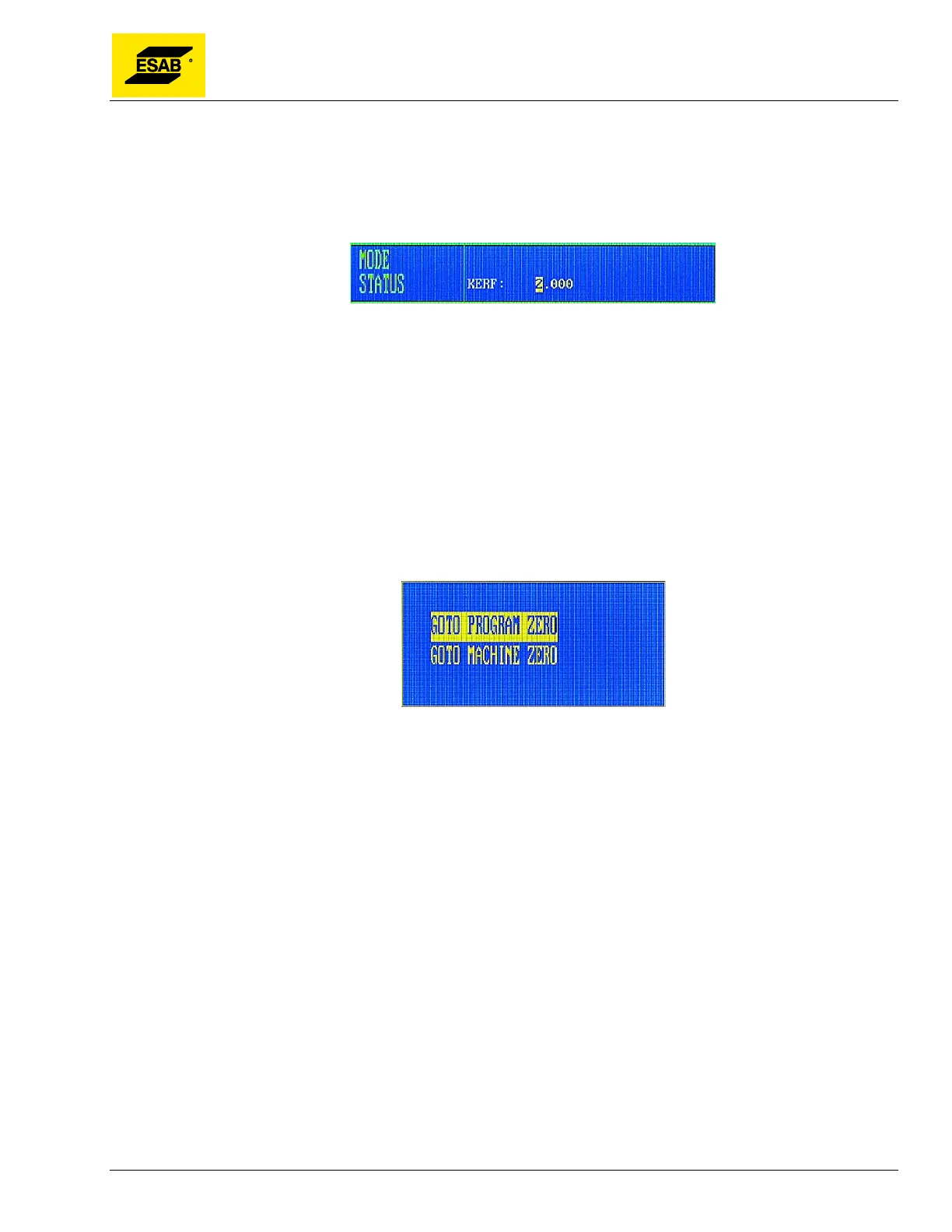
This function key is used to enter the required value for kerf compensation. When pressed, an entry will
appear on screen and the kerf dimension can be typed in on the number keypad. If no kerf
compensation is necessary, this may be set to 0.
Figure 45: Entering the Kerf Offset
4.11.6 【F6】MORE
Press【F6】to accesses the next lower level of the Auto Mode menu. See section 4.12 for details.
4.11.7 【F7】RETURN
The RETURN function is used to rapidly move the machine back to either the Program Zero Point or
the Machine Zero Point. Press【F7】to activate the RETURN function. A dialog will appear prompting
the user to select which zero point to use.
Figure 46: Selecting RETURN Point
Use the Up【↑】and Down【↓】keys to highlight the desired option, then press the 【START】 key or
the 【ENTER】 key to execute the desired operation. Motion will begin as soon as the key is pressed.



 To Next Page