ESAB Cutting Systems
CROSSBOW Page 97
4.20.7 【F7】RETURN
The RETURN function (same as in Auto Mode) is used to rapidly move the machine back to either the
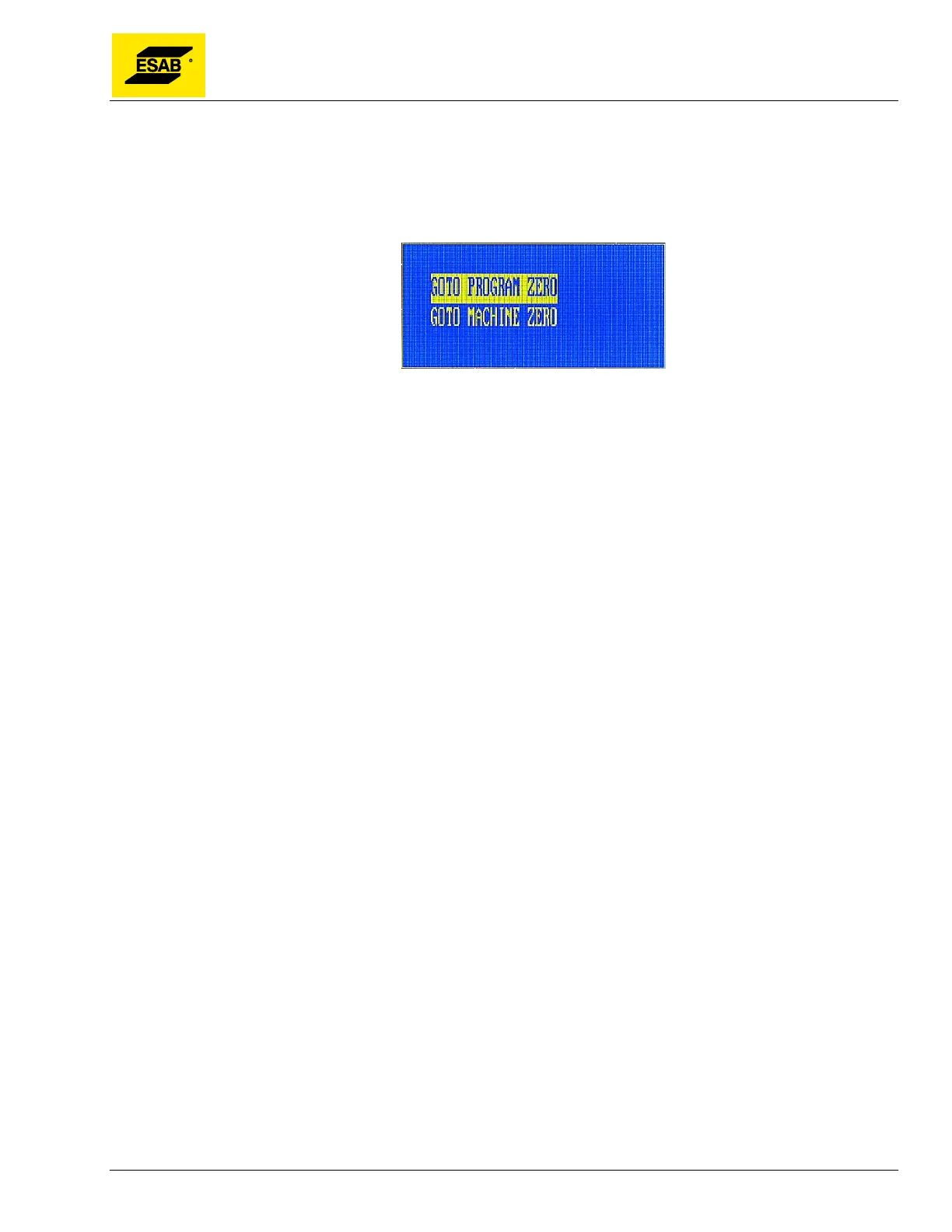
Program Zero Point or the Machine Zero Point. Press【F7】to activate the RETURN function. A dialog
will appear prompting the user to select which zero point to use.
Figure 73: Selecting RETURN Point
Use the Up【↑】and Down【↓】keys to highlight the desired option, then press the 【START】 key or
the 【ENTER】 key to execute the desired operation. Motion will begin as soon as the key is pressed.



 To Next Page