ESAB Cutting Systems
CROSSBOW Page 87
4.15.3 【F4】JUMP TO (Jump To Any Line or Pierce Point)
This function allows the user to select any point in the program at which to re-start cutting.
After selecting JUMPTO by pressing the【F4】key, press Reverse 【F6】or Forward 【F7】to scroll
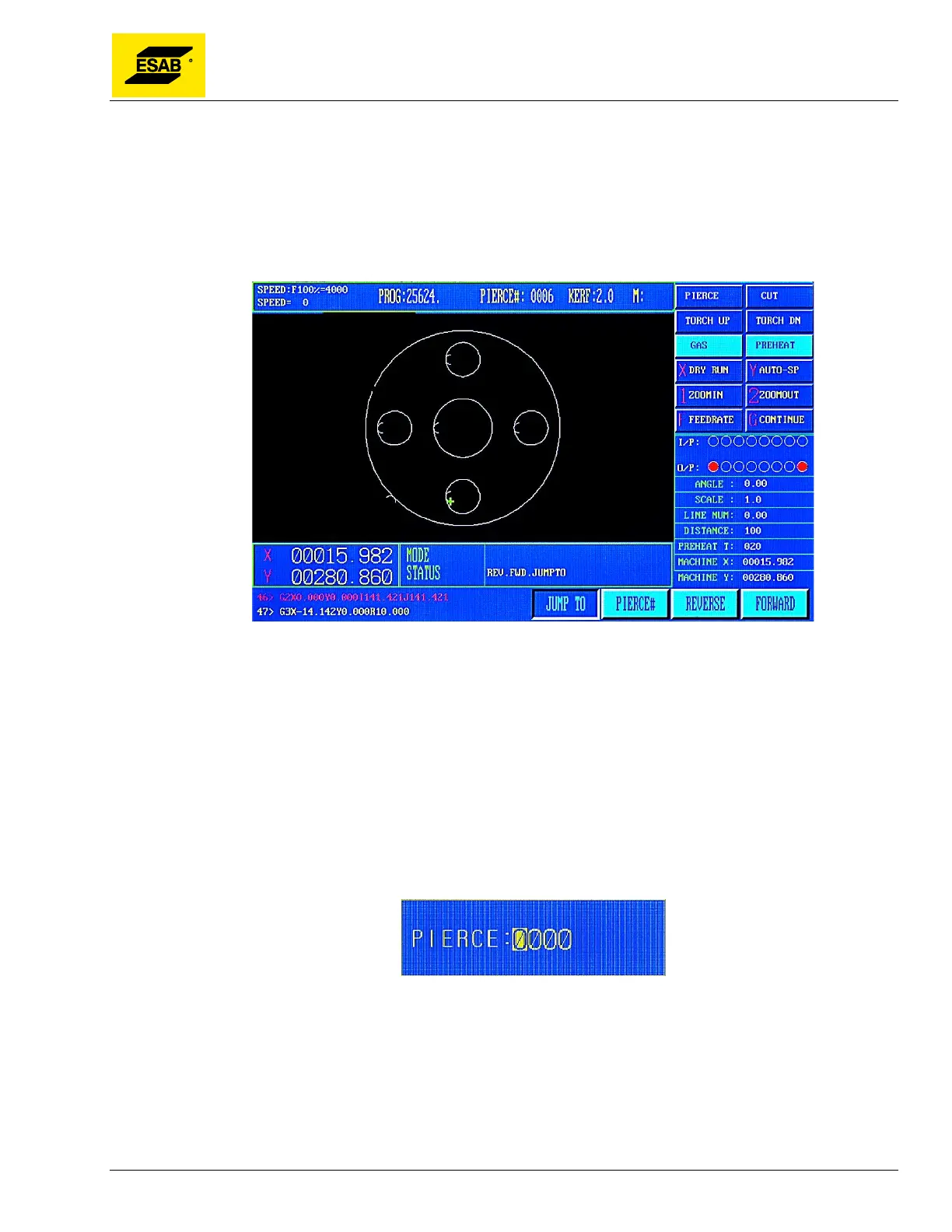
through the program one line at a time until the desired location is found. A green cross appears on
screen to indicate the point to which the torch will move, as shown below.
Figure 62: Auto Mode, Pause, JUMPTO Function
When the desired point is found, press 【START】 to execute the motion. Upon pressing 【START】
key, the machine will automatically move to the selected position, and then pause, so that the process
can be re-started.
4.15.4 【F5】PIERCE# (Go To New Pierce Point)
This function allows the user to select a pierce point at which to re-start cutting. After selecting 【F5】
a dialog box will appear so the user can type in the sequential number of the desired pierce point.
Upon pressing 【ENTER】, the machine will automatically move to that pierce point, and then pause,
so that the process can be re-started.
Figure 63: Input Pierce Number



 To Next Page