ESAB Cutting Systems
CROSSBOW Page 96
4.20 Manual Mode Menu Functions
The Manual Mode is used for machine positioning, resetting axes, and plate alignment. The following
functions are available in the top level of the Manual Mode Menu.
4.20.1 【F1】AUTO
This switches from Manual Mode to the Auto Mode.
4.20.2 【F2】STEP
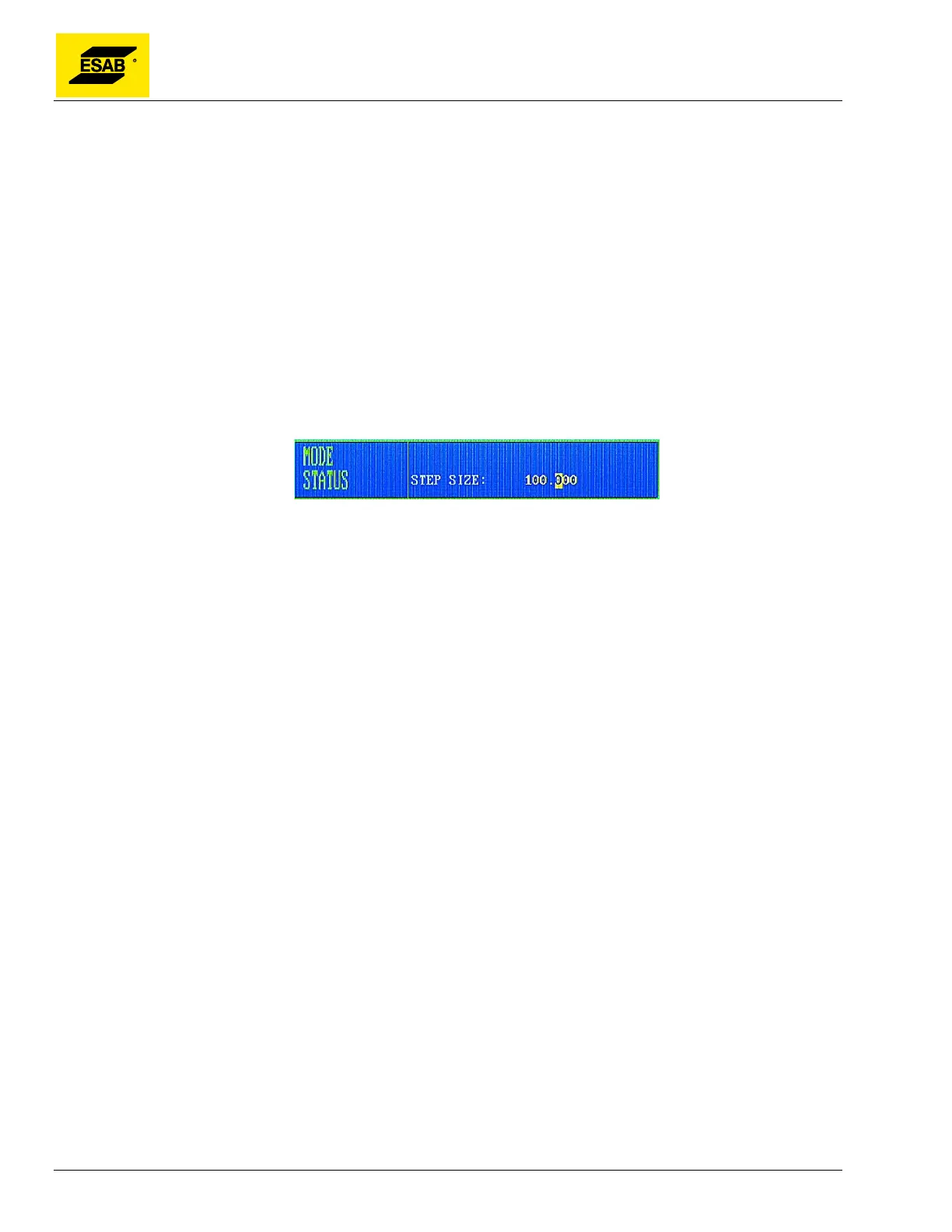
The STEP function is used to automatically move the machine in one axis by a fixed distance. To
activate the function, press the 【F2】key. The user is prompted to enter a step distance, as shown
below:
Figure 72: Enter the STEP Distance
Type in the desired Step Distance using the number keypad, then press the 【ENTER】key. The new
step distance will be displayed in the Operating Parameters area on screen. Before starting, set the
desired speed, then press one of the four arrow keys: 【↑】, 【↓】, 【←】or【→】to start machine
motion. The machine will begin moving in the selected direction, and will continue moving until the Step
Distance has been covered. Motion can be stopped by pressing the 【STOP】key.
4.20.3 【F3】MORE
Press【F3】to accesses the next lower level of the Manual Mode menu. See section 4.21 for details.
4.20.4 【F4】MACH-0 (Clear Machine Coordinates)
Pressing 【F4】 will reset the Machine X/Y Coordinates to zero at the current machine position.
Note: This machine does not have mechanical home switches. The Machine Zero position is
NOT reset when the power is removed. If a fixed coordinate system is desired, the Machine Zero
can be manually reset at a specific position (such as a permanent rail mark) using this function.
4.20.5 【F5】RAPID (Rapid Jog Speed)
In Manual Mode, the Feed Rate Override Percentage can be quickly changed between 80% and 10%
by pressing the 【F5】key.
4.20.6 【F6】PROG-0 (Clear Program Coordinates)
Pressing 【F6】will reset the Program X/Y Coordinates to zero at the current machine position.



 To Next Page