ESAB Cutting Systems
CROSSBOW Page 62
4.2 CNC System Features
• Controls both oxy-fuel and plasma cutting
• Highly reliable and hardened against electrical noise from plasma, lightning, or power surges.
• Advanced process functions, including corner speed control and automatic height control
• Kerf compensation, with kerf check
• Convenient program interrupt and resume capability
• Jump-to any program line or pierce point within a program or nest
• Jogging off path with multiple modes of return
• Jogging off path with path relocation capability
• Pre-tracing of program extents to quickly check for plate fit and alignment
• Library of 24 pre-programmed parametric shapes, with pattern nesting and offset capability
• Simple EIA programming (M- & G-Code)
• Zoom capability while running, automatically follows running point
• System operating prompts, process steps, and output status displayed on screen
• USB port for part program transfer and easy software upgrades
4.3 CNC System Technical Specification
Processor ARM7 Industrial CPU
Display 7" Color LCD
Input/output 13 input / 8 output channels, optically isolated
Coordinated CNC axes 2
Axes dimensional
adjustment
Adjustable software constants to correct axes dimensions, variable
numerator and denominator with input range from 1 to 65535.
Program Storage Memory 32MByte memory for user programs with no restriction on program
size
Operating temperature 0 to +40℃; storage temperature: -40 to +60℃
USB Port Standard USB 1.0 connector
Note: The USB port provides very little power, and is designed only for use with a “USB Key”
type memory device. Do not connect other types of USB devices that require power from the
USB port, such as a portable hard disk drive. Never use this USB port for charging a cell phone
or other portable electronic device.
4.4 Function Keys
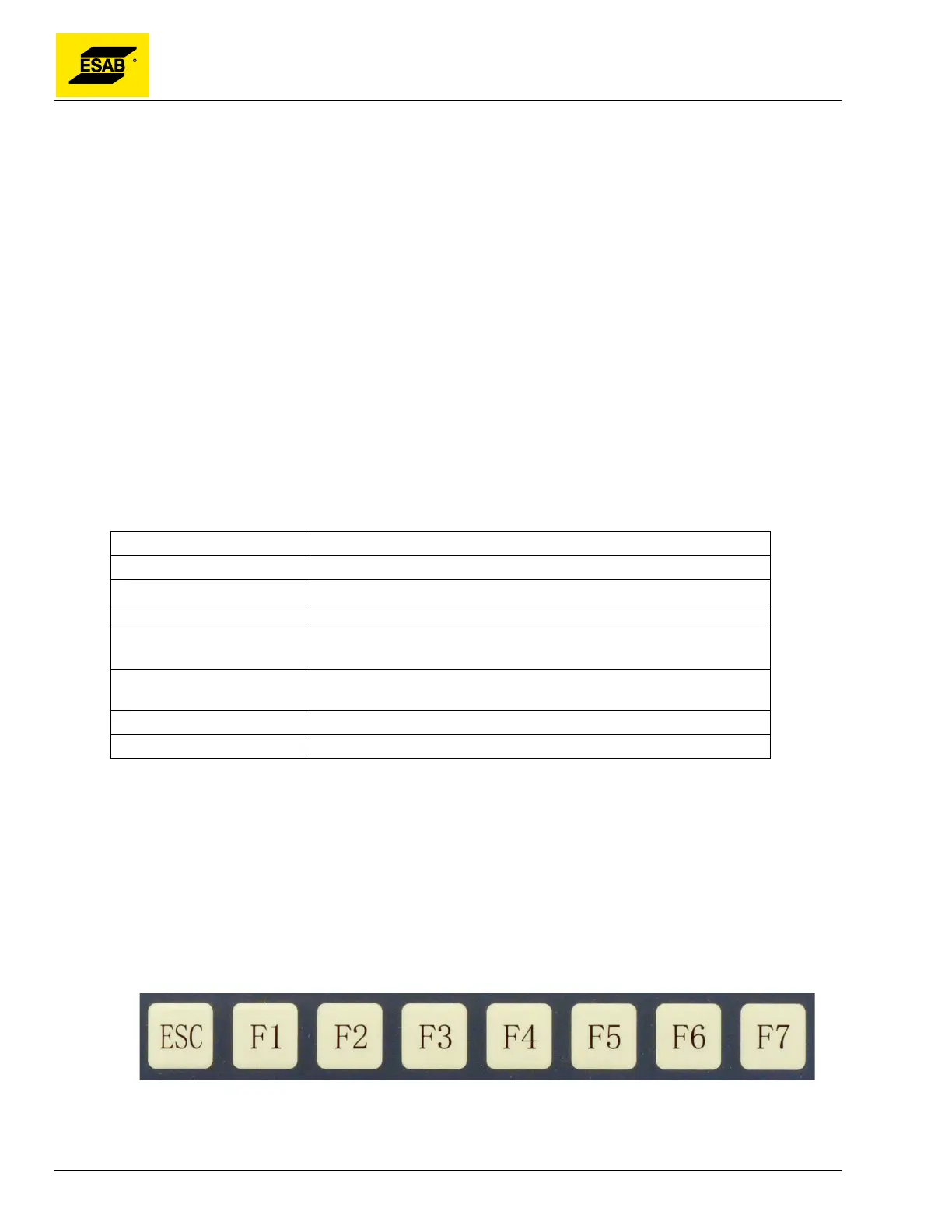
The function keys, pictured below, are used to provide simple menu-driven operation. When a function
is selected using one of the F-keys, F1 through F7, a sub-menu opens with additional functions for each
key. The ESC key moves back up to the previous menu.
Figure 39: Function Keys



 To Next Page