ESAB Cutting Systems
CROSSBOW Page 112
4.26 Shape Library
From the Main Menu, press 【F6】to select LIBRARY.
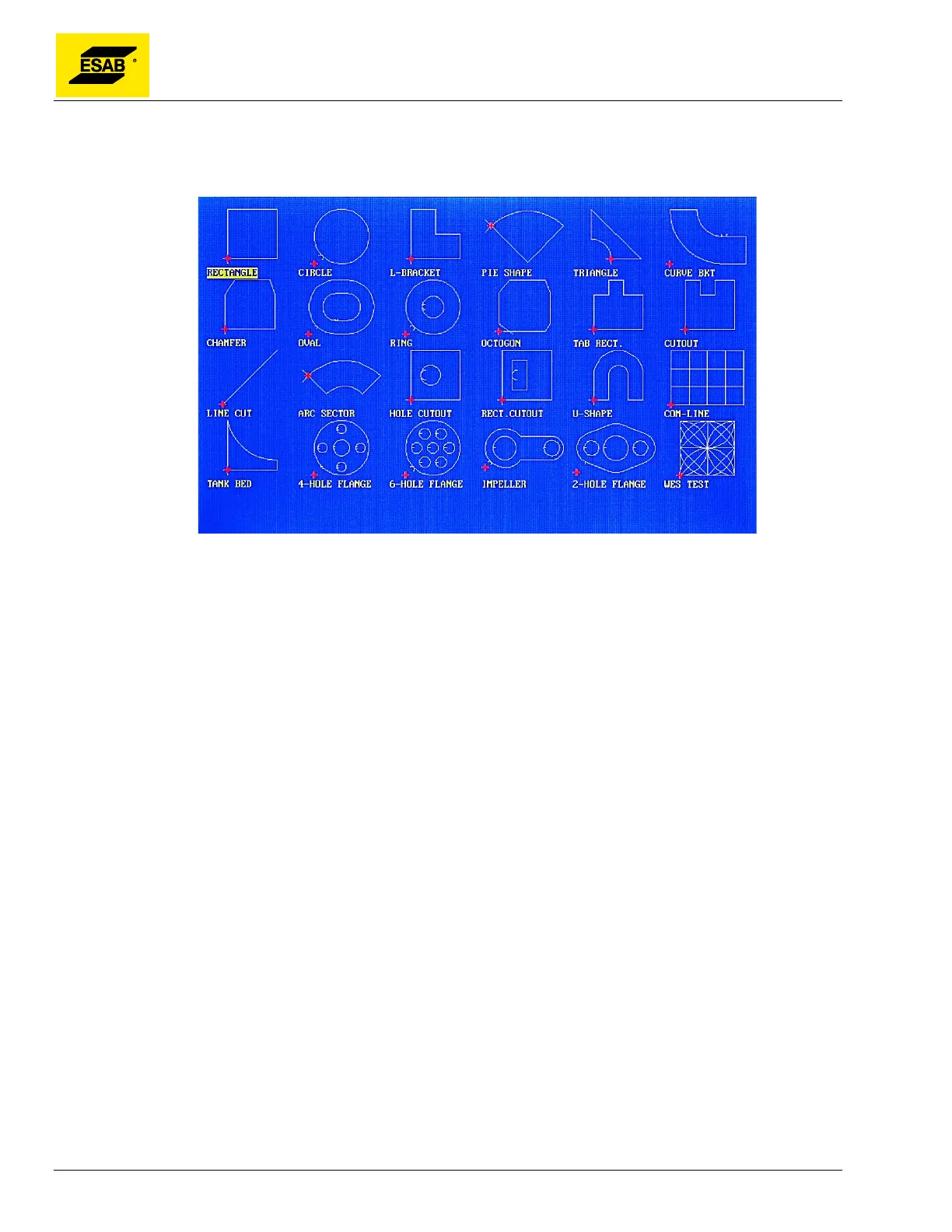
Figure 90: Shape Library Main Screen
This system includes the 24 variable shapes shown above, which can be adjusted to different sizes by
entering a few parameters. Use the arrow keys【↑】【↓】【←】【→】to move the cursor and
highlight the desired shape. Press the 【ENTER】 key to select a shape.
See Appendix 3 for a listing of shapes and shape variables.



 To Next Page