ESAB Cutting Systems
CROSSBOW Page 92
4.17 SKIPTO (Skip To Starting Point)
This function allows the user to start execution of a part program at the beginning of any line of program
code, or at any pierce point within the program or nest.
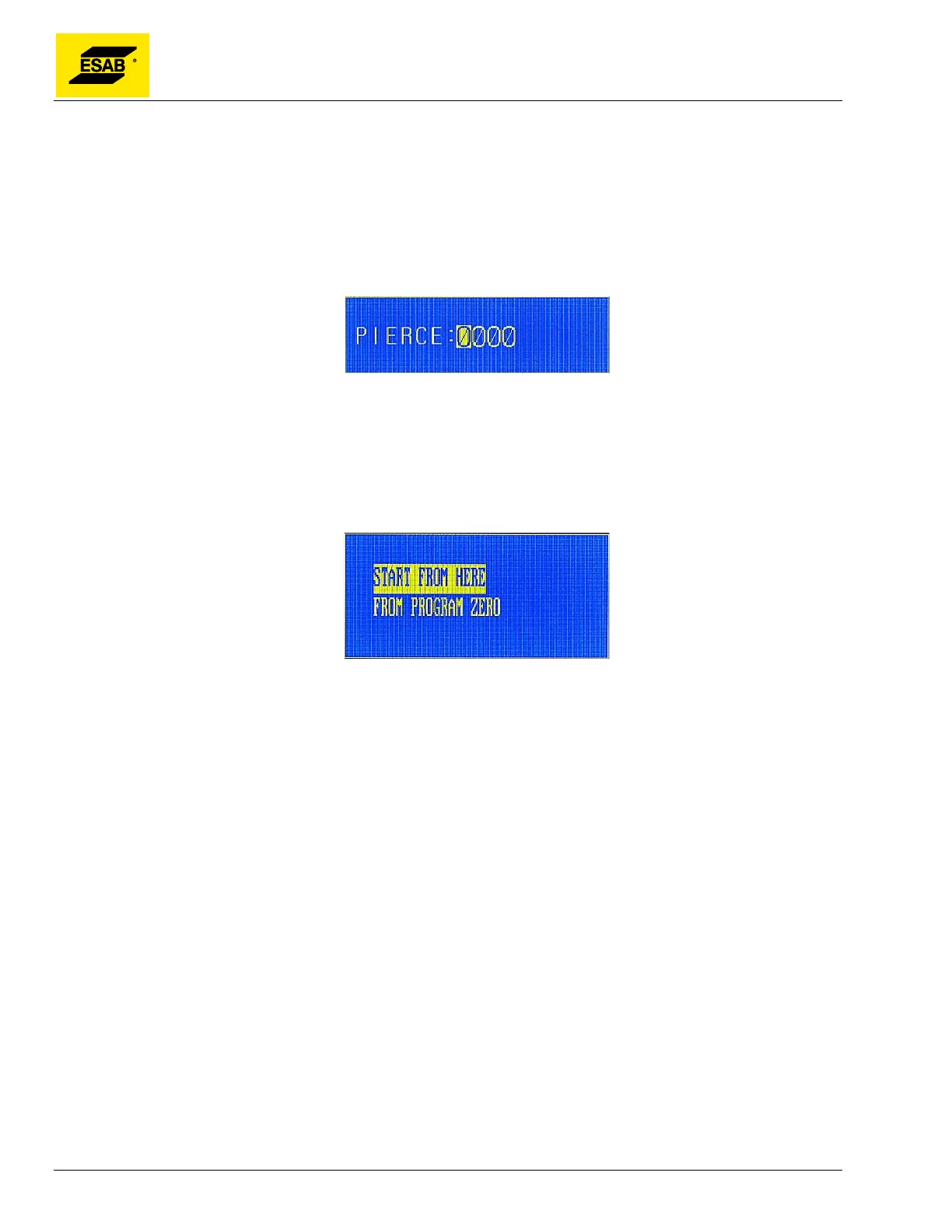
To use this function, press the【F1】key from the Auto Mode, Main Menu. A dialog will appear with a
numeric input so that the desired Program Line number or Pierce Number can be typed in using the
number key pad.
Figure 68: Input Pierce Number
The PREVIEW function is useful because it identifies each pierce point by number. Therefore, it is
advisable to use the PREVIEW function before selecting the SKIPTO function.
After using the number keypad to enter the desired Pierce Number, press the 【ENTER】 key. A
dialog will appear with two choices:
Figure 69: Starting Location Options
Use the Up【↑】and Down【↓】keys to highlight the desired option. Press the 【START】 key or the
【ENTER】 key to select the desired operation.
If START FROM HERE is selected, the CNC will display the program graphic with a green cross
showing the selected start point.
The user may zoom-in on the program graphic to check the selected starting point. Pressing【1】will zoom in
to 2x normal size. Press a second time to see 4x normal size. Press a third time to see 8x normal size.
Pressing【2】causes the display to zoom back to normal magnification. If not satisfied with the
selected starting point, press 【ESC】 to exit the Auto Mode and repeat the above procedure.
If it is the desired starting point, use the Process Control Keys to manually start the cutting process
before pressing the 【START】 key.
If "FROM PROGRAM ZERO" is selected, the torch should be pre-positioned at the program’s original
start location before pressing the 【START】 key. When the 【START】 key is pressed, the torch will
automatically move to the location of the selected start point, relative to the Program Zero Point.



 To Next Page