Fax Procedure
101
Fax
4
Step 3 Specifying the Destination
You can specify the recipient using the Phone Number, Address Number, or Group
Number method. The following shows the support for each method.
: Input possible
×: Input not possible
Note • If the Address Book Extension Kit is installed, you can register up to 999 locations.
You can specify multiple recipients (Broadcast Send) using the above methods. You
can also use a combination of the methods.
If the same recipient was specified for several pending documents, you can send the
documents with a single phone call. This feature is referred to as Batch Send. Note that
you cannot use Batch Send with Broadcast Send, Relay Broadcast Send, Remote
Mailbox, and Delayed Start when prior to the specified time. Nor can transmissions to
a single recipient from separate departments be batch processed when there are
redialing, resending or delayed start jobs.
Important • Confirm the recipient before sending a fax.
For information about Broadcast Send, refer to "Broadcast Send (Transmitting to Multiple Recipients)"
(P.140).
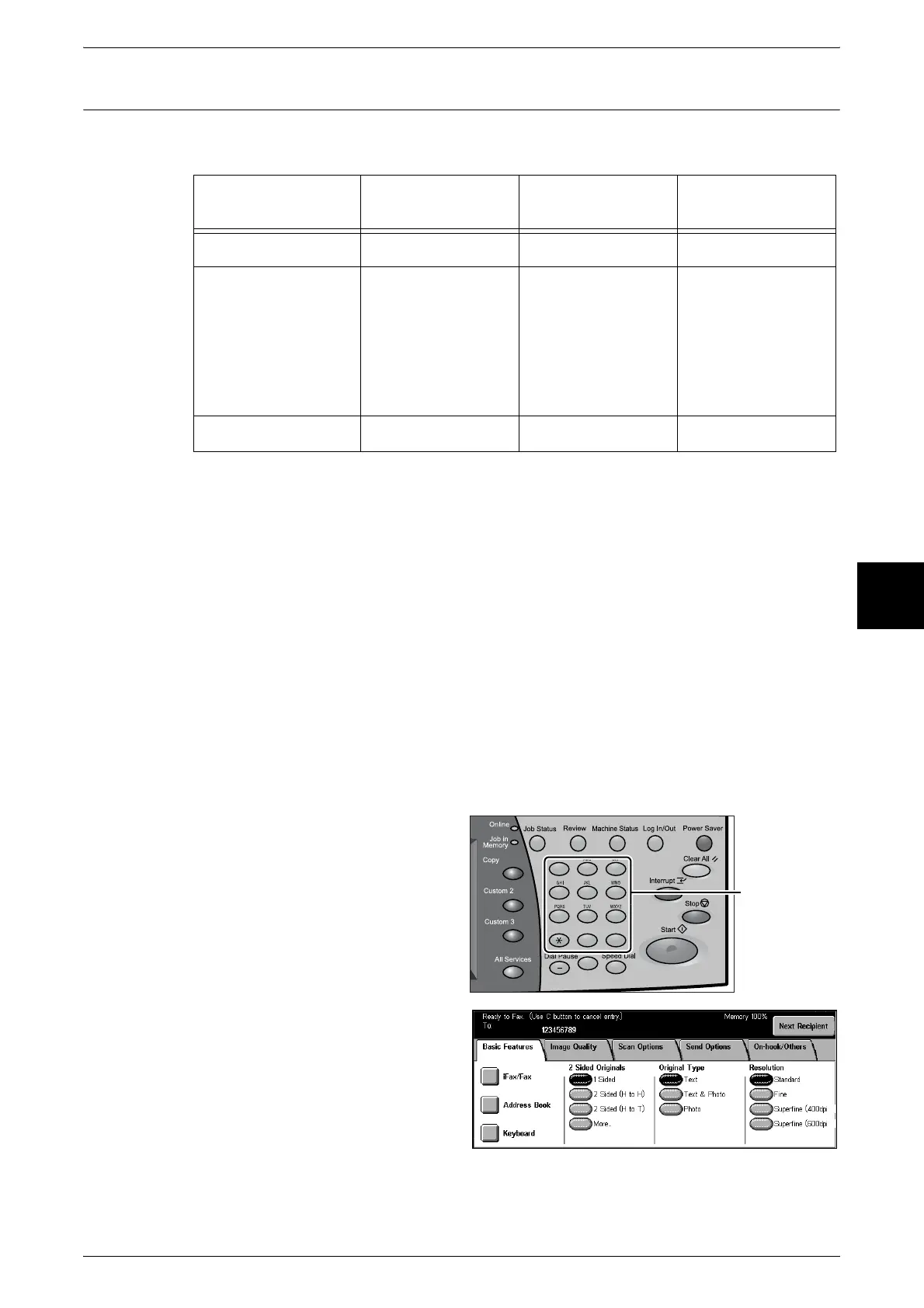
This section describes specifying a recipient using the numeric keypad.
1 Enter the fax number using the
numeric keypad.
2 To specify multiple recipients,
select [Next Recipient] on the touch
screen.
Note • If you enter an incorrect value,
press the <C> button and
enter the correct value.
For information about specifying a fax number using the Address Book, refer to "Specifying Destination
Using the Address Book" (P.114).
Numeric Keypad
One Touch
buttons
Address Book
Phone Number
××
Address Number
(Speed Dialing)
Specify 3 digits
(001 to 500)
Specify 2 digits +
∗
(nn0 to nn9).
You can specify
multiple recipients
∗∗∗ (All address
numbers) can be set
Specify 3 digits
(001 to 070)
You can specify
multiple recipients
Specify from the List
tab,
You can specify
multiple recipients
Group Number
# + 2 digits ×
123
456
789
0 #
C
Numeric keypad












 To Next Page