System Administrator Settings
343
Setups
11
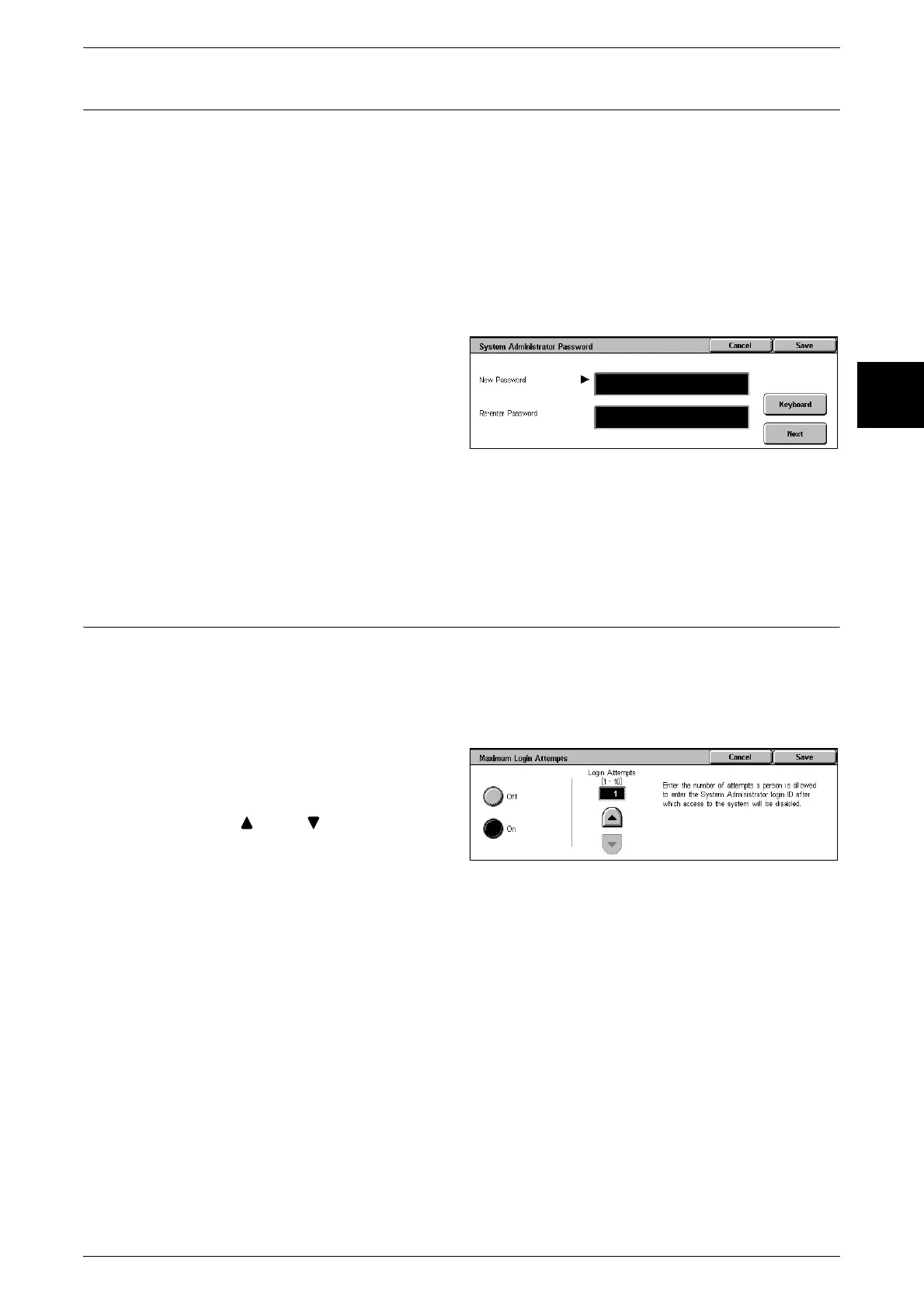
System Administrator Password
Set the password for System Administration mode. This is recommended for stronger
security.
Note • The default setting of the system administrator password is "x-admin".
This item appears when in the Login Setup/Auditron Administration operation, you set
[Yes] for using a password. Set the password after setting the system administrator
UserID.
You can set the password to from 4 to 12 numeric digits.
For more about enabling and disabling passwords, refer to "Login Setup/Auditron Administration"
(P.344).
1 Select [System Administrator
Password].
2 Select [Set].
3 With the numeric keypad, enter
[New Password] (4 to 12 digits),
and select [Save].
4 In [Re-enter Password], enter the same password, and select [Save].
Note • To set no password, leave the password blank, and select [Save].
Maximum Login Attempts
If system administrator ID authentication fails repeatedly, you can set a limit beyond
which further tries are not allowed.
You can set the number of authentication attempts allowed, from 1 to 10.
Note • The count is reset when the machine is restarted.
1 Select [Maximum Login Attempts].
2 Select [On].
3 With [ ] and [ ], set the number
of authentication attempts allowed.
4 Select [Save].












 To Next Page