13 Machine Status
374
Machine Status
13
Billing Meter/Print Report
In the [Billing Meter/Print Report] screen, you can check the number of pages printed
for each meter, or for each user. You can also print a report/list, and check the job
history, and settings/recorded values.
Refer to the following sections for the features in the [Billing Meter/Print Report] screen.
Billing Meter.............................................................................................................................374
User Account Billing Meter......................................................................................................375
Print Report/List........................................................................................................................376
Print Report/List........................................................................................................................376
Automatically Printed Reports/Lists.........................................................................................382
1 Press the <Machine Status>
button.
2 Select the [Billing Meter/Print
Report] tab.
Billing Meter
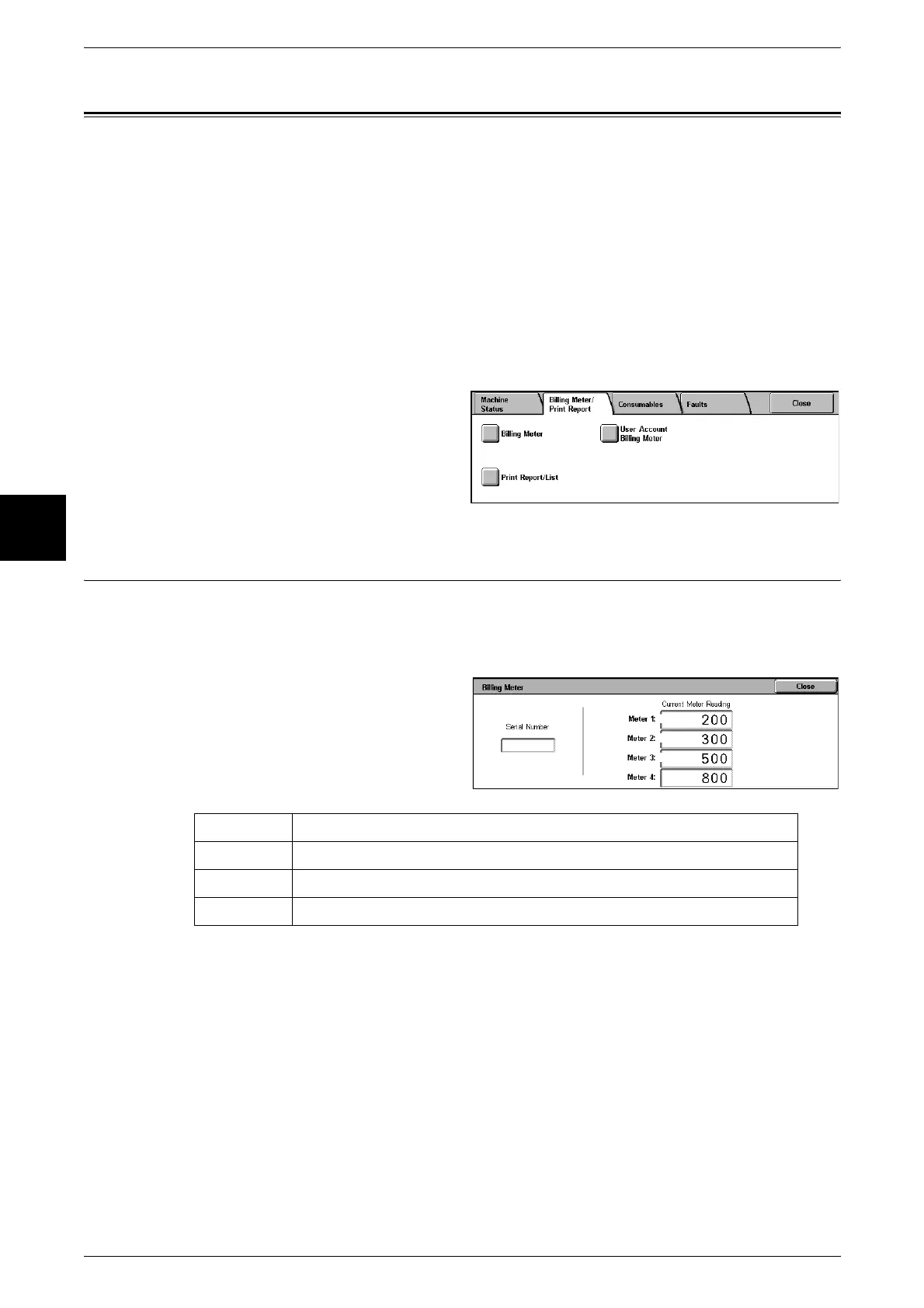
You can confirm the total number of copies and printed pages by individual meters on
the display on the control panel. Confirm meters as follows:
1 Select the [Billing Meter/Print
Report] tab.
Note • When print data resulting from color conversion using an ICC profile, for example, on the
application is printed at Auto (Color/B/W), even documents that appear in black-and-white
on the monitor are printed in color. In this case, meter 3 (color printing) is used for counting
the number of prints.
• *1 is applied on models equipped with FAX features. Only B/W and not color is supported for
FAXes.
• For *2, large-size full color is counted as a print at either of number of full color copies or
number of full color prints in meter 1 if a copy or print is made on paper of 279 mm × 400 mm
or larger (279 mm or more in the primary scanning direction and 400 mm or more in the
secondary scanning direction) when the user has selected color (4-color or 3-color) for
copying or printing or a color document has been recognized during document scanning on
the scanner.
2 Select [Billing Meter].
Meter 1 Number of full color copies + Number of full color prints.
Meter 2 Number of B/W copies + Number of B/W prints + FAX*1
Meter 3 Number of large-size full color prints*2
Meter 4 Meter 1 + Meter 2












 To Next Page