3 Copy
50
Copy
3
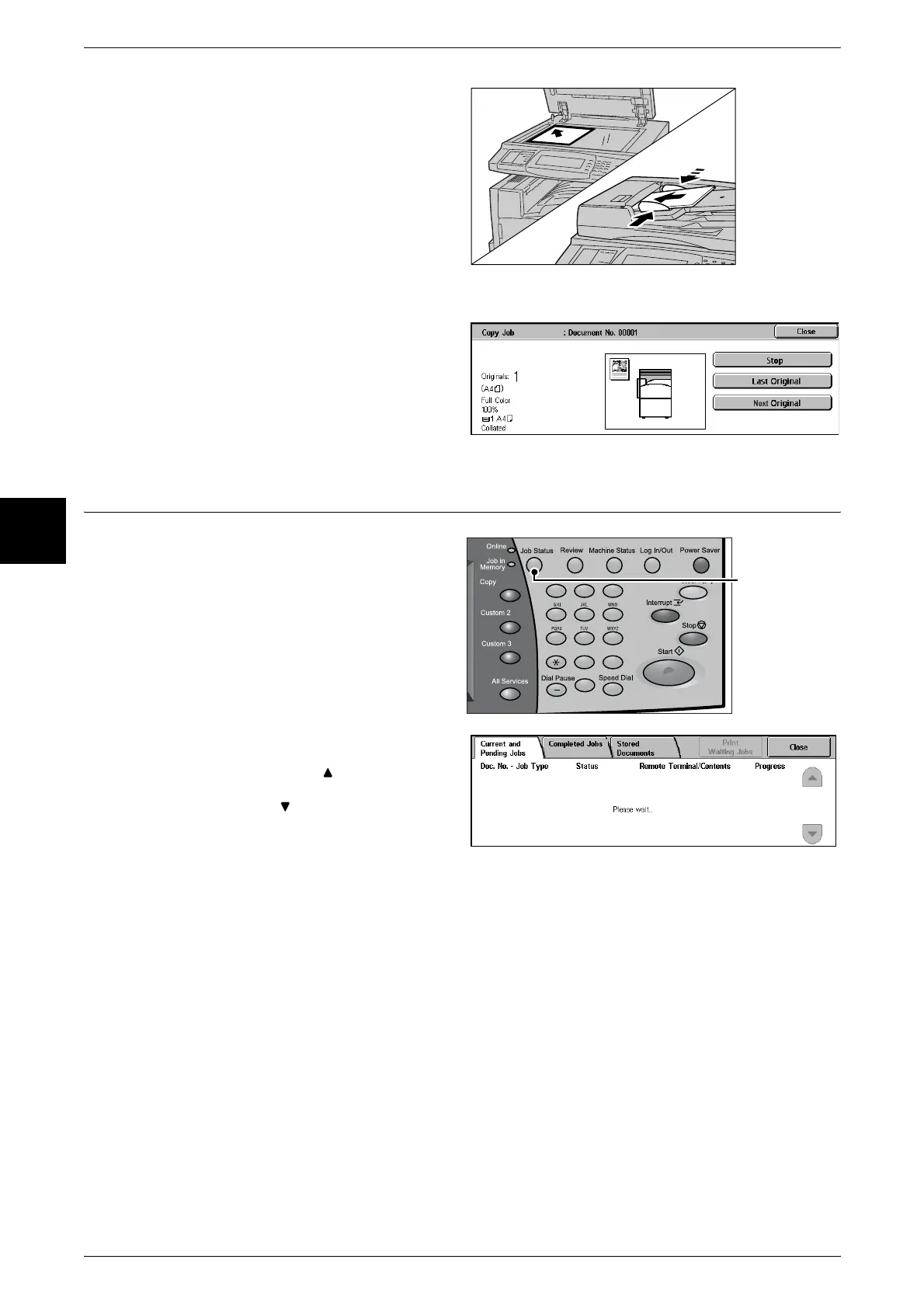
2 Load the next document.
3 Press the <Start> button.
If you have more documents, load the next document and press the <Start> button.
4 When all documents have been
scanned, select [Last Original].
Step 5 Confirming the Copy Job in the Job Status
1
Press the <Job Status> button.
2 Confirm the job status.
Note • Select [ ] to display the
previous screen and select
[ ] to display the next screen.
123
456
789
0 #
C
<Job Status>
button












 To Next Page