3 Copy
66
Copy
3
Scan Options
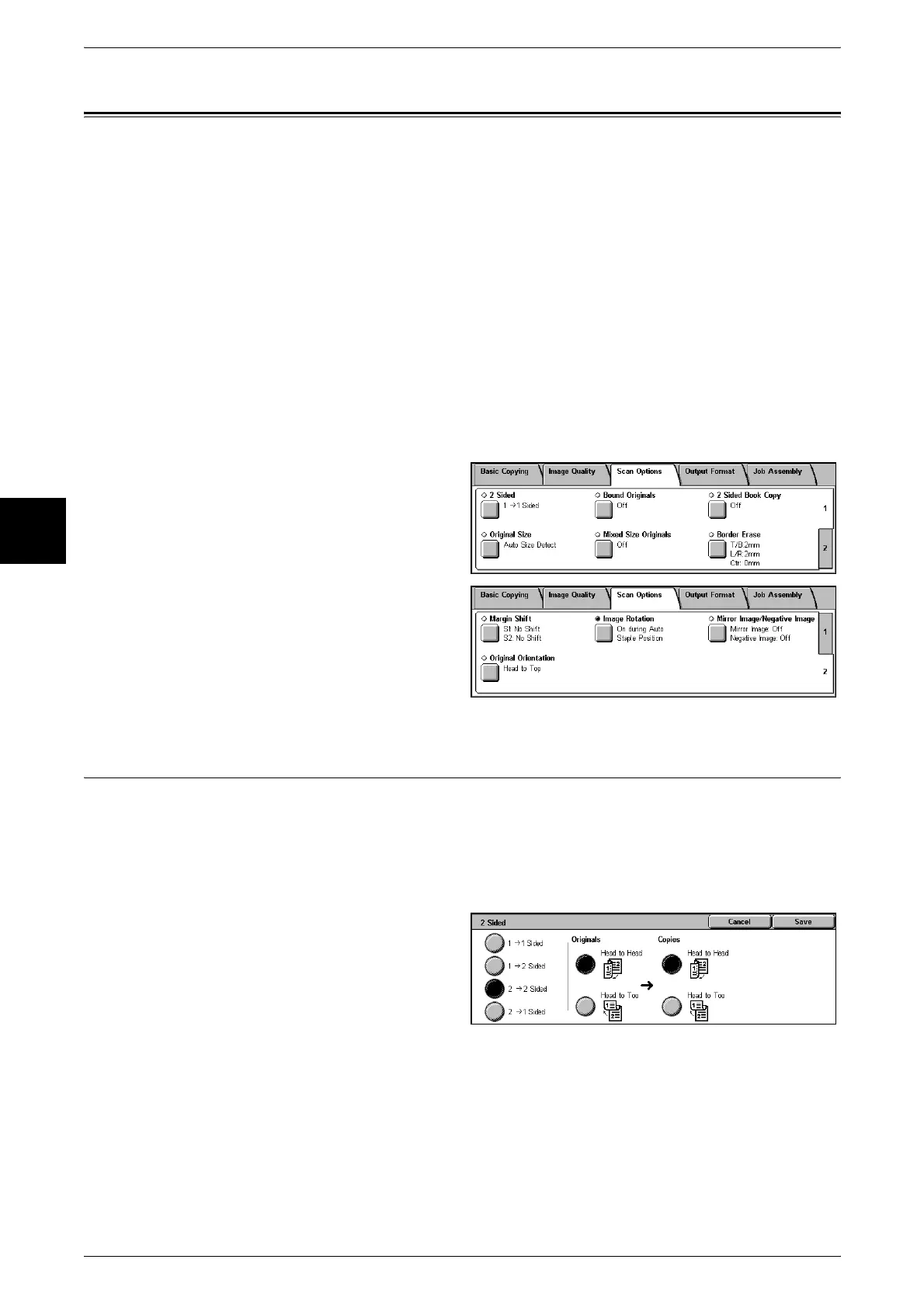
On the [Scan Options] screen, you can configure features for scanning documents.
The following shows the reference section for each feature.
2 Sided (Making 2 sided Copies)................................................................................................66
Bound Originals (Copying Facing Pages onto Separate Sheets)................................................67
2 Sided Book Copy (Making 2 Sided Copies of Facing Pages) .................................................68
Original Size (Specifying the Scan Size for the Document).......................................................69
Mixed Size Originals (Scanning Different Size Documents Simultaneously) ...........................70
Border Erase (Erasing Edges and Margin Shadows of the Document)......................................71
Copy Position/Margin Shift (Shifting the Image Copy Position)...............................................71
Image Rotation (Making Copies with the Image Rotated Vertically or Horizontally)...............73
Mirror Image/Negative Image (Making Reversed Copies of Images) .......................................74
Original Orientation (Specify the Orientation of Loaded Documents).......................................75
1 On the [All Services] screen, select
[Copy].
2 Select the [Scan Options] tab and
then select a feature on the [Scan
Options] screen that appears.
2 Sided (Making 2 sided Copies)
Copies of 1 sided and 2 sided documents can be made on one side or both sides.
Important • Confirm that the orientation of the document and the [Original Orientation] setting of the
[Scan Options] screen are the same.
Note • This feature does not appear for some models. An optional package is necessary. For more
information, contact our Customer Support Center.
1 Select [2 Sided].
2 Select any item.
1
J 1 Sided
Makes a copy of a 1 sided document on one side of the paper.
1
J 2 Sided
Makes a copy of a 1 sided document on both sides of the paper.
2
J 2 Sided
Makes a copy of a 2 sided document on both sides of the paper.












 To Next Page