17 Appendix
526
Appendix
17
Using the Telephone
When the fax feature is being used, this section describes how to use the telephone to
place or accept calls.
Placing a Call
This section describes how to place a call, using an external telephone.
To place a call, there are two methods, as follows.
z
Lift the telephone, and dial (off-hook dialing)
z
Leave the telephone in place, and dial (on-hook dialing)
Off-hook Dialing
This section describes how to use off-hook dialing, that is, to lift the telephone, and dial.
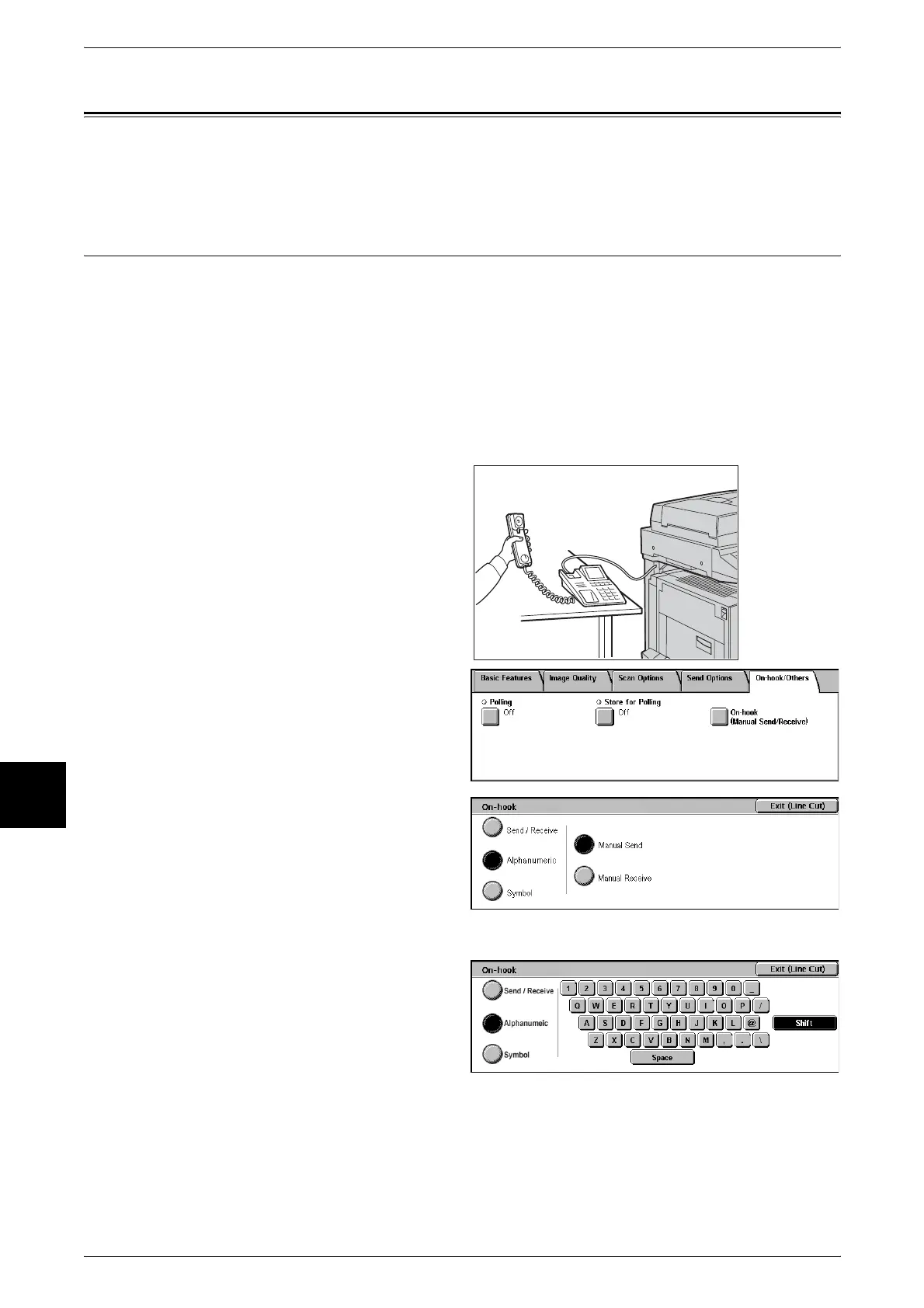
1 Pick up the telephone.
Important • In power saver mode it is not
possible to place a call using
the telephone. To place a call,
press the <Power Saver>
button, to switch out of power
saver mode.
2 Select [On-hook (Manual Send/
Receive)] in the [On-hook/Others]
screen.
3 Select [Manual Receive].
4 Select [Alphanumeric] or [Symbol].
For information about the manual send
feature, refer to "On-hook (Confirming
Remote Machine Response Prior to
Transmission)" (P.139).
5 Dial the number.
Important • You can use the numeric
keypad, Address Numbers,
One Touch buttons, and so
on. It is not possible to use the
Address Book.
Note • If the telephone circuit type is set to be tone-dialing, then the [Tone (:)] indication does not
appear.
• When using a pulse-dialing circuit, to send a tone (to use a service for tone-dialing circuits),
select [Tone (:)].
• Depending on the service, even with the tone transmission operation, it may not be possible
to obtain the service.












 To Next Page