4 Fax
114
Fax
4
1 Select [Next Recipient] to specify
multiple recipients and then press
the <Start> button.
2 Select [Yes] on the confirmation
screen to start transmission.
Specifying Destination Using the Address Book
This section describes how to use the Address Book to specify recipients.
The Address Book shows the fax numbers registered to the Address Numbers.
For information about Address Book registration, refer to "Address Book" (P.334).
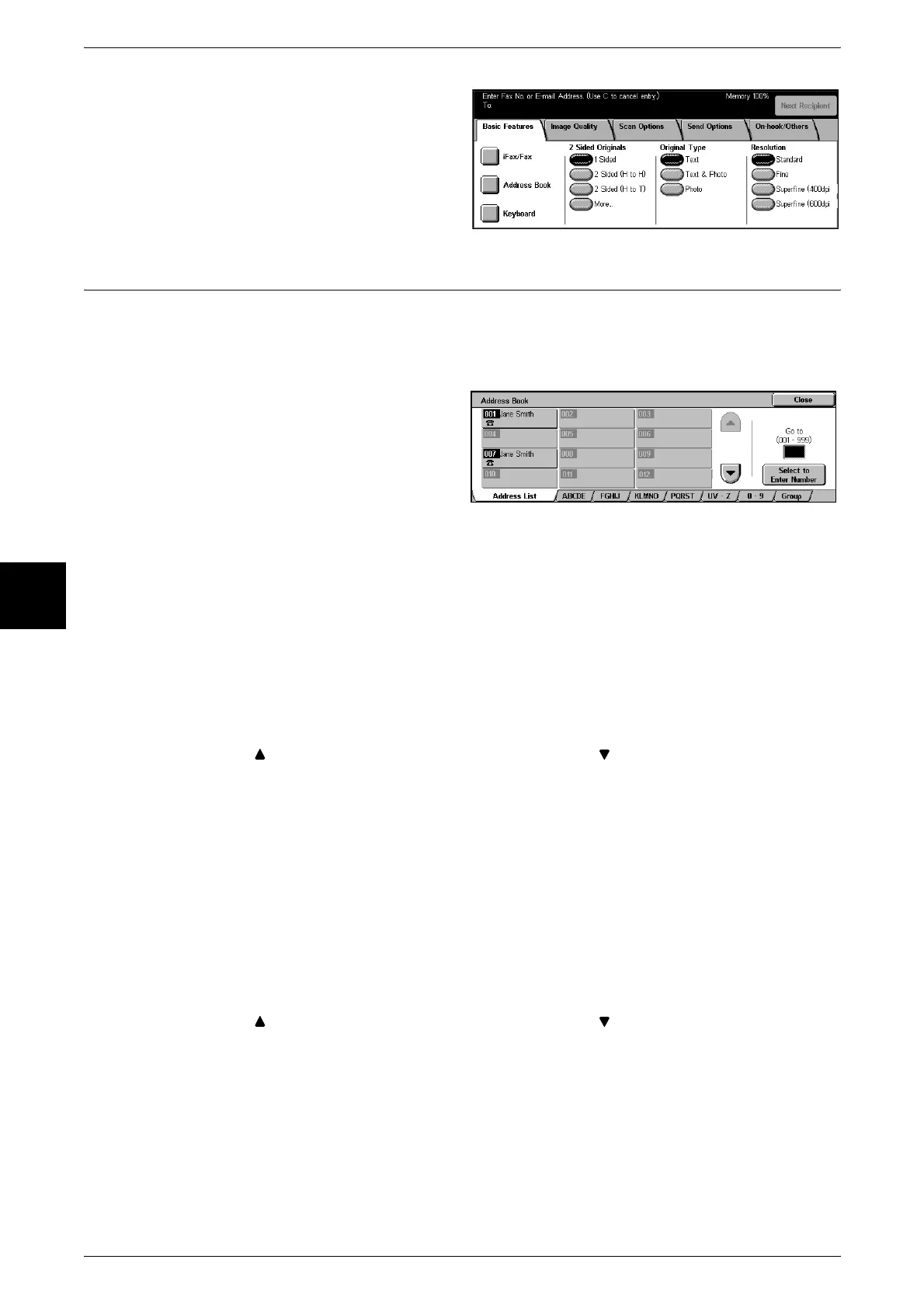
1 Select [Address Book] on the
[Basic Features] screen.
2 Select the tab in which you want to
search and search for a fax
number.
Note • Repeat this step to specify multiple recipients.
Using the Address Book
Use speed dialing numbers (Address Numbers), recipient names, index, and group
dialing to search fax numbers.
In the System Administration mode, you can change the initial number of the Address Number. For
information about how to change the Address Number, refer to "Address Search (Directory Service)"
(P.315).
Address List
This shows a list of all registered addresses.
Select [ ] to display the previous screen and select [ ] to display the next screen.
Select [Select to Enter Number] and enter a 3-digit Address Number (001 to 500) using
the numeric keypad to display the specified number at the top of the list.
Note • If the Address Book Extension Kit is installed, you can register up to 999 locations.
Index Search
This search looks for index characters specified when Address Numbers are
registered.
Click the [ABCDE], [FGHIJ], [KLMNO], [PQRST], [UV-Z] or [0-9] tab to specify index
characters on the screen that appears.
Group Dial Number
Group dial number searches for pre-registered group numbers.
Select [ ] to display the previous screen and select [ ] to display the next screen.
For information about how to register group dial numbers, refer to "Group Send" (P.340).












 To Next Page