12 Job Status
360
Job Status
12
When You Selected [Delete]
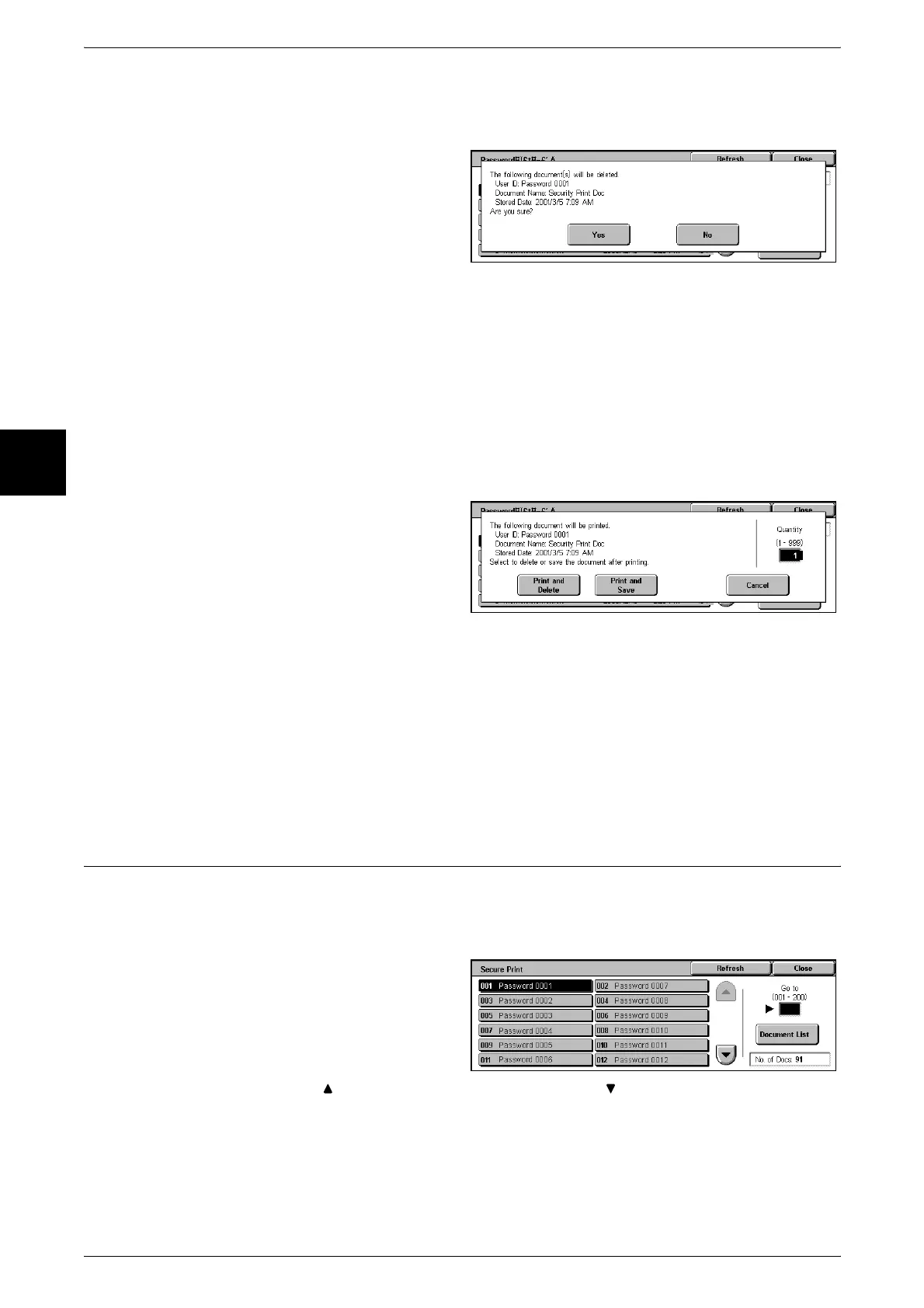
This deletes the document stored by authentication print.
1 Select [Delete].
2 Select [Yes].
Yes
This deletes the document.
Important • Once the document is deleted, it cannot be recovered.
No
This cancels deleting the document.
When You Selected [Print]
This prints the document saved by charge print.
1 Select [Print].
2 Select what happens to the
document after printing.
Print and Delete
This starts printing the document. After printing, the document is deleted.
Print and Save
This starts printing the document. After printing, the document remains undeleted.
Cancel
This cancels printing the document.
Secure Print
This section describes how to print and delete documents stored by the secure print
feature.
For information about secure print operations, refer to the print driver help information.
1 Select [Secure Print].
2 Select the number you want to
check, and select [Document List].
Note • Select [Refresh] to display the
updated information.
• Select [ ] to display the previous screen and select [ ] to display the next screen.
• You can also enter the three-digit number directly with the numeric keypad.












 To Next Page