Recalling Stored Programming
207
Stored Programming
8
Recalling Stored Programming
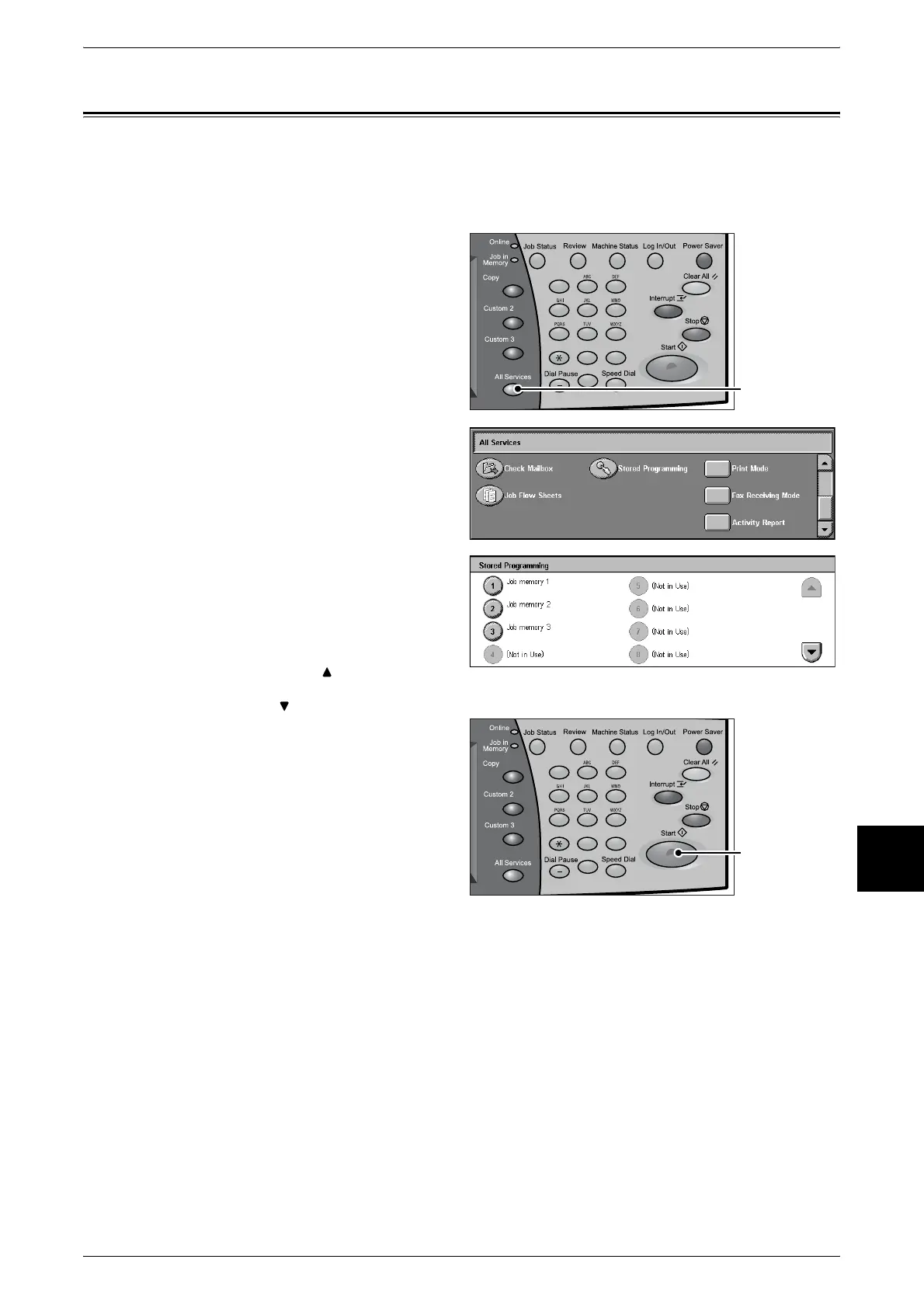
This describes the procedure for recalling [Stored Programming].
When recalling a specified Stored Programming, the last screen shown during Stored
Programming registration appears.
1 Press the <All Services> button.
2 Open the next screen, and select
[Stored Programming].
3 Select the number of Stored
Programming containing the
features you want to recall.
Note • You can only select registered
numbers.
• Select [ ] to display the
previous screen and select
[ ] to display the next screen.
4 After Stored Programming is
recalled, select other features if
necessary.
5 Press the <Start> button if
necessary.
123
456
789
0 #
C
<All Services>
button
123
456
789
0 #
C
<Start> button












 To Next Page