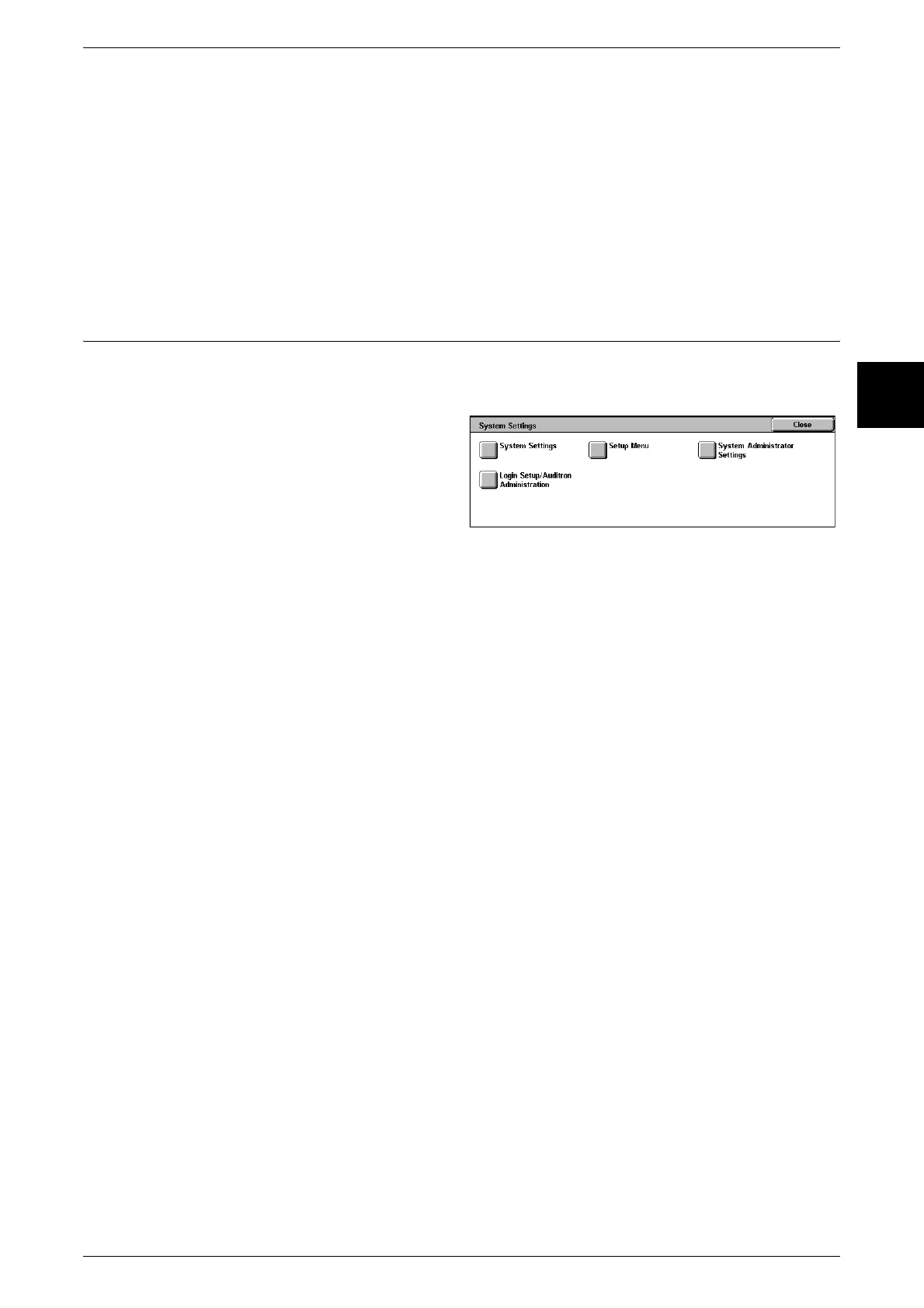
System Settings Procedure
241
Setups
11
User Mode
While still in System Administration mode, you can still carry out normal operations
such as copying and scanning.
Note • To exit a mode entered from [User Mode], use the following procedure.
(1) Press the <Log In/Out> button.
(2) In the [Log In] screen, select [Cancel].
System Settings
You can set or register the system settings.
Step 4 Selecting an Item from the [System Settings] Screen
In the [System Settings] screen, select an item.
For the items that can be selected in the system settings, refer to "System Settings Menu List" (P.243).
1 Select the item to be set.
System Settings
You can set or change the initial values.
Common Settings
These settings relate to the machine itself.
For more information, refer to "Common Settings" (P.253).
Copy Mode Settings
You can set the copy feature defaults, copy operation control, button indications, and so on.
For more information, refer to "Copy Mode Settings" (P.275).
Network Settings
You can set the ports, protocols, and so on.
For the items that can be set, refer to "Network Settings" (P.286).
Print Mode Settings
You can set the memory settings, print time operation, and so on.
For more information, refer to "Print Mode Settings" (P.290).
Scan Mode Settings
You can set the scanner feature defaults, button indications, and so on.
For more information, refer to "Scan Mode Settings" (P.295).
Fax Mode Settings
You can set the fax feature defaults, fax operation control, button indications, and so
on.
For more information, refer to "Fax Mode Settings" (P.302).
E-mail/iFax Settings
You can set the e-mail and iFax feature defaults, address search, and so on.
For more information, refer to "E-mail/iFax Settings" (P.314).












 To Next Page