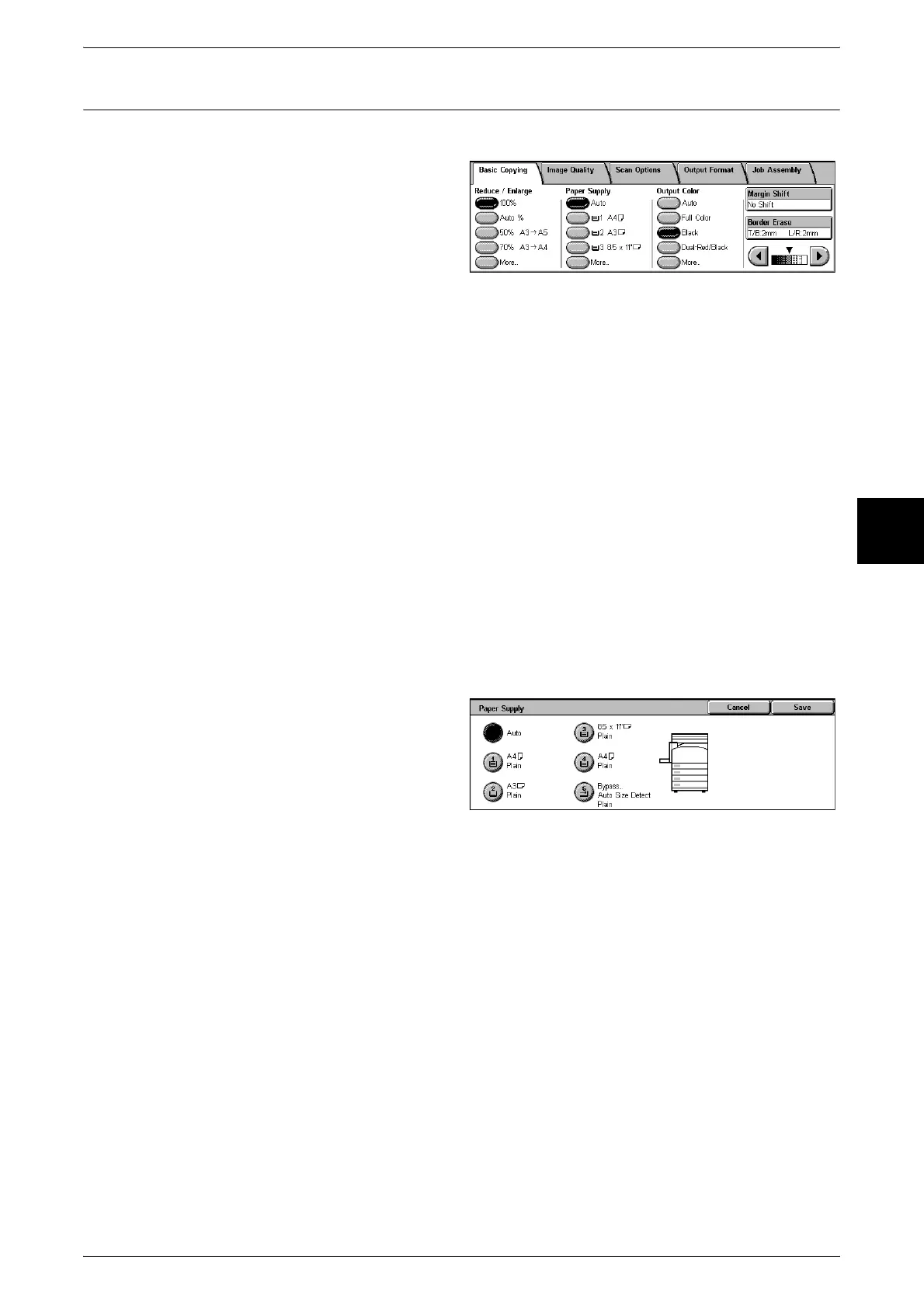
Basic Copying
55
Copy
3
Paper Supply (Selecting the Paper to Use for Copying)
You can select the tray loaded with the copy paper you wish to use.
1 Select the paper tray.
Auto
Based on the original document size and set ratios, the machine automatically selects
the tray loaded with the appropriate paper and makes copies.
Note • If you select [Auto], specify a value other than [Auto %] for [Reduce/Enlarge].
Trays (2nd to 4th Buttons)
Select from preset paper trays.
You can change the paper trays to display. For information about the setting procedures, refer to "Paper
Supply - 2nd Button" (P.276), "Paper Supply - 3rd Button" (P.276), and "Paper Supply - 4th Button"
(P.276).
[More…]
The [Paper Supply] screen is displayed.
[Paper Supply] Screen
You can select a paper tray that does not appear on the [Basic Copying] screen.
1 Select [More...].
2 Select the paper tray.
Auto
Based on the original document size and set ratios, the machine automatically selects
the tray loaded with the appropriate paper and makes copies.
Trays 1 to 4
You can select paper from four different trays.
Bypass...
The [Tray 5 (Bypass)] screen is displayed.












 To Next Page