Scan Options
181
Scan
5
Original Orientation
In order to identify the top of the document, the orientation of the set document must
be configured.
For more information, refer to "Originals Orientation" (P.171).
Reduce/Enlarge (Specifying a Scanning Ratio)
You can set the scanning ratio for the documents to be scanned.
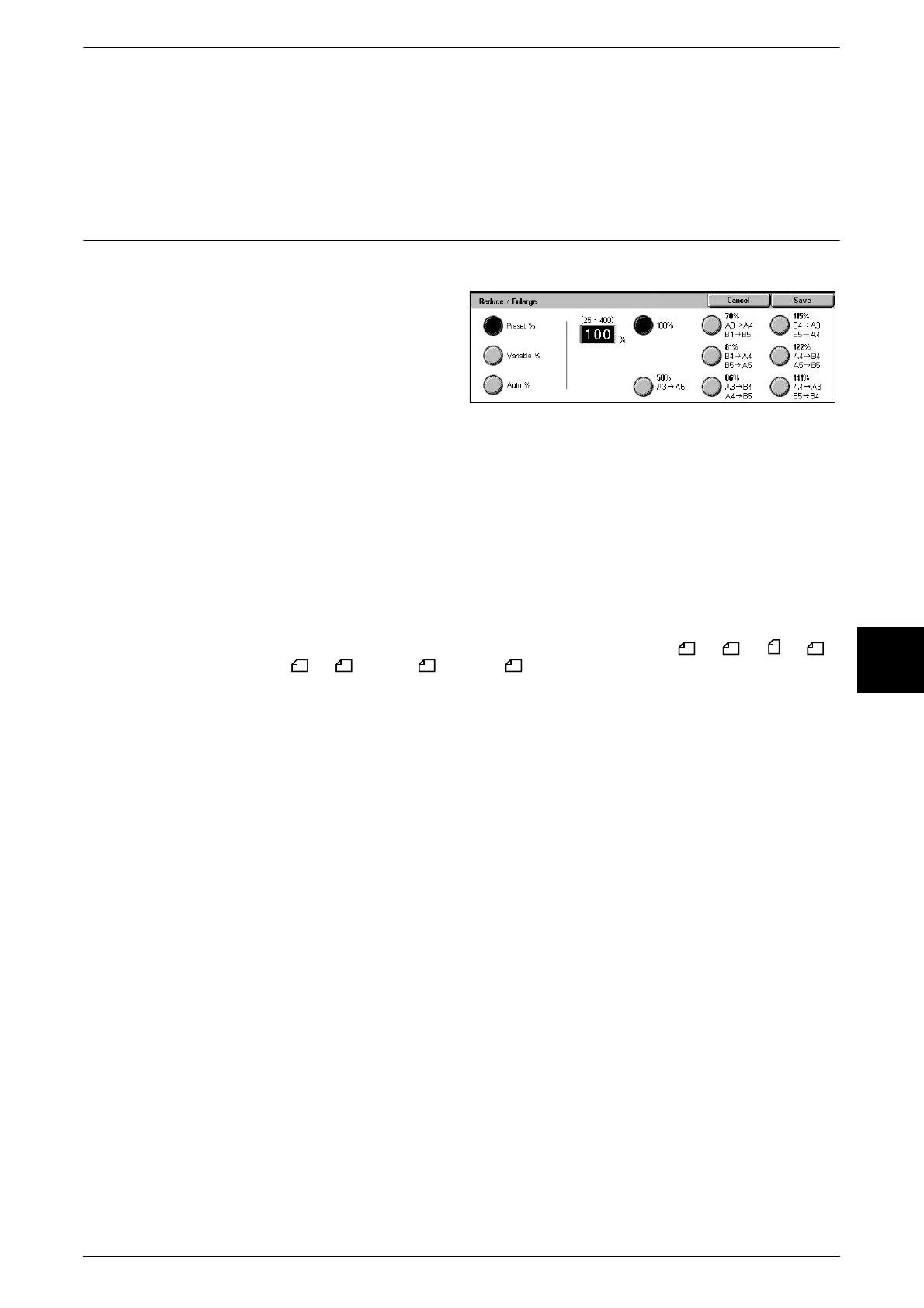
1 Select [Reduce/Enlarge].
2 Select the desired scanning ratio.
Preset %
Select from among 8 preset ratios.
Variable %
You can scan by selecting a variable ratio. The ratio can be set in increments of 1%
within the range 25-400%.
Auto %
Automatically sets the scanning ratio based on the document size and specified
[Output Size].
Note • Default [Output Size] values when scanning with [Auto %] are: A3 , A4 , A4 , A5 ,
B4 , B5 , 11 × 17" , 8.5 × 11" .
• White space remaining after scanning with [Auto %] is blank data.












 To Next Page