6 Check Mailbox
188
Check Mailbox
6
Selecting a Mailbox
Access to the selected mailbox may be restricted, depending on user authorization
settings.
For information about selectable mailboxes depending on the authorization feature, refer to "Types of
Mailbox" (P.394).
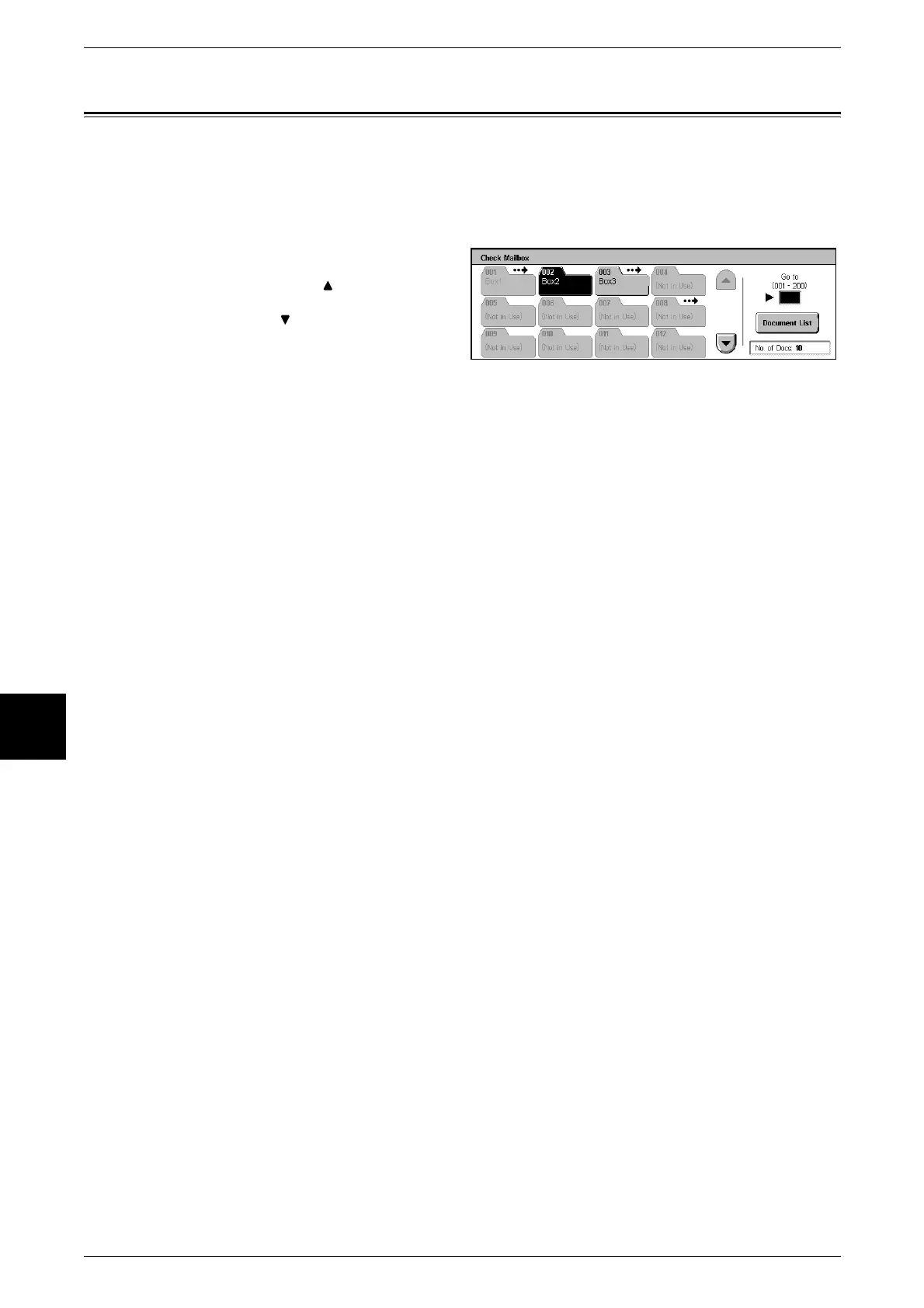
1 Select a mailbox.
Note • Select [ ] to display the
previous screen and select
[ ] to display the next screen.
You can directly access a
mailbox by entering a three-
digit mailbox number in the
[Go to] with the numeric
keypad.
• An arrow is displayed next to mailboxes that have a linked Job Flow, and which have been
configured for Auto Start.
• When a mailbox is selected, and it contains documents, the number of stored documents is
indicated in [No. of Docs.] in the lower right area of the screen.
• If a password entry screen appears, enter the password and select the [Confirm] button.
2 Select [Document List].












 To Next Page