6 Check Mailbox
190
Check Mailbox
6
Printing/Deleting Documents in Mailbox
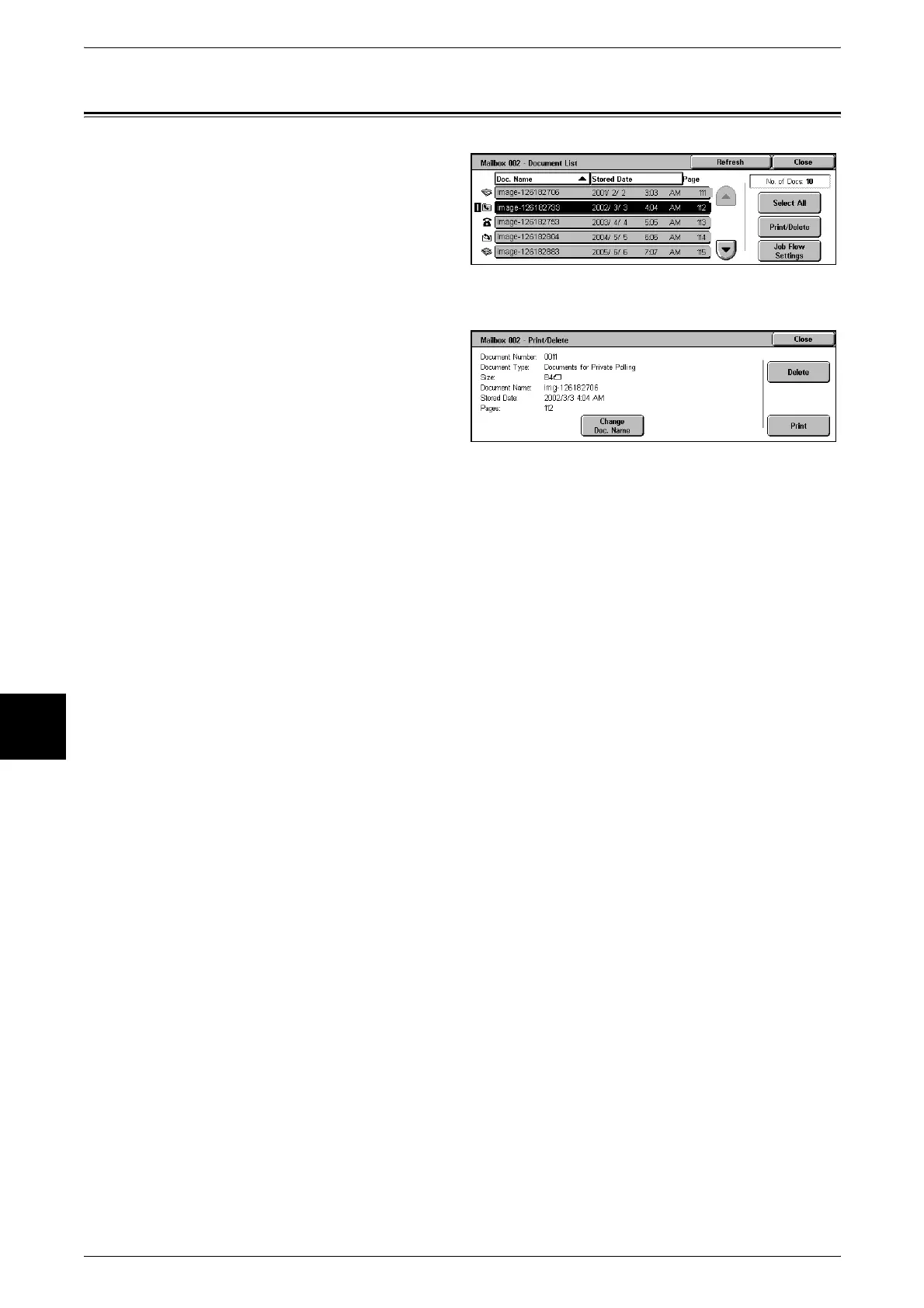
1 Select a document to be printed
and select [Print/Delete].
Important • Scanned documents cannot
be printed.
• Cannot print when multiple
documents are selected. You
can only print when 1 or all
documents are selected.
2 To print a document, select [Print].
To delete a document, select
[Delete].
Note • Pressing [Change Doc. Name]
allows you to rename the
document. However, this is
unavailable when multiple
documents are selected.












 To Next Page