Power Saver Mode
41
Product Overview
2
Exiting the Power Saver Mode
The following describes how to exit the Power Saver mode.
The Power Saver mode is exited in the following instances:
z
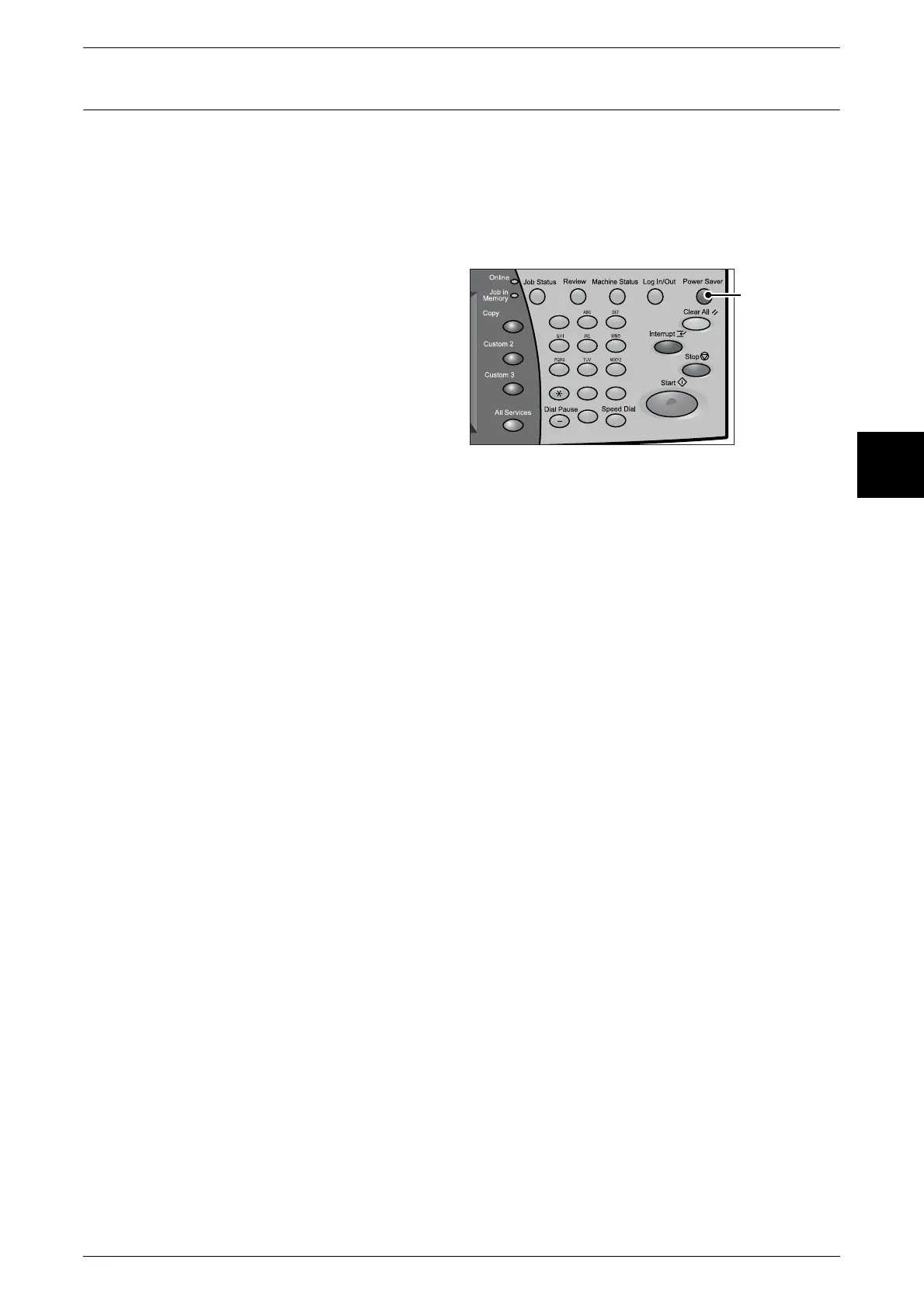
By pressing the <Power Saver> button
z
Receiving Print Data
z
Select [Apply New Settings] or [Refresh] in CentreWare Internet Services
1 Press the <Power Saver> button.
123
456
789
0 #
C
<Power Saver>
button












 To Next Page