Machine Status
373
Machine Status
13
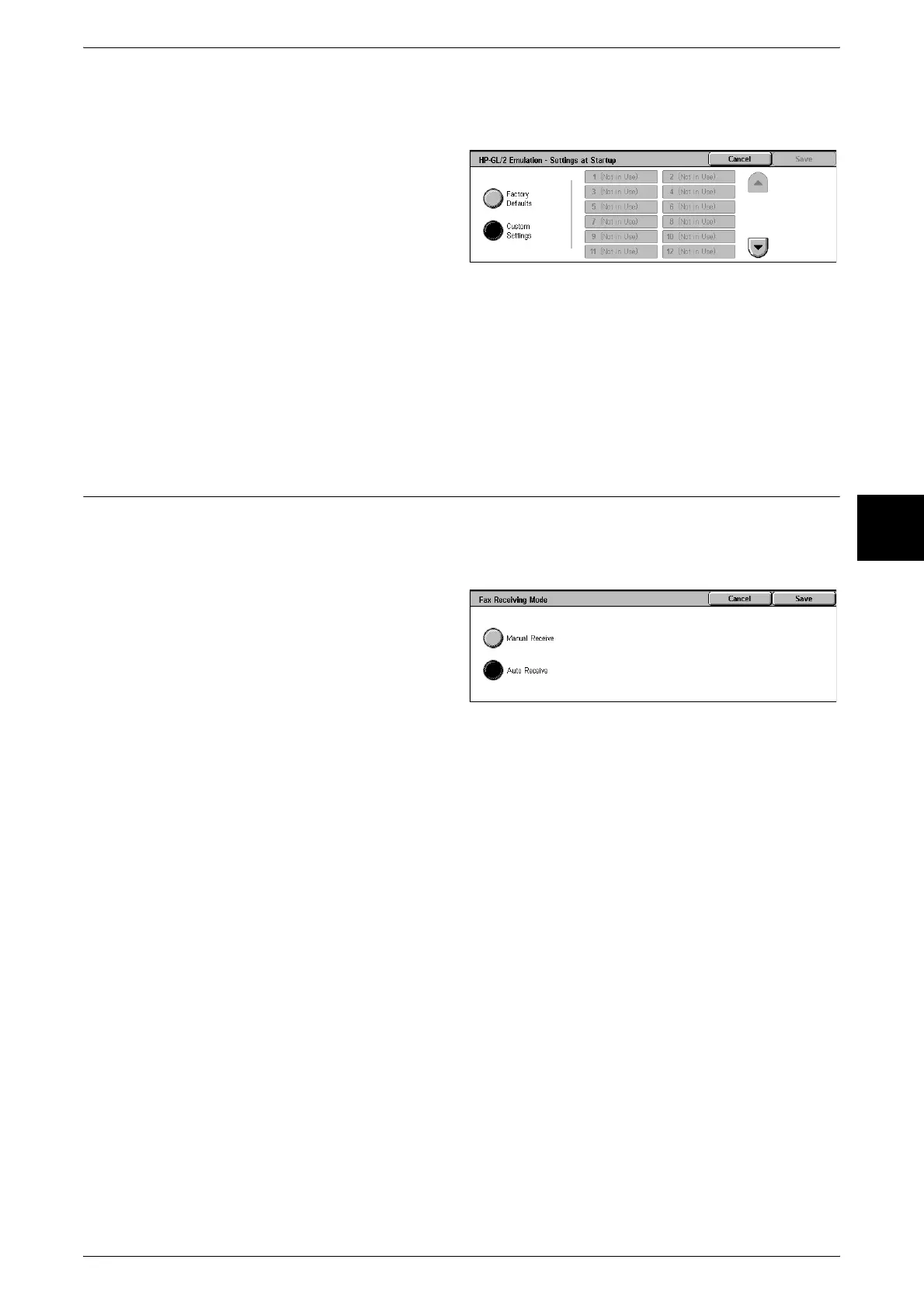
Settings at Startup
You can start the printer with a printer mode stored in memory.
1 Select [Settings at Startup].
2 Select [Factory Defaults] or
[Custom Settings].
3 If you select [Custom Settings],
select the memory number to be
used.
Factory Defaults
Use the factory default settings.
Custom Settings
The number stored in memory appears.
Fax Receiving Mode
You can set the fax receiving mode.
For information about automatic and manual fax receiving modes, refer to "About Receiving Faxes"
(P.149).
1 Select [Fax Receiving Mode].
2 Select the receiving mode.
Manual Receive
Reception of a fax from a remote machine is manual. This mode is convenient for
confirming the sender or using an external telephone to confirm whether it is a fax
before beginning reception.
Auto Receive
Reception of a fax from a remote machine begins automatically.












 To Next Page