3 Copy
90
Copy
3
Outline
The text on the background is printed in outline.
The background other than the outlined text is printed in the pattern set for [Set
Numbering - Background Pattern] of [System Settings].
For information about [Set Numbering - Background Pattern], refer to "Set Numbering - Background
Pattern" (P.264).
You can also set the color, character size, density, and other set numbering print settings in [System
Settings]. For information about other advanced settings, refer to "Other Settings" (P.269).
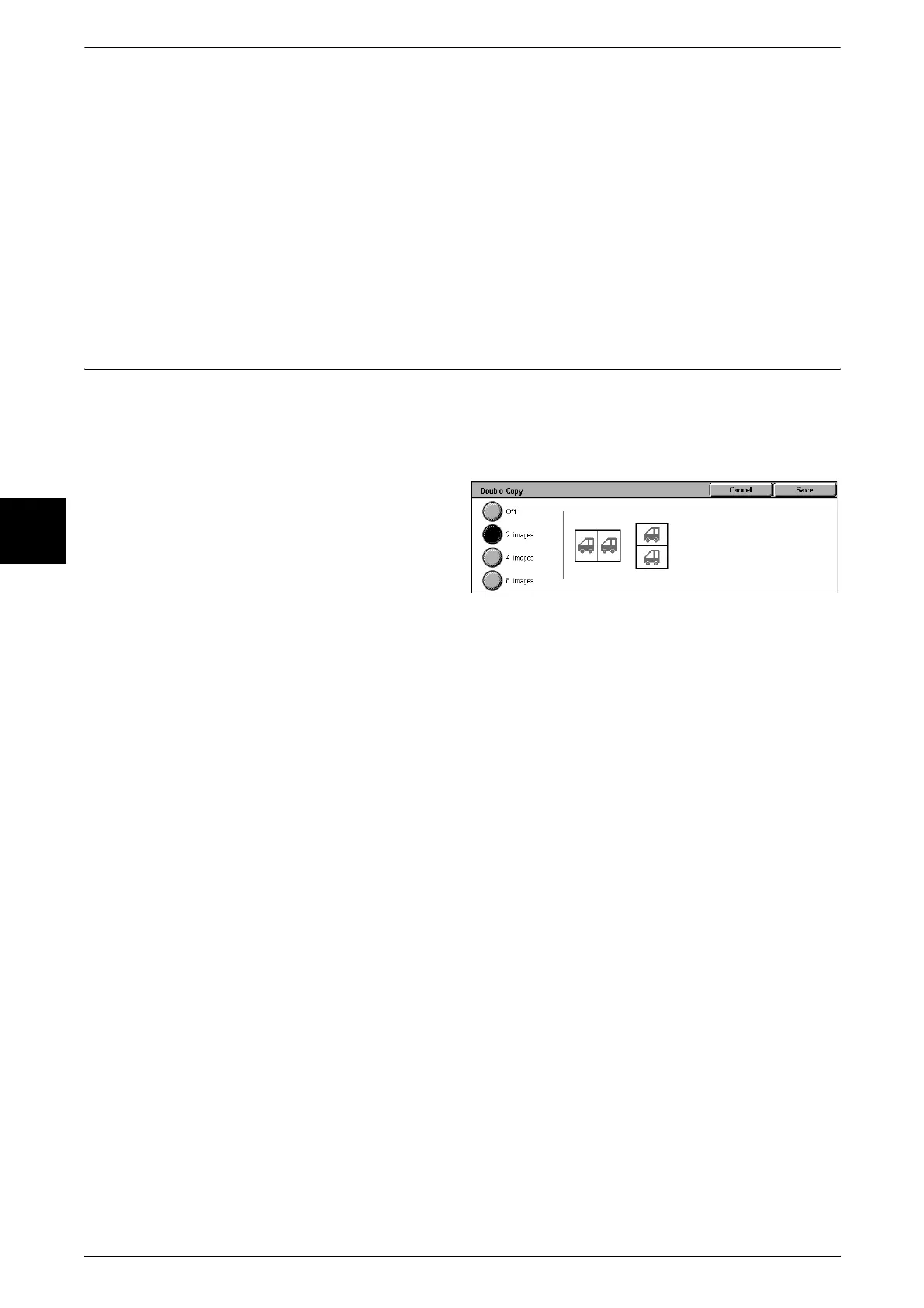
Double Copy (Making Several Copies of the Same Image on one Sheet of
Paper)
Repeatedly copies one original onto equally divided areas according to the specified
number of copies.
Note • When anything other than [Auto%] is selected for [Reduce/Enlarge], image loss may occur
at edges depending on the image size of the document.ÅB
1 Select [Double Copy].
2 Select any item.
Off
Double copy is not applied.
2 images
2 images are repeatedly copied onto the same sheet of paper.
4images
4 images are repeatedly copied onto the same sheet of paper.
8 images
8 images are repeatedly copied onto the same sheet of paper.












 To Next Page