Output Format
89
Copy
3
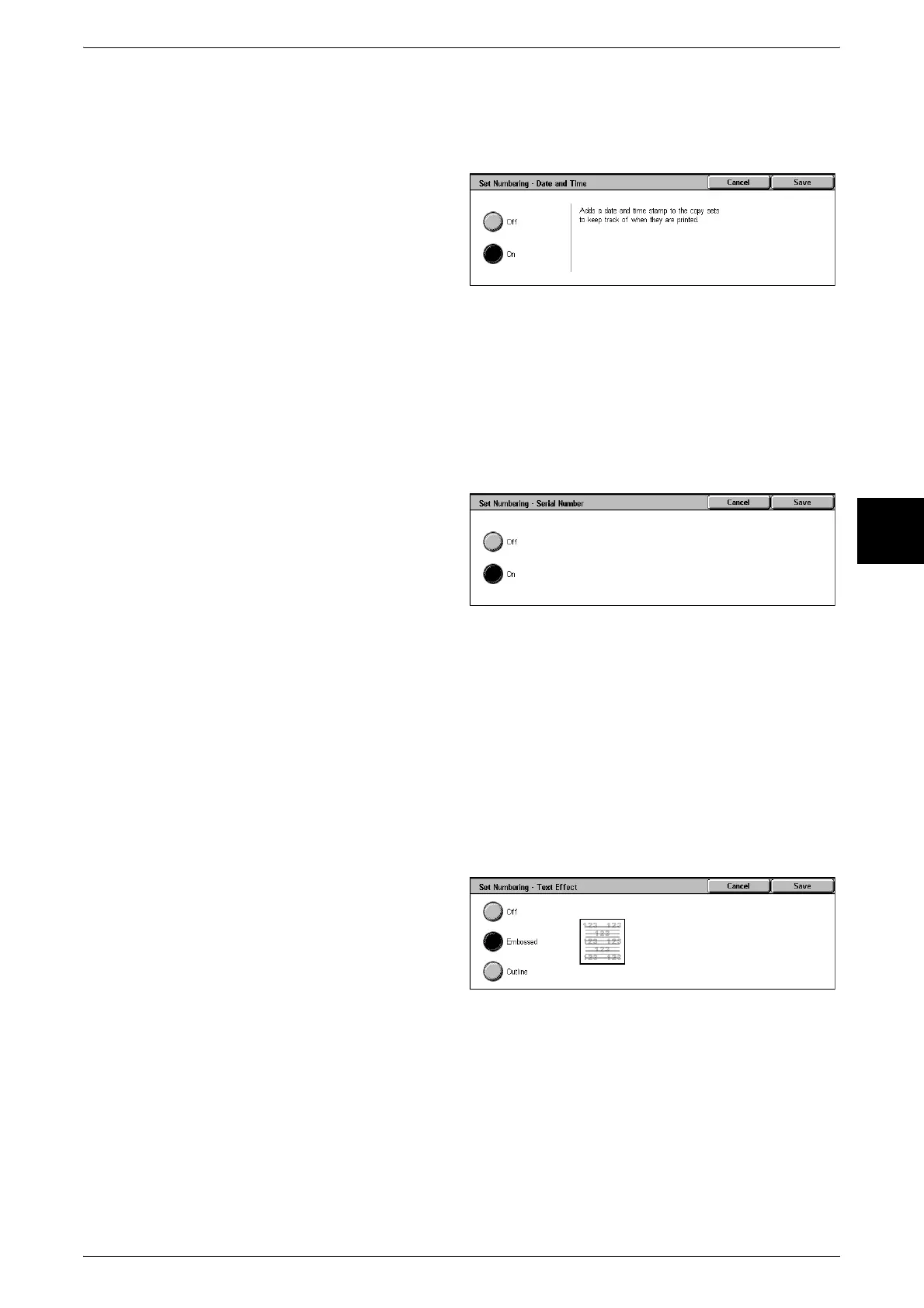
[Set Numbering - Date and Time] Screen
You can print the date and time that copying started.
For information about the date display format, refer to "Offset Stacking (Center Output Tray)" (P.269).
1 Select [Off] or [On].
Off
No date and time are printed.
On
The date and time are printed.
[Set Numbering - Serial Number] Screen
The serial number of the machine is printed.
1 Select [Off] or [On].
Off
No serial number is printed.
On
The serial number is printed.
[Set Numbering - Text Effect] Screen
You can set the text effect. If you set a text effect and make a copy, text is embedded
in the background. The embedded text on the output copy is either printed in an
embossed or outline state.
1 Select [Off].
2 Select [Off], [Embossed], or
[Outline].
On
A text effect is applied.
Embossed
The text on the background is printed so as it looks like it is embossed.
The characters of the text are printed in the pattern set for [Set Numbering -
Background Pattern] of [System Settings].












 To Next Page