5 Scan
170
Scan
5
Basic Scanning
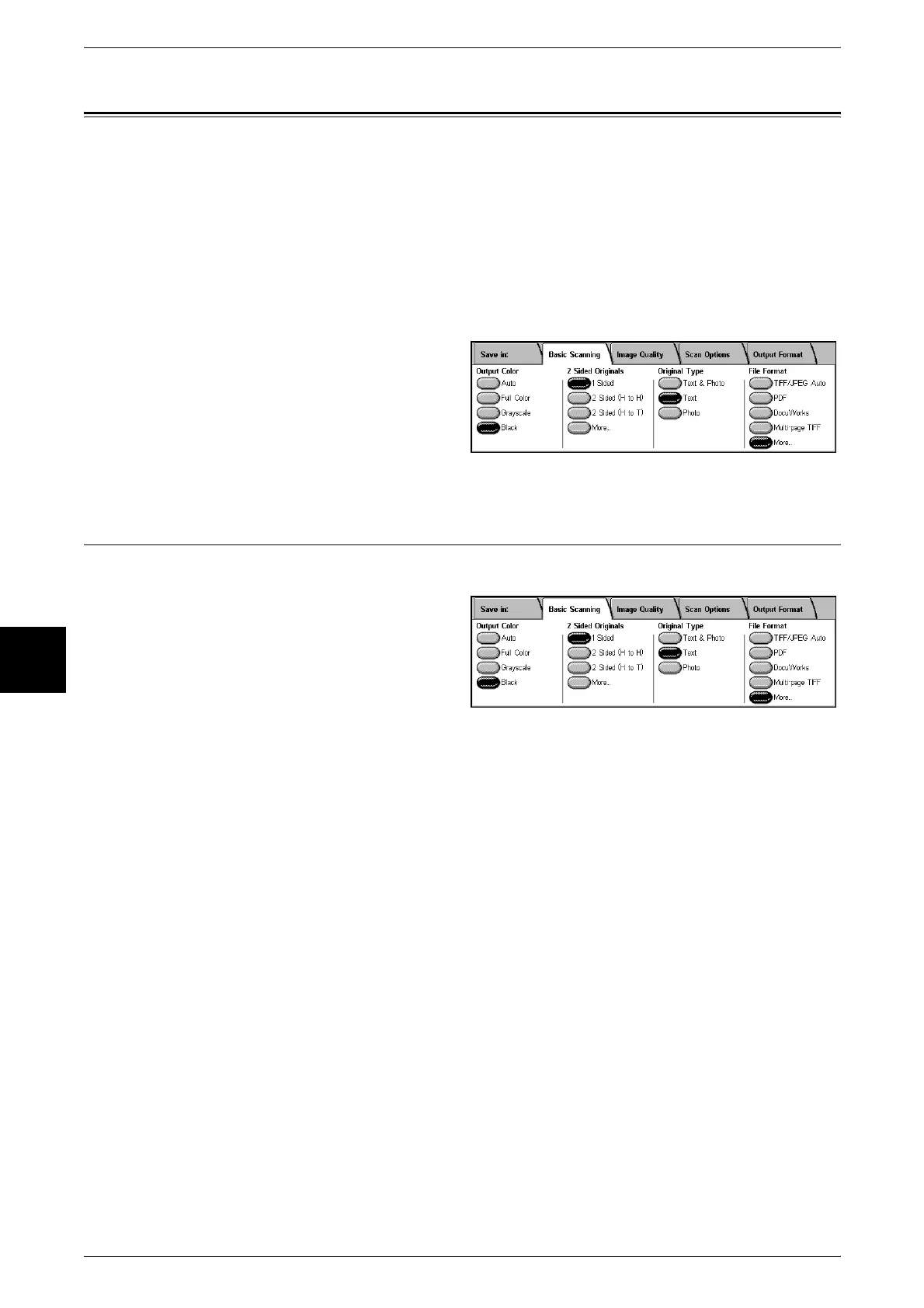
This screen is displayed in [E-mail], [Scan to Mailbox], [Network Scanning], and [Scan
to FTP/SMB]. The Basic Scan screen allows you to configure basic features. For more
information, refer to below.
Output Color (Selecting the Scanning Color)...........................................................................170
2 Sided Originals (Scans Both Sides of the Document) ...........................................................171
Original Type (Select the Document Type)..............................................................................172
File Format (Select the Scanned Data Type) ............................................................................172
1 From the [All Services] screen,
select either [E-mail], [Scan to
Mailbox], [Network Scanning], or
[Scan to FTP/SMB].
2 Select the Basic Scanning tab.
Output Color (Selecting the Scanning Color)
You can set the output color for the documents to be scanned.
1 Select the output color from
[Output Color].
Auto
The color of the document is determined automatically; the machine scans in full color
when the document is colored, otherwise scans in monochrome.
Note • The features which can be set in the [Image Quality] screen when [Auto] is selected, are the
same as if [Full Color] is specified for the [Output Color] when a color document is loaded, or
the same as if [Black] is specified for the [Output Color] when a monochrome document is
loaded.
Full Color
Choose to scan a color document.
Grayscale
Scan a document in grayscale. Adds shades to monochrome, creating intermediate
tones that change gradually. Suited to documents containing gradations that cannot be
reproduced with monochrome (2-color).
Black
Scan a document in monochrome 2 tone. You can select the document type in the
[Original Type].












 To Next Page