16 Problem Solving
478
Problem Solving
16
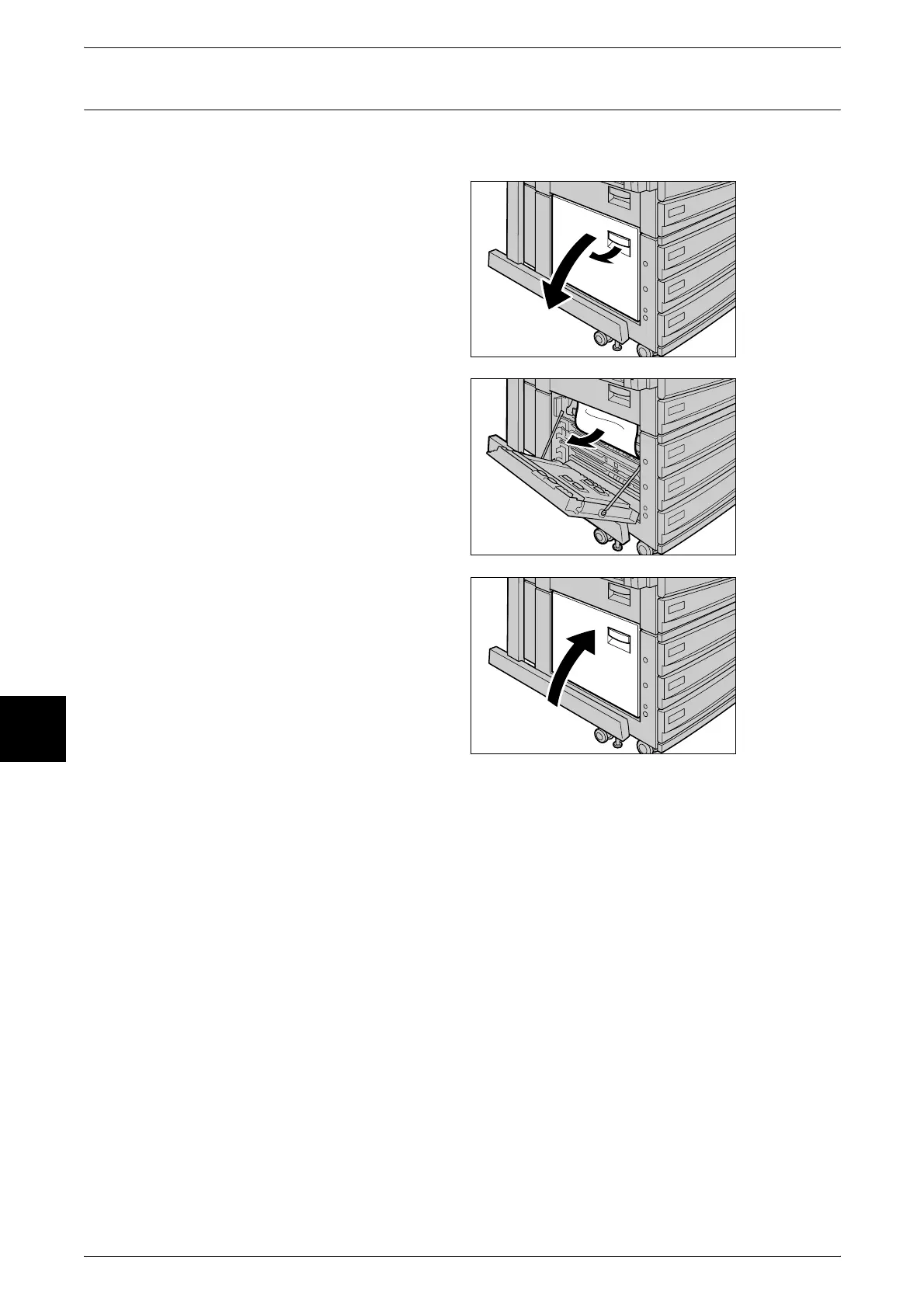
Paper Jams in Lower Left Cover
The following describes how to clear paper jams that occur at the lower left cover of the
body.
1 Gently open the lower left cover
while pulling the release lever.
2 Remove the jammed paper.
Note • If paper is torn, check for any
torn pieces of paper inside the
machine.
3 Gently close the bottom left cover.












 To Next Page