11 Setups
288
Setups
11
Remote Authentication Server
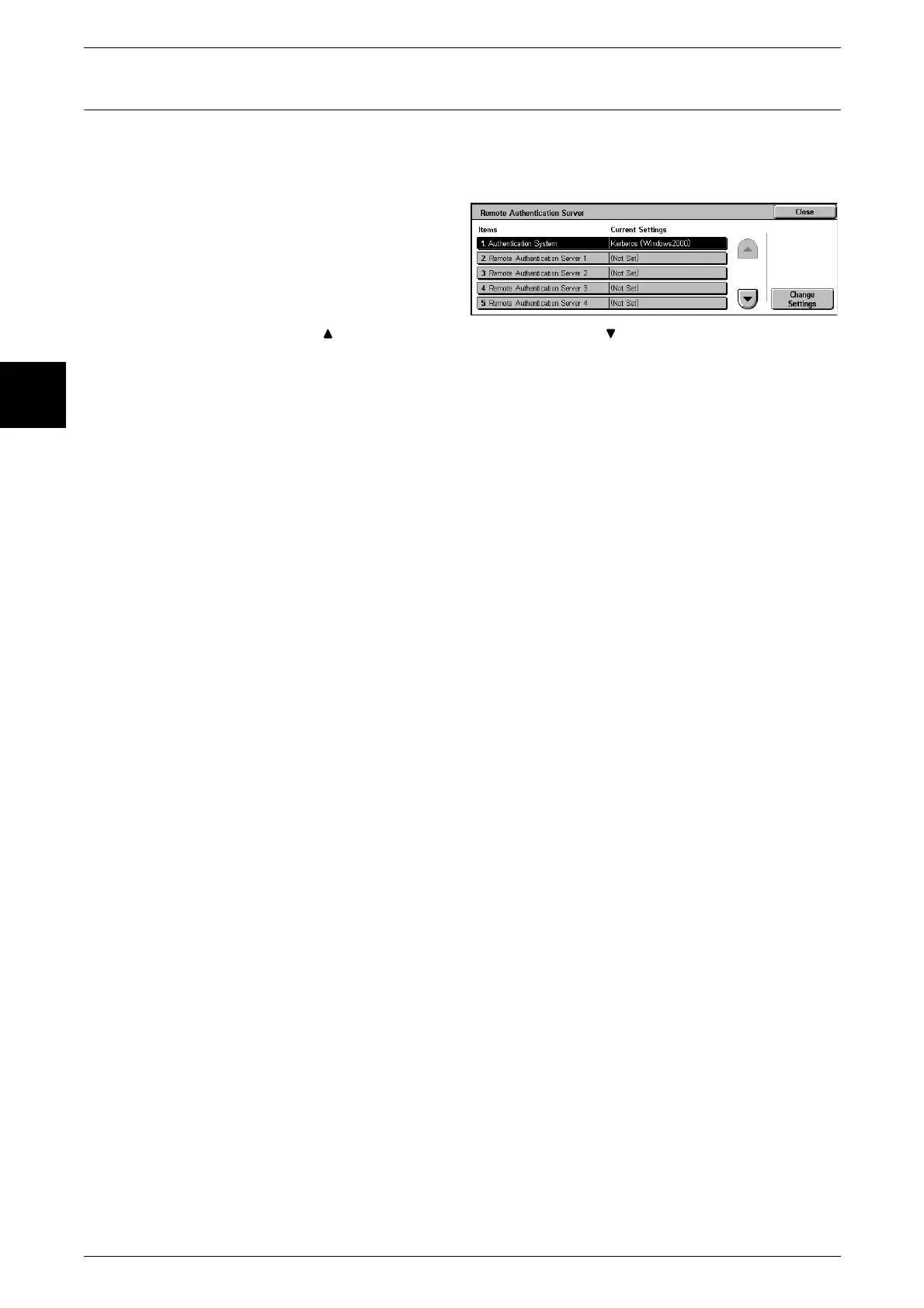
Set the remote authentication server. Up to five servers can be set.
Note • This feature does not appear for some models. An optional package is necessary. For more
information, contact our Customer Support Center.
1 Select [Remote Authentication
Server Settings].
2 Select the item to be set or
changed, and select [Change
Settings].
Note • Select [ ] to display the previous screen and select [ ] to display the next screen.
3 Set the setting value.
4 Press Save.
Authentication System
You can select the system for authentication from [Kerberos (Windows2000)] and
[Kerberos (Solaris)].
Remote Authentication Server 1 through 5
Make the server settings.
Server - Server Setup
You can select the remote authentication server specification method from [By IP
Address] and [By Server Name].
Server - IP Address
Set the IP address of the remote authentication server using values from 0 to 255.
Note • You can set this when [Remote Server -Setup] is set to [By IP Address].
• 224.XXX.XXX.XXX to 255.XXX.XXX.XXX and 127.XXX.XXX.XXX cannot be set.
Server - Server Name
You can set the server name of the remote authentication server. 255 characters are
allowed.
Note • You can set this when [Remote - Server Setup] is set to [By Server Name].
Server - Port Number
Set the remote authentication server port number in the range 1 to 65535.
Server - Realm Name
Set the remote authentication server realm name. 64 characters are allowed.












 To Next Page