Copy Mode Settings
281
Setups
11
Annotation - Page Number - Position
Set the default value for [Position] displayed when [Annotation] > [Page Number] is
selected in the [Output Format] screen.
Sample Set
Set the default value for [Sample Set] in the [Job Assembly] screen.
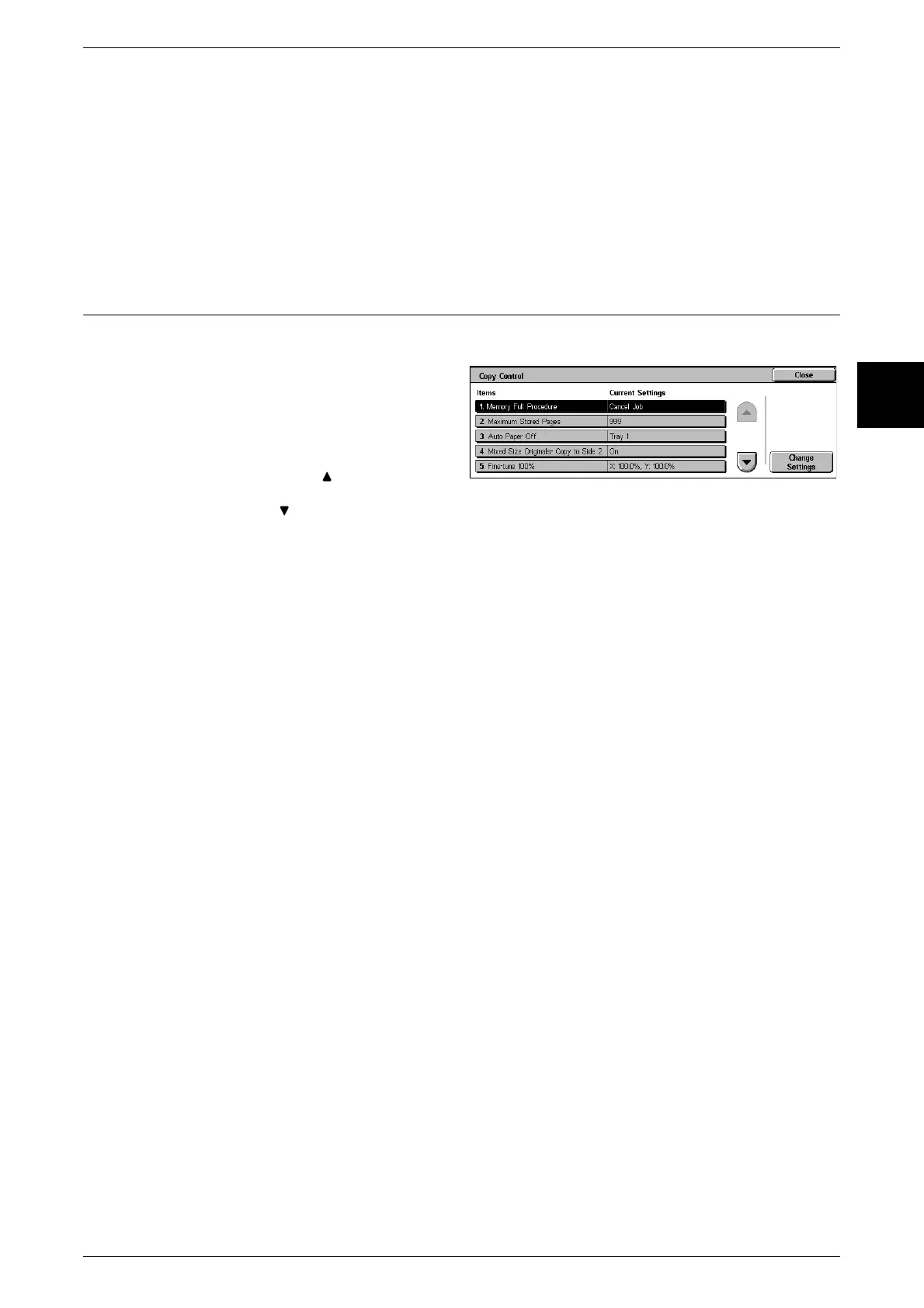
Copy Control
These settings relate to copy operation control.
1 Select [Copy Control].
2 Select the item to be set or
changed, and select [Change
Settings].
Note • Select [ ] to display the
previous screen and select
[ ] to display the next screen.
3 Select the setting value.
4 Select [Save].
Memory Full Procedure
While scanning an original, if there is insufficient hard disk space, a screen appears,
asking how the partly stored data should be handled. Once a certain time has elapsed
with the confirmation screen displayed, the subsequent processing is determined by
these settings.
You can set the time until memory overflow handling is carried out. For more information, refer to
"Auto Job Release" (P.255).
Cancel Job
The stored data is discarded.
Run Job
The read-in data is treated as valid, and the part of the original read in is copied.
Maximum Stored Pages
Set the maximum number of stored pages of a copy original. You can set a number
from 1 to 999 pages.
Auto Paper Off
Select the tray used when [Paper Supply] > [Auto] in the [Basic Copying Tab] screen is
canceled (the tray used when in the [Basic Copying Tab] screen [Paper Supply], [Auto]
is selected, and for [Reduce/Enlarge], [Auto %] or [Independent X-Y %] is selected).
Mixed Size Originals - Copy to Side 2
When making 2 sided copies of mixed originals, set what happens when the paper size
is automatically selected.
When side 1 and side 2 are different sizes and the back side is copied onto the same
sheet, parts of the back image may be cut off.












 To Next Page