Network Settings
289
Setups
11
PKI (Public Key) Settings
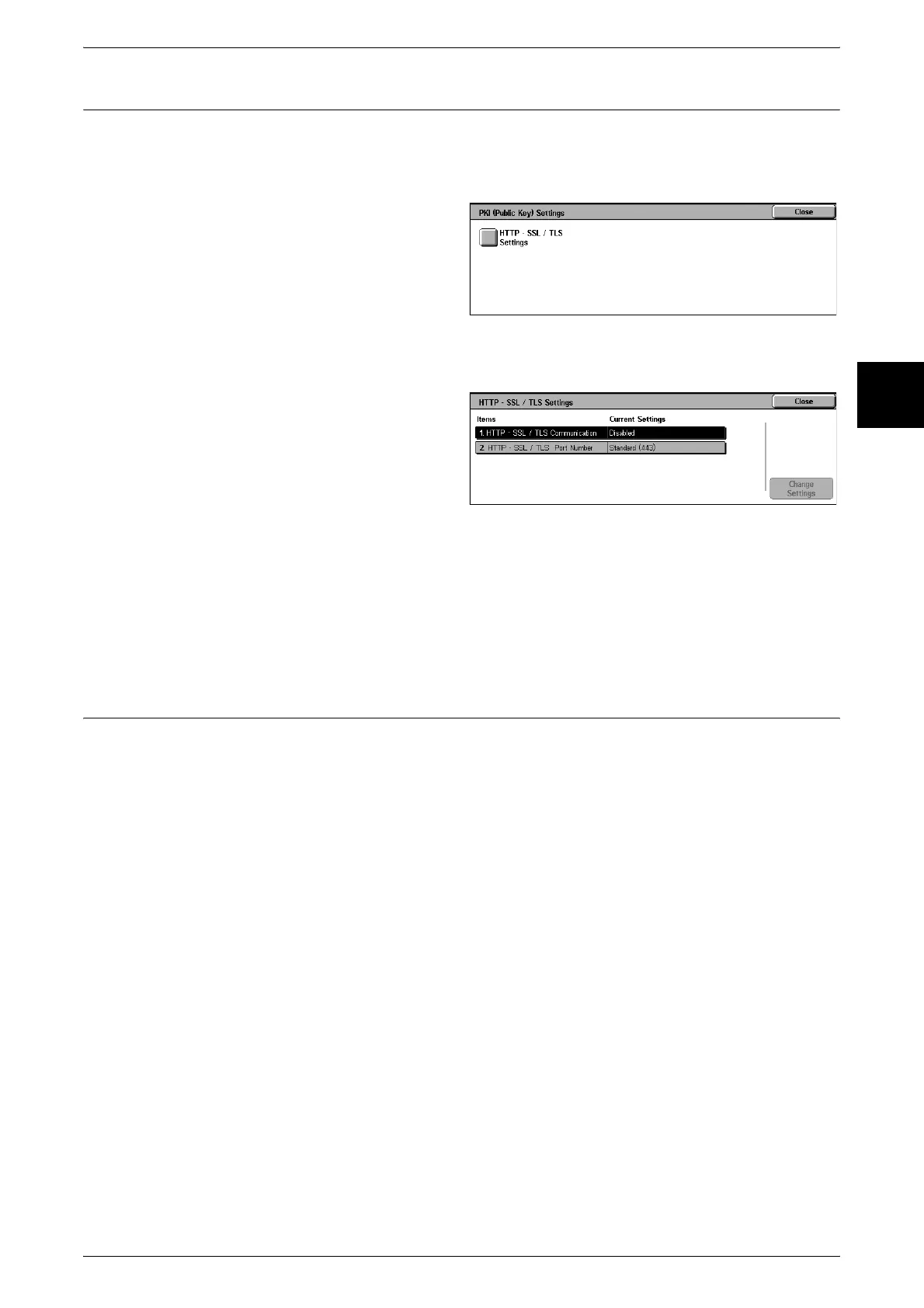
Set the HTTP-SSL/TLS.
Note • Before setting the HTTP-SSL/TLS communications, the device certificate must be set. For
information about the device certificate, refer to the Network Administrator Guide.
1 Select [PKI (Public Key) Settings].
2 Select [HTTP-SSL/TLS Settings].
HTTP - SSL/TLS Settings
Set the HTTP-SSL/TLS.
1 Select the item to be set or
changed, and select [Change
Settings].
2 Set the setting value.
3 Select [Save].
HTTP - SSL/TLS Communications
Enable or disable the HTTP-SSL/TLS communications.
HTTP - SSL/TLS Port Number
Set the HTTP-SSL/TLS communications port number in the range from 1 to 65535.
Other Settings
Make other settings. In [Other Settings], you can set the following items.
For information about other settings, refer to the Network Administrator Guide.
1. E-mail Receive Protocol












 To Next Page