Image Quality
63
Copy
3
z
Color Copies
Select this item for documents that are copies or prints made on a color copier such
as the Document Centre C450/C360/C250. This prevents colors from being
reproduced faint.
Text
Select this item to make sharp copies of text. Sharp copies of graphs, illustrations, etc.
are also made in this mode.
z
Printed/Inked Text
Select this item for printed documents, inked text documents, etc.
z
Pencil Text
Select this item for pencil text documents.
z
Lightweight original
Select this item for lightweight (38 to 49 g/m
2
) documents.
Note • Whether [Lightweight original] is displayed depends on the specifications. For information
about the display method, refer to "Original Type - Lightweight Originals" (P.282).
Photo
Select this item for making copies of photos. In the same way as for Text & Photo,
specify the photo type from [Halftone], [Photograph] and [Color Copies].
Map
Select this item for making copies of documents that have text on colored backgrounds
such as maps.
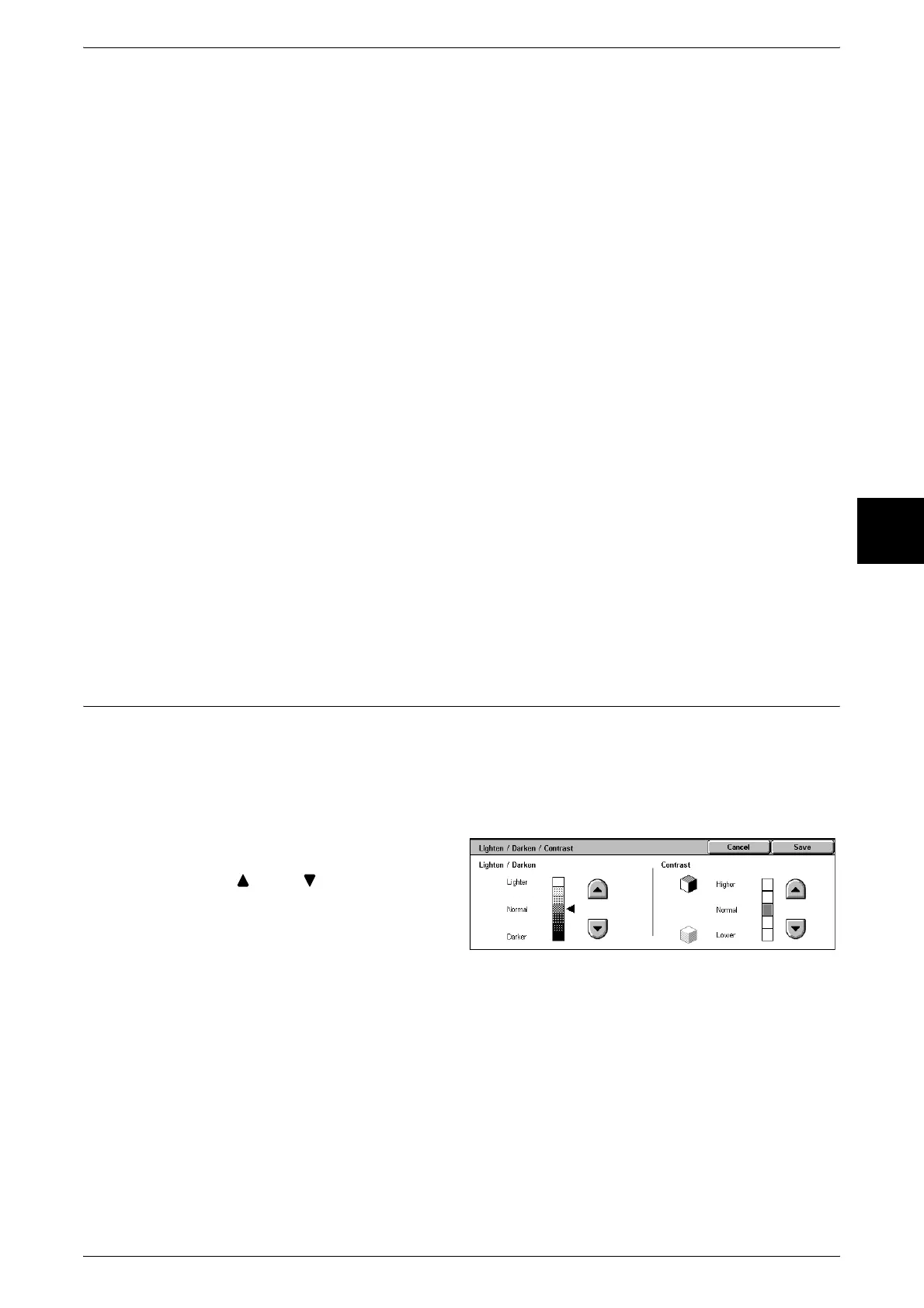
Lighten/Darken /Contrast (Adjusting the Copy Density and Contrast)
You can adjust the copy density and contrast.
Note • [Lighten/Darken] of [Lighten/Darken /Contrast] and [Lighten/Darken] of [Basic Copying] are
the same.
• If [Lighten/Darken] or [Contrast] is selected when Image Quality Preset is set, the Image
Quality Preset setting values are cleared.
1 Select [Lighten/Darken/Contrast].
2 Use [ ] and [ ] to adjust the
settings.
Lighten/Darken
You can select from seven copy density levels between [Lighter] and [Darker].
The copy color density increases the nearer the level is to [Darker] and the copy color
density decreases the nearer the level is to [Lighter].
Contrast
You can select from five contrast levels between [Lower] and [Higher].
The nearer the level is to [Higher], the greater the difference between light parts and
dark parts as light parts become lighter and dark parts become darker. The nearer the
level is to [Lower], the less the difference between light parts and dark parts.












 To Next Page