Fax Mode Settings
311
Setups
11
PSTN
Subscriber telephone line.
PBX
Private branch exchange.
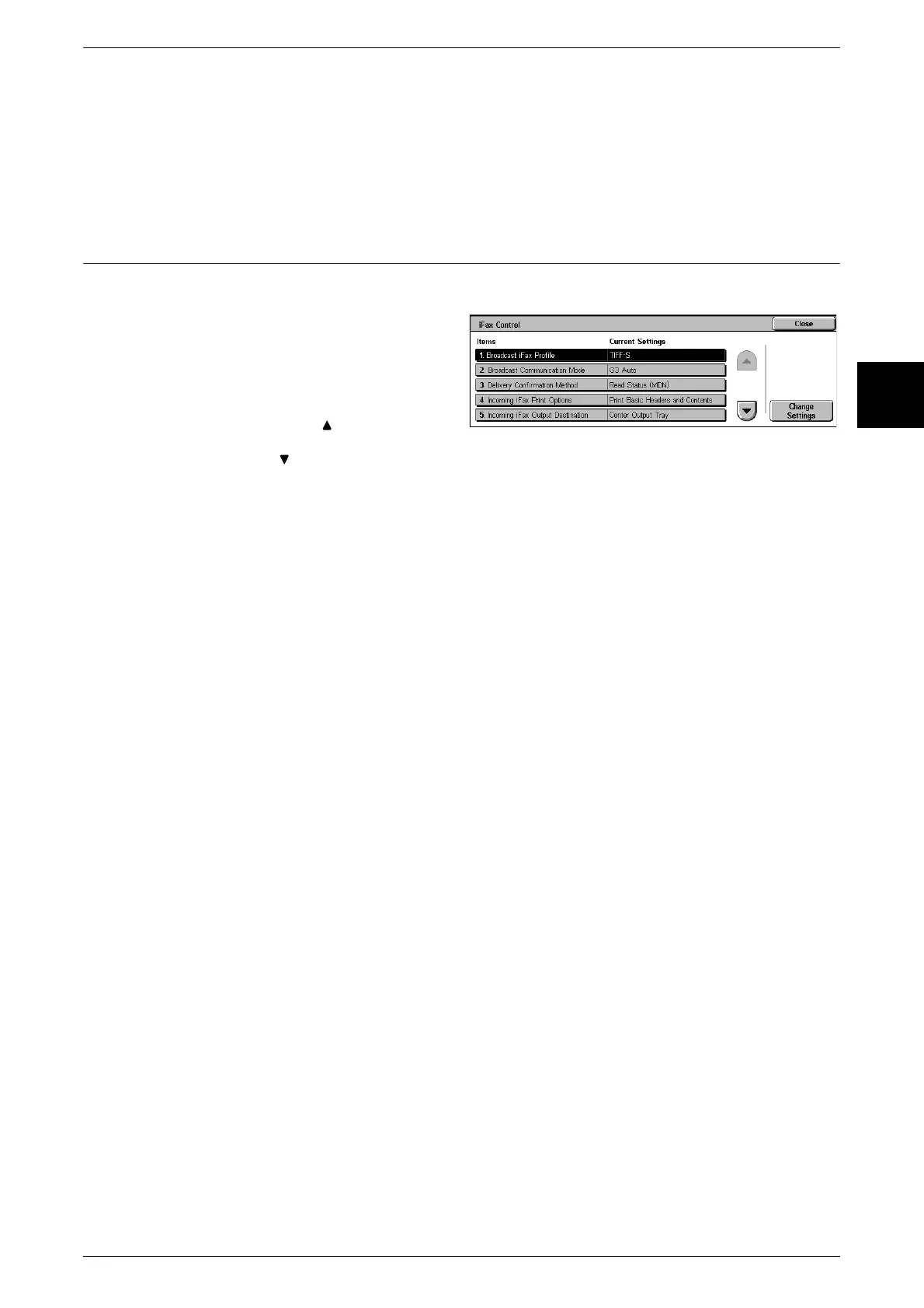
iFax Control
Make the settings relating to control of Internet fax (iFax) operation.
1 Select [iFax Control].
2 Select the item to be set or
changed, and select [Change
Settings].
Note • Select [ ] to display the
previous screen and select
[ ] to display the next screen.
3 Select the setting value.
4 Select [Save].
Broadcast iFax Profile
Set the default value for iFax profile when carrying out an iFax broadcast send.
The profile determines the capability of the machine for sending and receiving within
the iFax range, including image resolution, paper size, and other attributes.
Important • The TIFF file profiles that can be handled depend on the other party's iFax supporting machine.
When specifying a profile, check that it can be handled by the other party's iFax supporting
machine.
TIFF-S
This is the iFax standard. Originals larger than A4 size are automatically reduced to A4
size for transmission.
TIFF-F
Select this to specify ultra-high image quality for transmitting image quality, or for
sending A3 size, or B4 size originals.
TIFF-J
Send this when sending originals with JBIG.
Broadcast Communication Mode
Set the default value for communications mode when sending an iFax broadcast.
Delivery Confirmation Method
Set the default value for the method of confirming that a transmitted e-mail has arrived
at its destination.
Note • You can use [Send Status (DSN)] when the other end supports the DSN feature. You can
use [Read Status (MDN)] when the other end supports the MDN feature.
Send Status (DSN)
An e-mail is received confirming whether the e-mail reached the destination mail
server.












 To Next Page