Printing
215
Computer Operations
9
Printing
Describes print procedures.
Print procedures vary depending on the application software you are using. For more
information, refer to the documentation provided with each application.
1 Select [Print] from the application’s [File] menu.
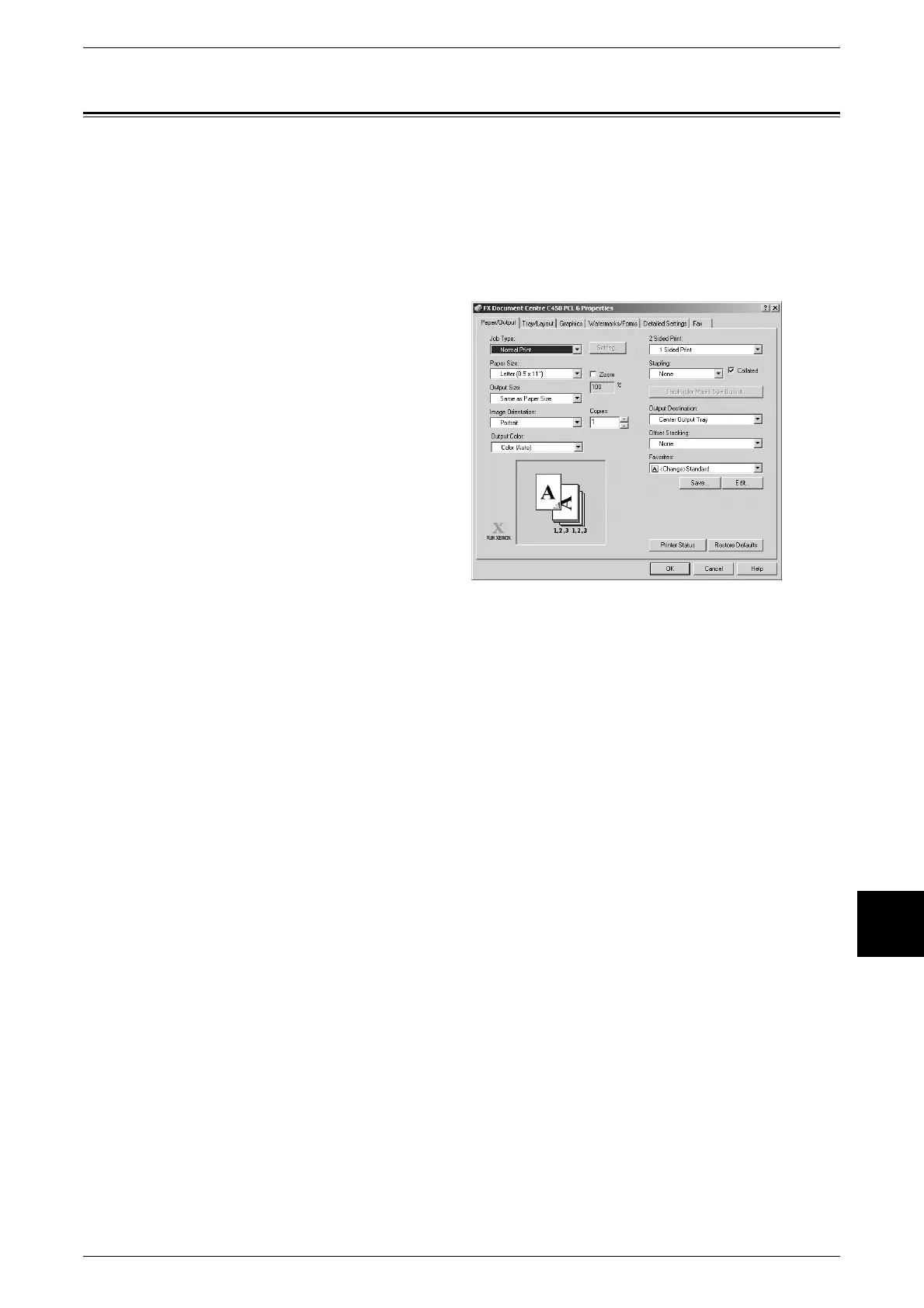
2 Confirm the [Printer Name] and click [Properties] if necessary.
3 Configure the properties if
necessary.
4 Click [OK].
5 Click [OK] in the [Print] dialog box.












 To Next Page