Output Format
81
Copy
3
Blank Separators + N Sets
A blank sheet of paper is inserted as a separator each time a transparency is copied.
At the same time, only the required number of copies for distribution is printed.
No Separators + N Sets
Copies are made on transparencies and only the required number of copies for
distribution is printed.
Paper Tray Settings
Displays the [Transparency Separators - Paper Tray Settings] screen. Select each
paper tray to use.
When [Bypass…] is selected, the [Tray 5 (Bypass)] screen appears. For more information, refer to
"[Tray 5 (Bypass)] Screen" (P.56).
Multiple-Up (Copying Multiple Sheets onto One Sheet)
When the machine is equipped with a document feeder, two, four, or six sheets of
documents can be copied together onto a single sheet of paper.
When you select [Multiple Up], [Auto %] of [Reduce/Enlarge] is selected automatically.
The machine automatically sets the copy ratio and makes copies of the images so that
they fit on the selected paper.
Important • Confirm that the orientation of the document and the [Original Orientation] setting of the
[Scan Options] screen are the same.
Note • When anything other than [Auto%] is selected for [Reduce/Enlarge], image loss may occur
at edges depending on the image size of the document.
• When Border Erase is set, border erase is executed for each document copied to the whole
document.
• When margin shift is set, shift is executed on the whole document. For this reason, image
loss at the edge of the original may occur depending on the document image size of the
document.
• Select the other than [Auto] for the paper tray of [Paper Supply] on the [Basic Copying]
screen.
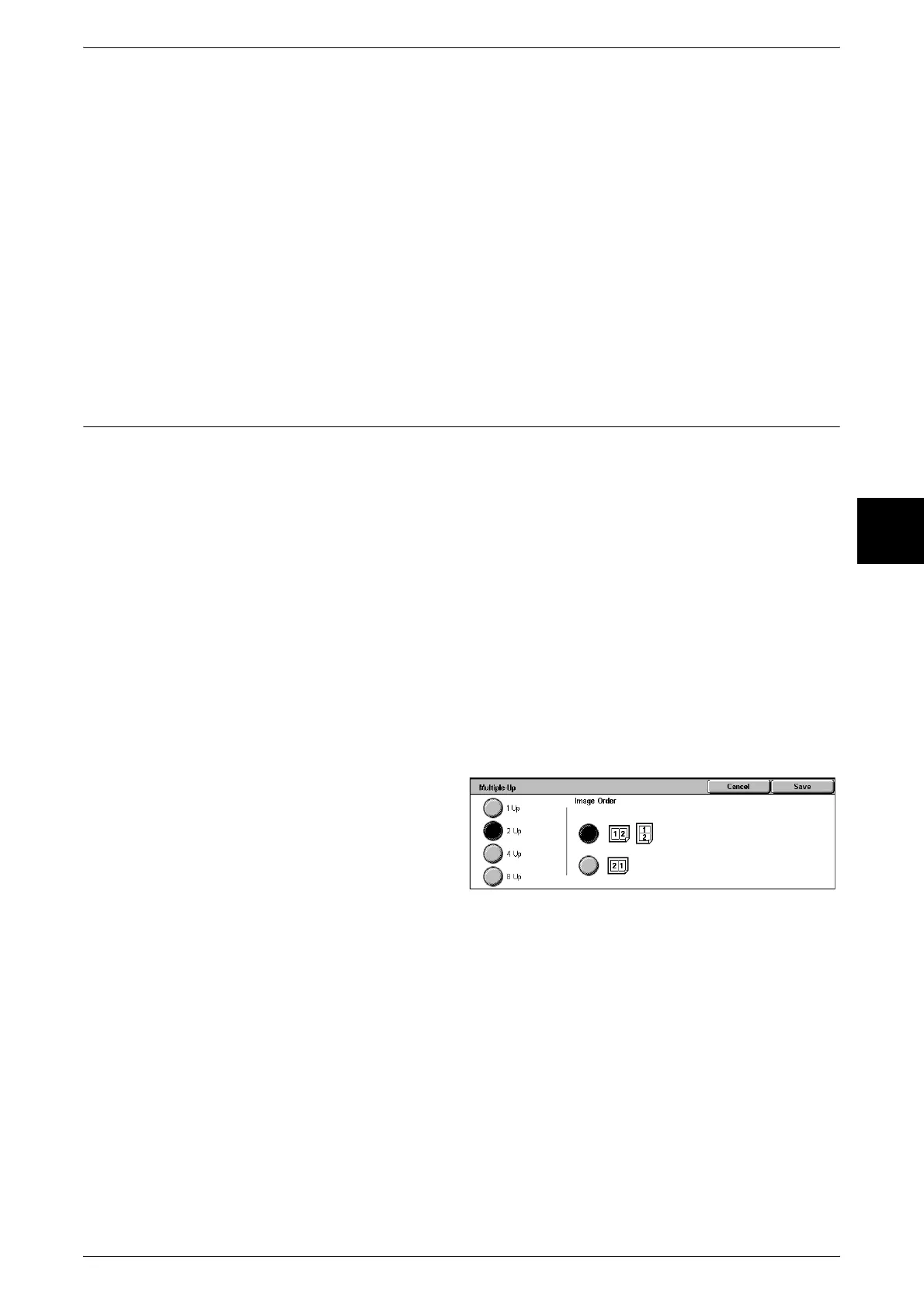
1 Select [Multiple-Up].
2 Select any item.
1 Up
Multiple Up is not applied.
2 Up
Two document sheets can be copied together onto a single sheet of paper.
4 Up
Four document sheets can be copied together onto a single sheet of paper.
8 Up
Eight document sheets can be copied together onto a single sheet of paper.
Image Order
You can select the layout for copying the documents together.












 To Next Page