Cleaning the Machine
423
Maintenance
15
Cleaning the Document Feeder Rollers
If the machine is equipped with a document feeder and the document feeder rollers are
dirty, dirt may appear on copies or the paper jams may occur.
To ensure that clean copies are made, clean the machine about once a month.
Important • Do not use benzene, paint thinner, or other organic solvents. Doing so might damage paint
or coating on plastic parts.
• Cleaning the machine with an excessive amount of water may cause the machine to
malfunction or damage documents during copying or printing.
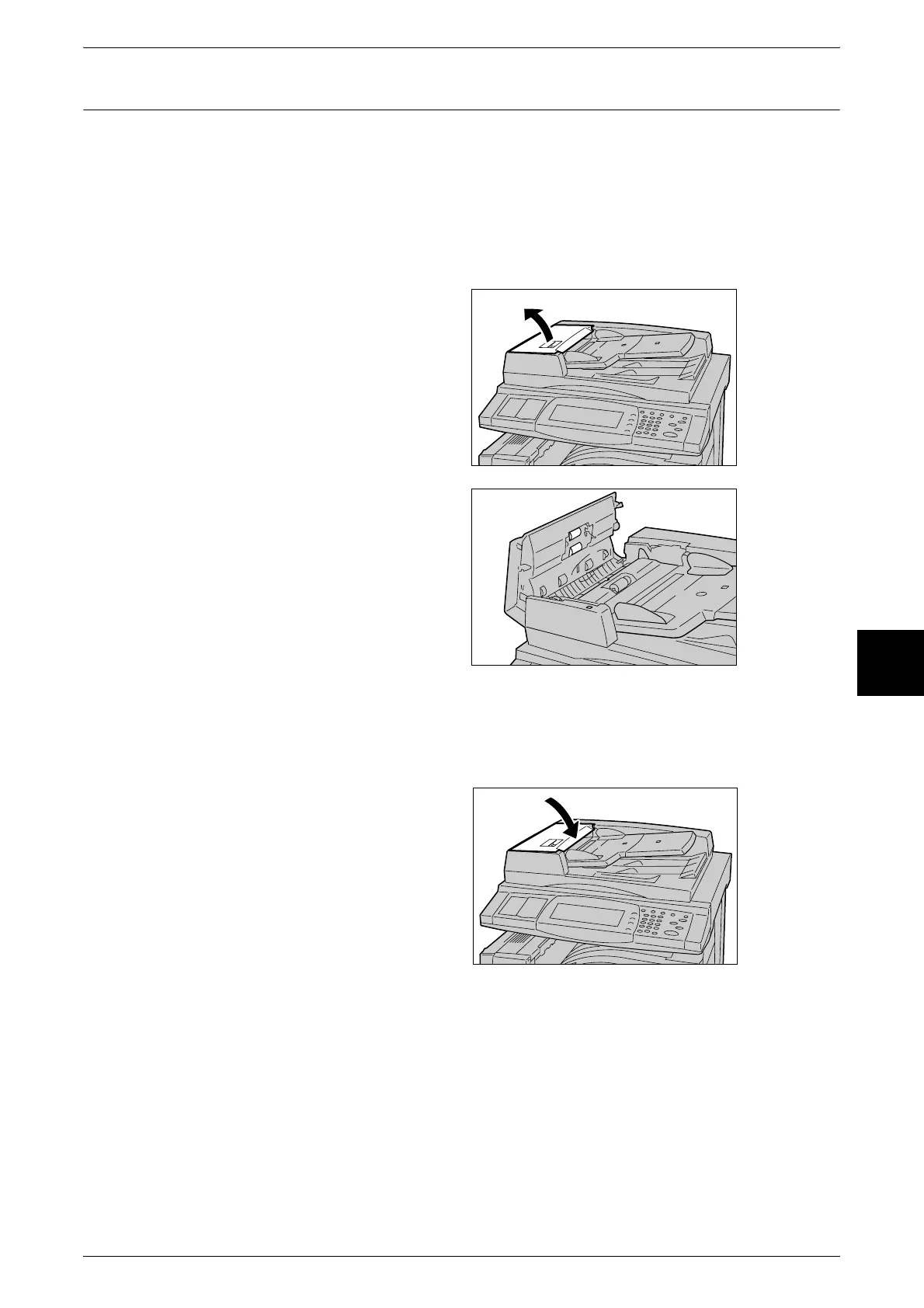
1 Pull up the handle on the front of
the left cover of the document
feeder, and fully open the cover.
Note • When you fully open the
cover, it enters a fixed
position. Open the cover
gently.
2 While turning the rollers, gently
clean it with a soft cloth moistened
with water.
Important • Do not use cleaning agents
other than water or neutral
detergent.
• Use a cloth that has been
firmly wrung to prevent drops
of water falling into the
machine. Drops of water on
internal components may
cause a malfunction.
Note • If it is difficult to remove dirt, try gently wiping with a soft cloth moistened with a small amount
of neutral detergent.
3 After closing the inner cover, close
the left cover until you hear it click
into place.












 To Next Page