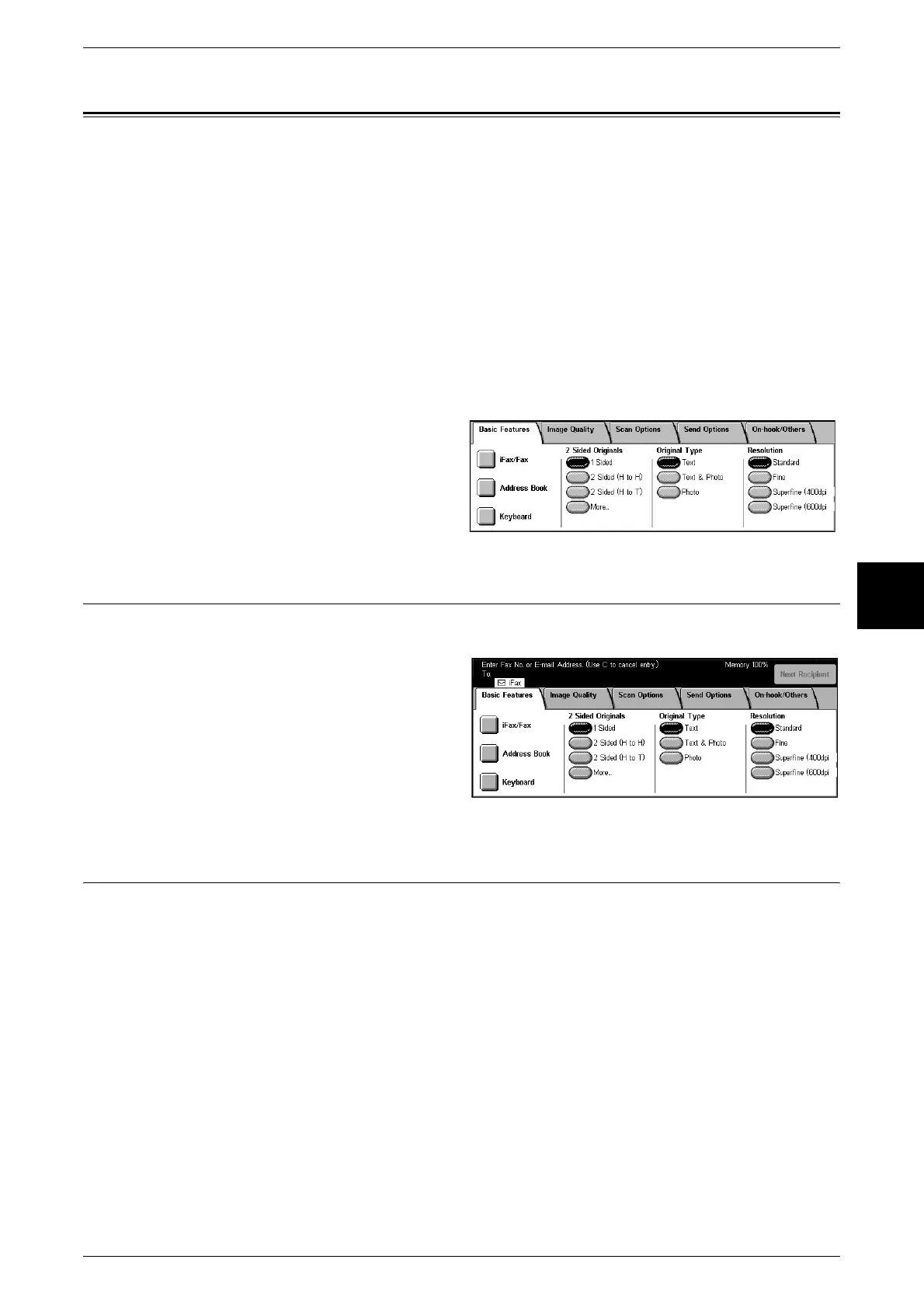
Basic Features
113
Fax
4
Basic Features
[Basic Features] allows you to set basic fax features.
iFax/Fax (Selecting iFax/Fax).................................................................................................. 113
Next Destination (Sending Faxes to Multiple Recipients)....................................................... 113
Specifying Destination Using the Address Book..................................................................... 114
Speed Dialing (Entering Numbers Using Address Number)................................................... 115
Specifying Destination Using One Touch Buttons .................................................................. 115
Specifying Destination Using the Keyboard Screen................................................................ 116
Entering Specific Symbols.......................................................................................................116
2 Sided Originals (Transmitting 2 Sided Documents) ............................................................. 117
Original Type (Selecting the Image Quality Type for the Document) .................................... 118
1 Select [Fax/Internet Fax] on the [All
Services] screen.
2 Select features on the [Basic
Features] screen that appears first.
iFax/Fax (Selecting iFax/Fax)
You can switch between iFax and Fax as necessary.
1 Select [iFax/Fax].
Note • [iFax] only appears when the
iFax Kit is installed in the
machine.
Next Destination (Sending Faxes to Multiple Recipients)
The Broadcast Send feature allows you to send the same document to multiple
recipients with a single operation. There is no need to repeat the same operation for
each recipient.
When an extra G3 Kit (optional) is installed, you can use the extra lines to make multiple
transmissions simultaneously with Broadcast Send.
If you specify Broadcast Send, the machine prints a [Broadcast/Multi-Poll Report] after
the Broadcast Send operation finishes.
Note • The maximum number of recipients that you can specify at a time is as follows:
Using the numeric keypad: 50 locations Using Address Number: 500 locations Using the
numeric keypad in combination with Address Number: 549 locations
• When the Address Book Expansion Kit (optional) is installed, you can register up to 999
locations using Address Number and up to 1049 locations using the numeric keypad in
combination with Address Number.
• The numbers 001 to 070 of Address Number correspond to the One Touch buttons.
• When using Broadcast Send, [Cover Note] and [Remote Mailbox] are invalid even if they are
selected on the control panel. If you want to use [Cover Note] and [Remote Mailbox], set
them when registering each recipient in Address Number.
• You cannot specify [Transmission Report].












 To Next Page