3 Copy
46
Copy
3
Copying Procedure
This section describes the basic copy operations. The following shows the copying
procedure and reference sections.
Step 1 Loading Documents.........................................................................................................46
Step 2 Selecting Features............................................................................................................48
Step 3 Entering the Quantity.......................................................................................................49
Step 4 Starting the Copy Job.......................................................................................................49
Step 5 Confirming the Copy Job in the Job Status .....................................................................50
Step 1 Loading Documents
There are two methods of loading documents.
Document Feeder
z
Single sheet
z
Multiple sheets
Document Glass
z
Single sheet
z
Bound documents, such as books
Document Feeder
The document feeder supports single sheet and multiple sheet documents, with sizes
ranging from 148.6 × 210mm (A5, A5 ) to a maximum of 297 × 432mm
(A3, 11 × 17 inches).
The document feeder can auto-detect only documents of standard sizes. For non-
standard size documents, input the size in the [Original Size] field.
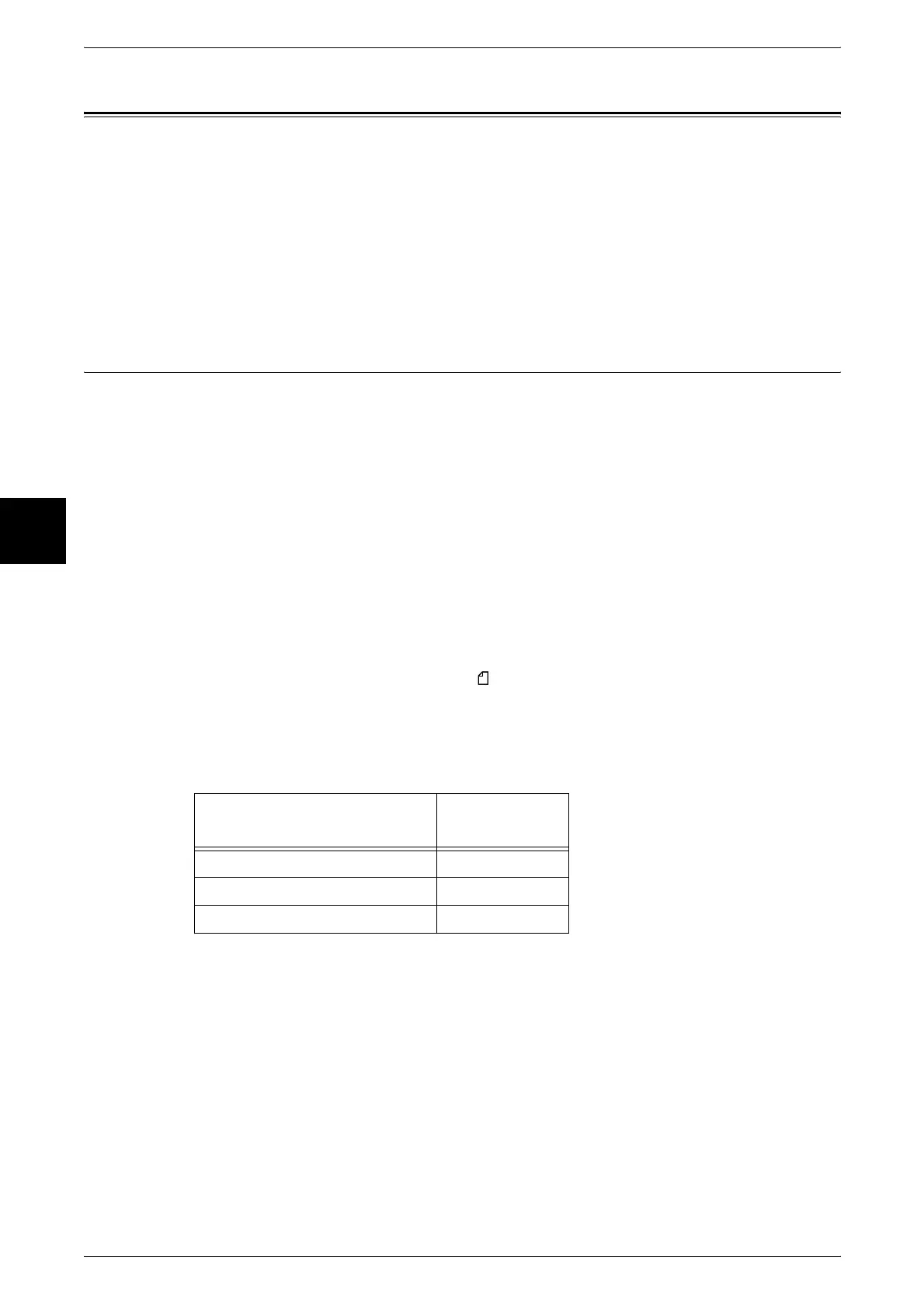
The document feeder can accept the following number of sheets.
For information about entering a custom size, refer to "Original Size (Specifying the Scan Size for the
Document)" (P.69).
For information about copying documents of mixed size, refer to "Mixed Size Originals (Scanning
Different Size Documents Simultaneously)" (P.70).
Important • Place folded or creased documents on the document glass to avoid paper jams.
• 2 sided scanning of lightweight paper (38-48 g/m
2
) is not supported.
Document type (weight)
Number of
sheets
Lightweight paper (38-49 g/m
2
) 75 sheets
Plain paper (50-81g/m
2
) 75 sheets
Heavyweight paper (81-128g/m
2
) 50 sheets












 To Next Page