11 Setups
318
Setups
11
Other Settings
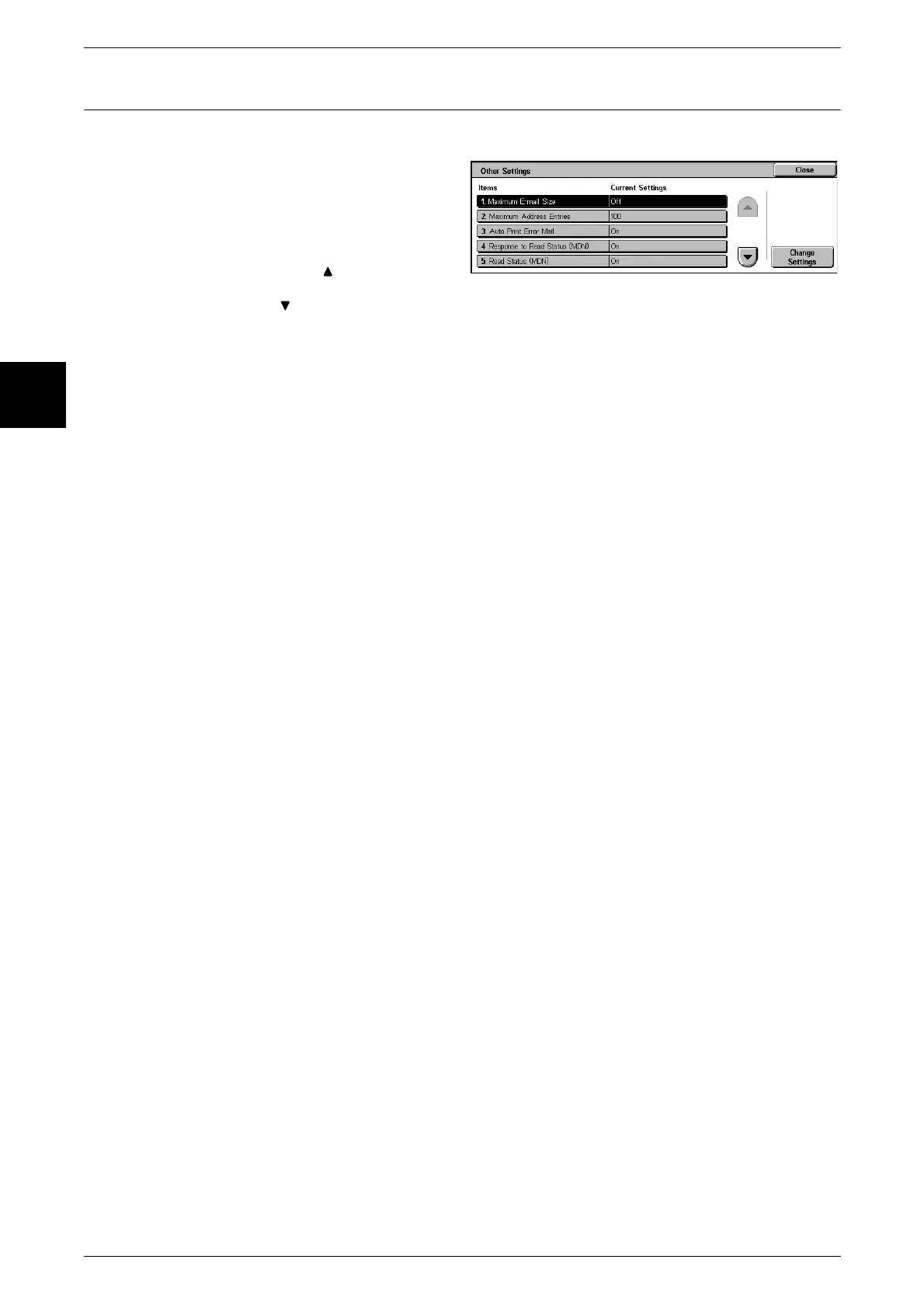
Make other settings relating to e-mail transmission.
1 Select [Other Settings].
2 Select the item to be set or
changed, and select [Change
Settings].
Note • Select [ ] to display the
previous screen and select
[ ] to display the next screen.
3 Select the setting value.
4 Select [Save].
Maximum E-mail Size
You can select whether or not to set an upper limit on data size in e-mail transmissions.
Off
There is no limit on data size.
On
Set an upper limit on data size.
Set a value from 50 to 65535 KB, in 1 KB increments.
Note • If the set value is exceeded, the e-mail transmission is aborted.
Maximum Address Entries
Set the maximum number of addressees that can be specified when sending an e-mail.
The number of addressees is the total number in To:/Cc:/Bcc:.
You can set the maximum number of addressees in the range from 1 to 100. If the
maximum number of addressees is exceeded, the e-mail transmission is aborted.
Note • This does not apply to iFax features.
Auto Print Error Mail
Select whether the error e-mail resulting from an incorrect address, or transmission
error should be automatically printed.
Response to Read Status (MDN)
When an iFax requesting read status (MDN) is received, set whether or not to respond.
Off
Do not respond.
On
Automatically notify that the e-mail has been opened.
Read Status (MDN)
Select whether to use the read status (MDN) feature. When an e-mail is sent from the
machine, select whether a dialog box should open requesting the recipient to return the
read status.
Note • This does not apply to the iFax feature.












 To Next Page