12 Job Status
358
Job Status
12
Checking Completed Jobs
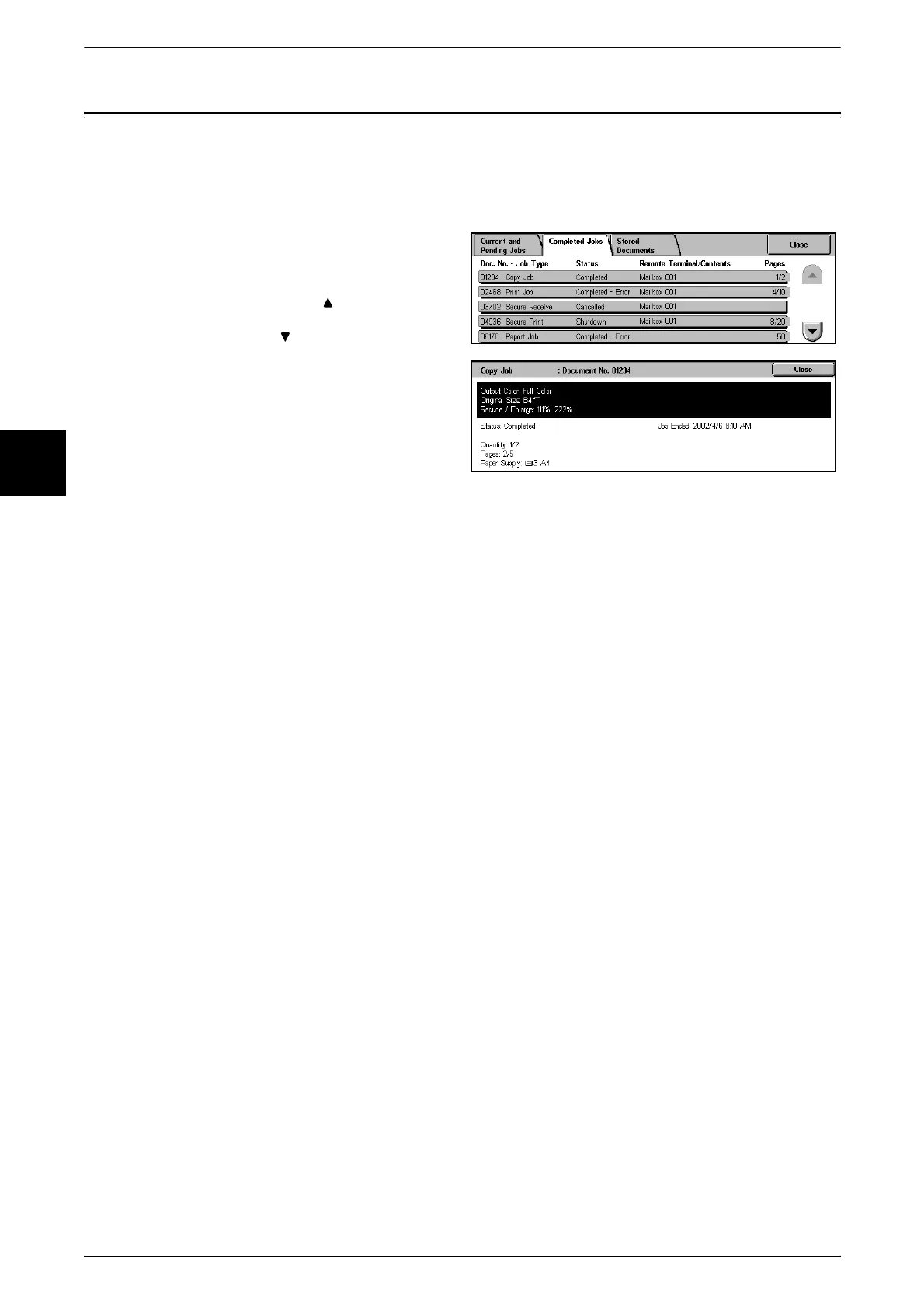
This section describes how to check completed jobs.
You can check whether a job has completed successfully. Also, by selecting a job, you
can display more details.
1 Press the <Job Status> button.
2 Select the [Completed Jobs] tab.
Note • Select [ ] to display the
previous screen and select
[ ] to display the next screen.
3 To check the details of a job, select
the job.
4 After checking, select [Close].












 To Next Page