Faults
385
Machine Status
13
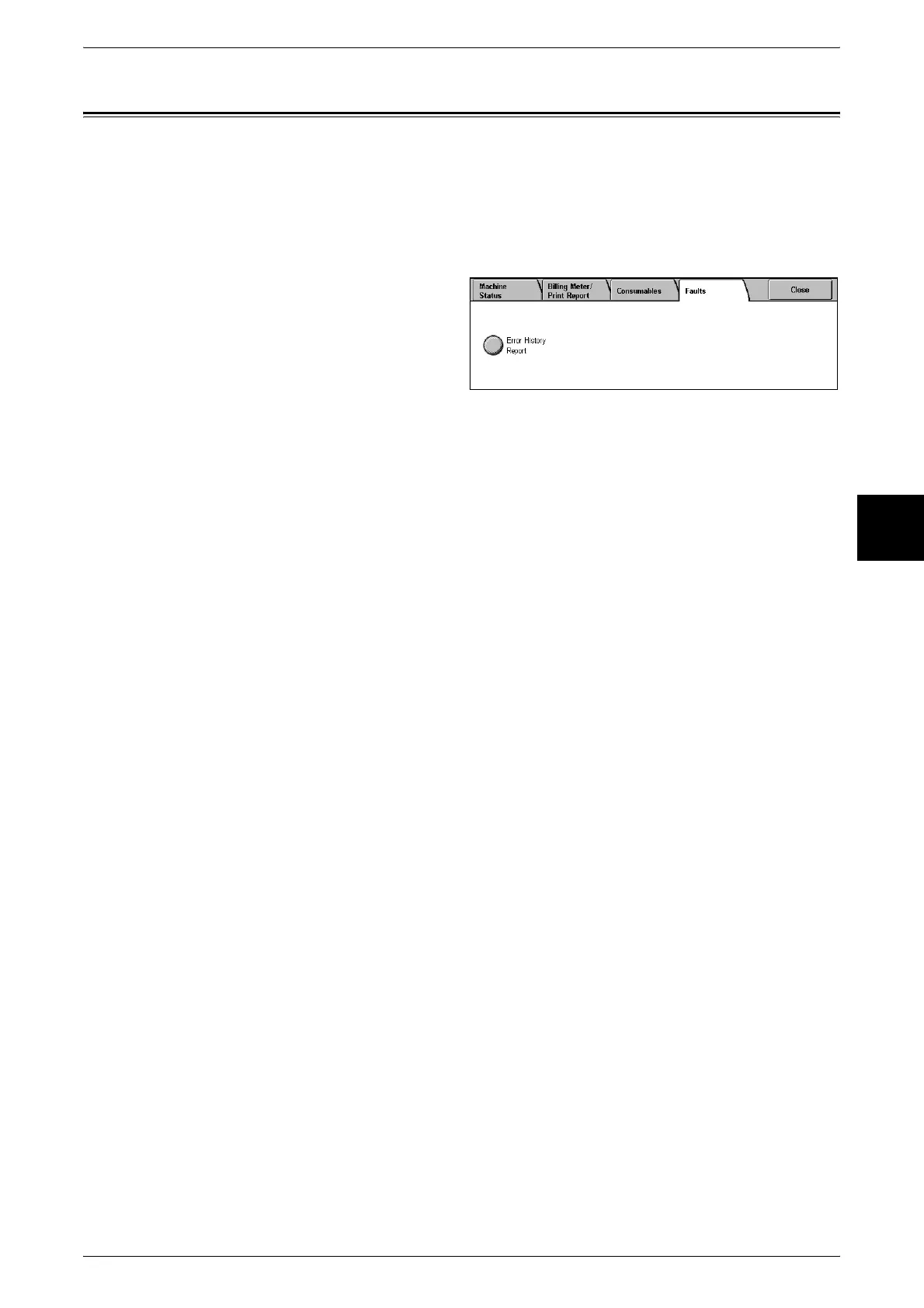
Faults
This section describes how to check the information given with respect to a fault in the
machine.
The [Error History Report] shows the last 50 occurring errors. The items displayed
include the date and time, error code, and error category.
This section describes how to print the error history.
1 Press the <Machine Status>
button.
2 Select the [Faults] tab.
3 Select [Error History Report].
4 Press the <Start> button.
Note • You can also access the [Error History Report] from the [Billing Meter/Print Report] screen
[Job Status/Activity Report].



 To Next Page