13 Machine Status
370
Machine Status
13
In the [Machine Configuration] screen, you can check the following items.
Note • "Output Device" indicates whether the finisher (optional) is installed or not. When the finisher
is installed, "Finisher" appears.
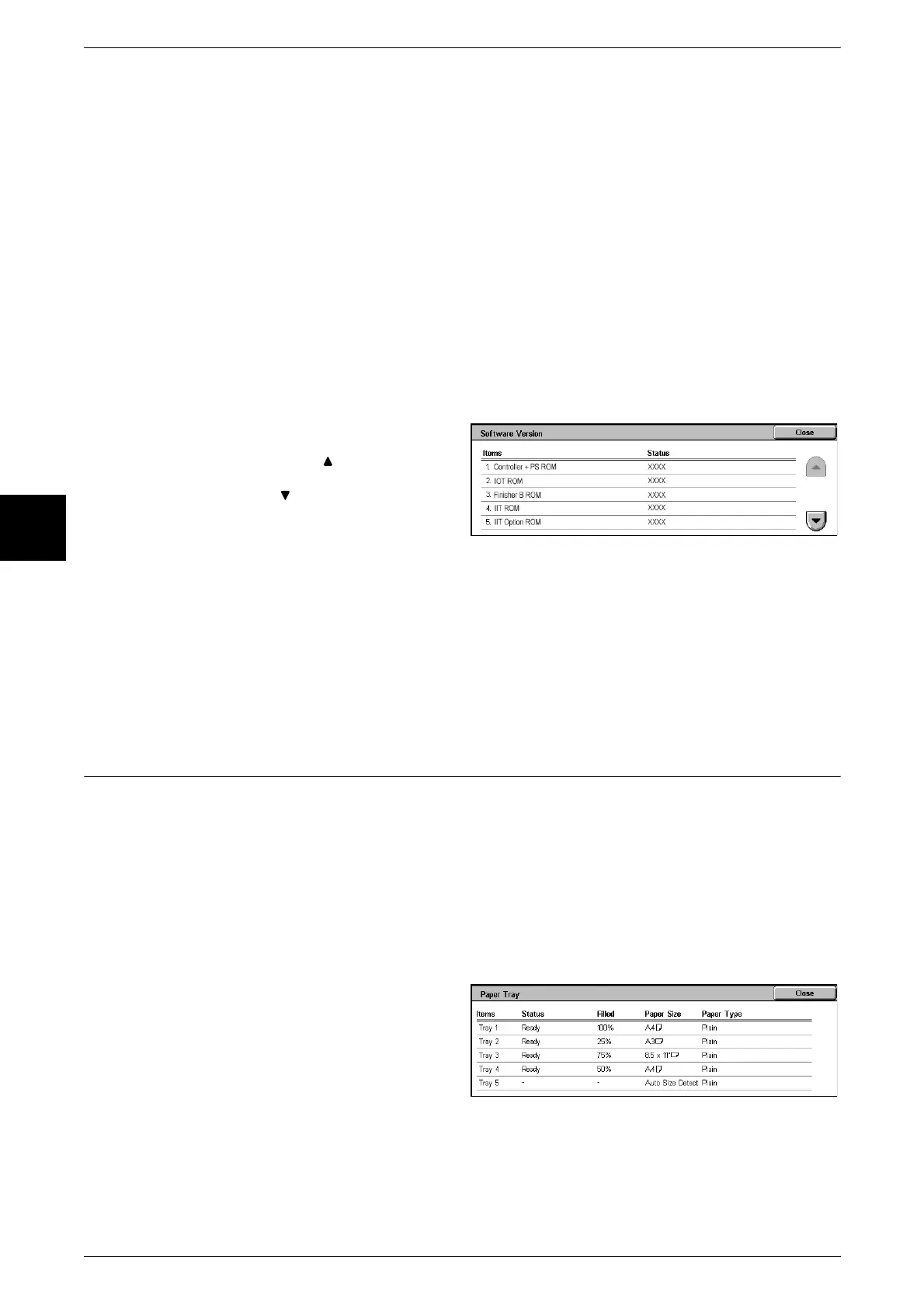
[Software Version] Screen
You can check the software version.
1 Select [Software Version].
Note • Select [ ] to display the
previous screen and select
[ ] to display the next screen.
In the [Software Version] screen, you can check the following items.
Paper Tray
You can check the paper trays configured in the machine. On the screen, you can
check the following items.
z
Tray status
z
Amount of paper remaining
z
Paper size
z
Paper type
1 Select [Paper Tray].
z
Configuration Code
z
Output Device
z
HP-GL/2
z
Auto Document Feeder
z
Duplex Module
z
PCL
z
Paper Tray
z
Hard Disk
z
PDF
z
High capacity paper tray
z
Page Memory Size
z
Fax Main Board
z
Side Output Tray
z
System Memory Size
z
Fax Extended Board 1
z
Offset Stacking Module
z
PostScript
z
Fax Extended Board 2
z
Controller + PS ROM
z
IIT Option ROM
z
IOT ROM
z
ADF ROM
z
Finisher B ROM
z
Fax ROM
z
IIT ROM
z
Fax G3 Option ROM












 To Next Page